

How to Export Two-Factor Activity to CSV
Export the log for an audit, an investigation, or to keep longer than Keep Activity (Days).
Step 1: Open Activity
Section titled “Step 1: Open Activity”Google Authenticator → Activity.
Step 2: Filter
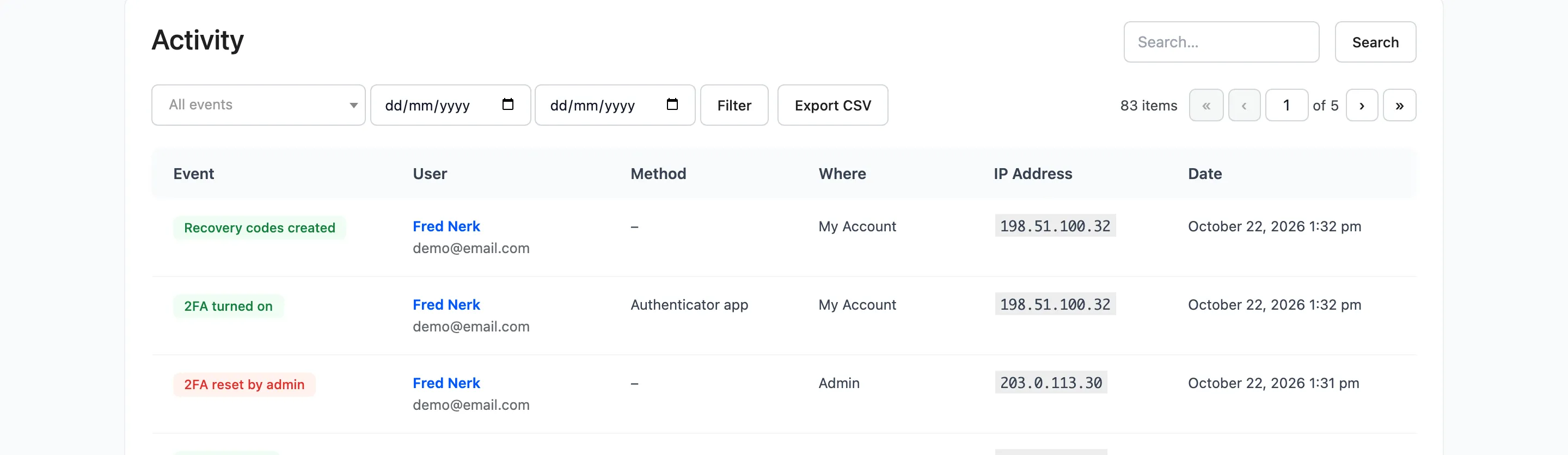
Section titled “Step 2: Filter”Pick an event or dates, or search an IP address or email, and press Filter. Leave everything empty to export the whole log.
Step 3: Export
Section titled “Step 3: Export”Press Export CSV.
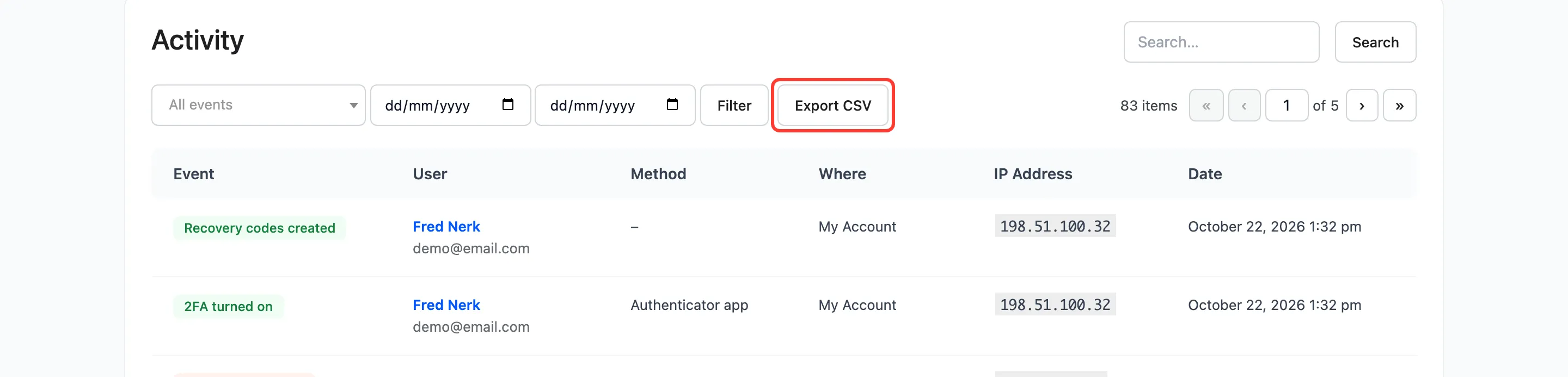
The file is named after the day, such as two-factor-activity-2026-10-22.csv. On the demo it held 123 rows.
The columns
Section titled “The columns”Date, Event, User, Email, Method, Where, IP Address and Browser. The browser column has the full browser string,
which the screen does not show. A cell starting with =, +, - or @ gets a leading quote, so a spreadsheet
never runs it as a formula.