

How to Reset a Customer's 2FA After a Lost Phone
A reset is the last resort, for a customer with no phone, no recovery codes and no email code.
Step 1: Check it is really them
Section titled “Step 1: Check it is really them”A reset removes the second step from the account. Make sure the request comes from the account holder, for example by replying to the email address on the account.
Step 2: Find the user
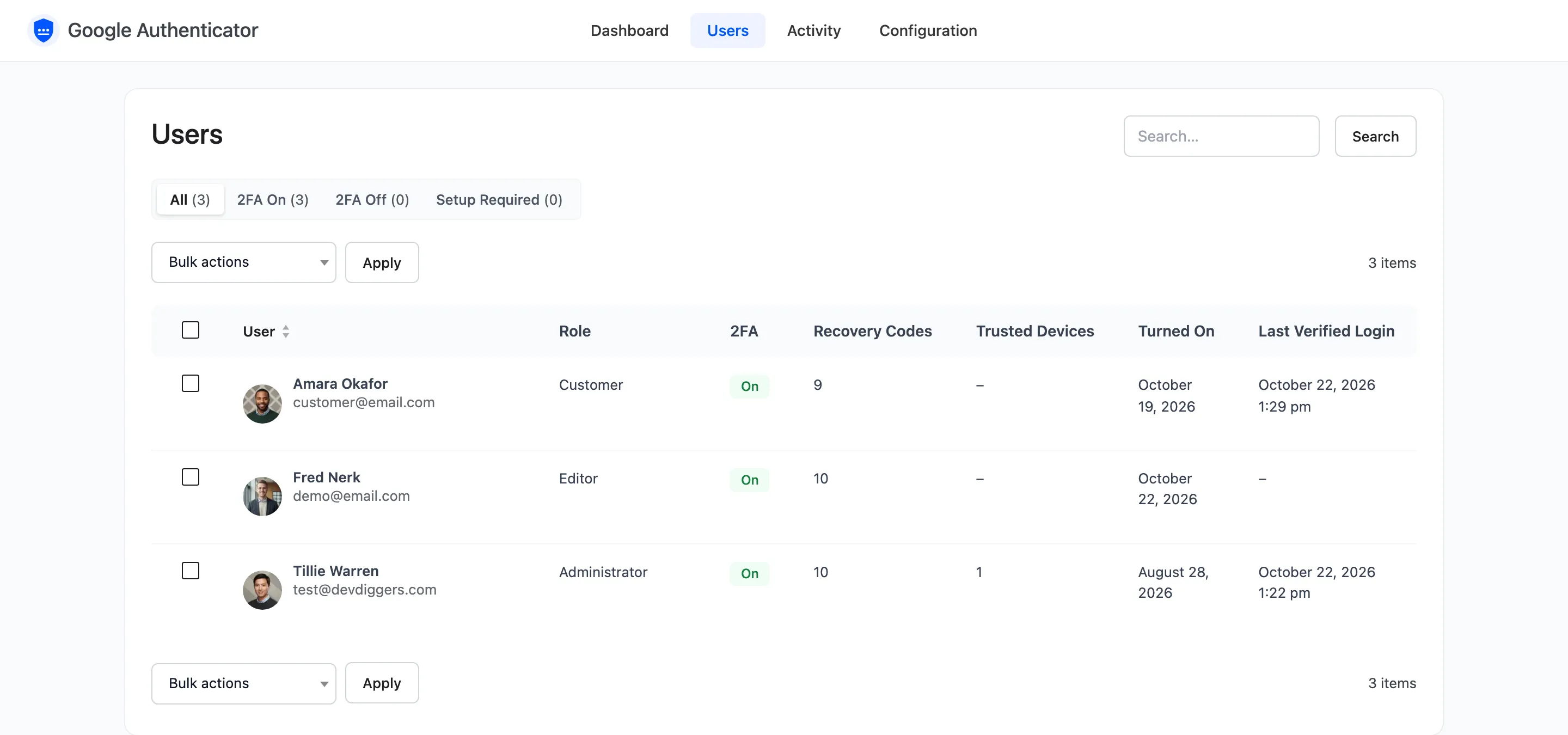
Section titled “Step 2: Find the user”Open Users and search by name, email or username. Recovery Codes: None left tells you they had no codes.
Step 3: Reset 2FA
Section titled “Step 3: Reset 2FA”Hover the row, click Reset 2FA, and confirm.

The same button sits on the customer’s WordPress profile.

Step 4: Ask them to set it up again
Section titled “Step 4: Ask them to set it up again”The customer gets an email.
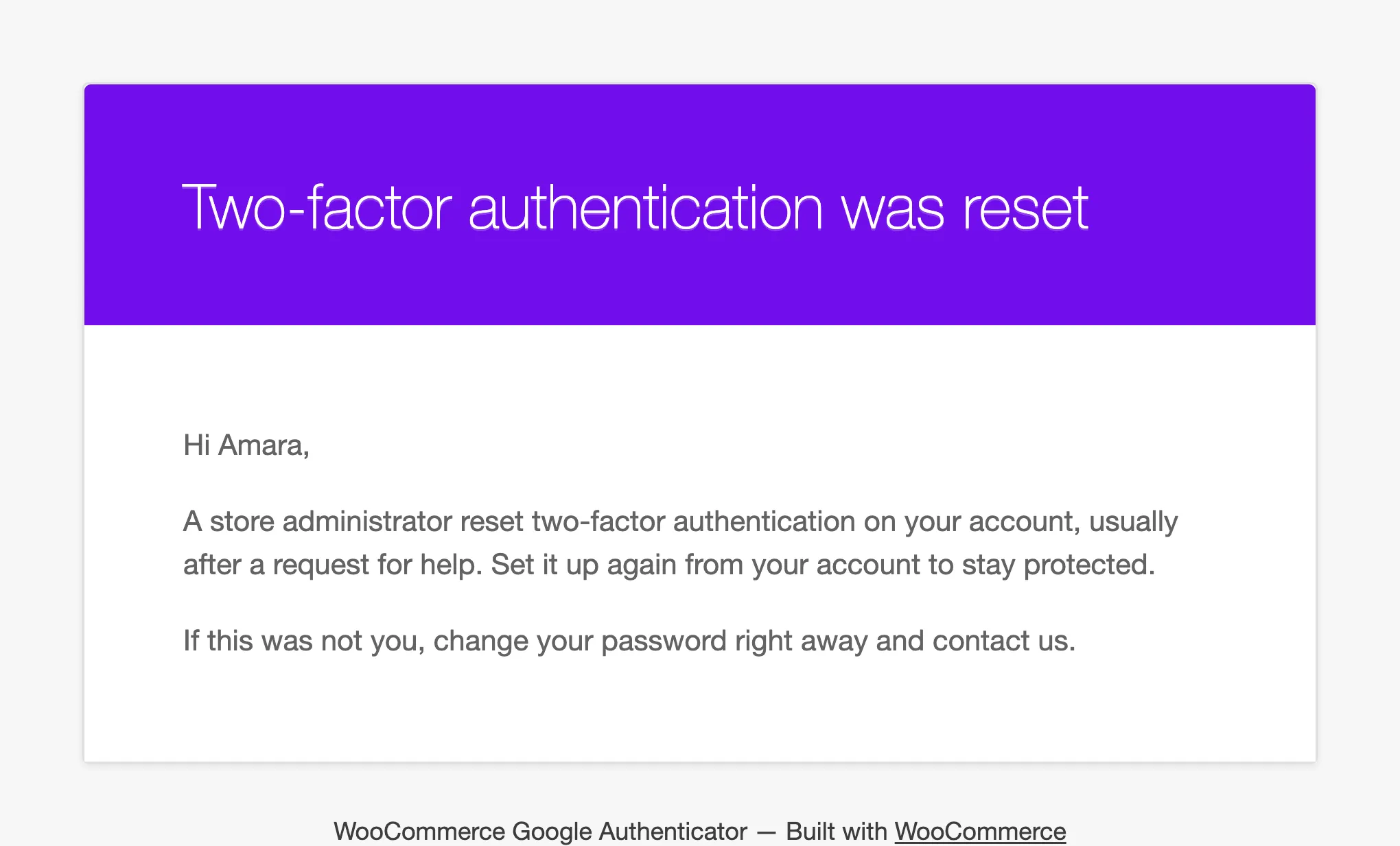
They sign in with their password only, then scan a new QR code from My Account.
What a reset removes
Section titled “What a reset removes”The secret, every recovery code, every trusted device, and any lockout. The activity log keeps a 2FA reset by admin row with your IP address.