

How to Sign In with an Email Code
An email code is a backup that needs nothing saved in advance. It is off by default, because anyone who can read the customer’s mailbox could use it too.
Step 1: Turn on email codes
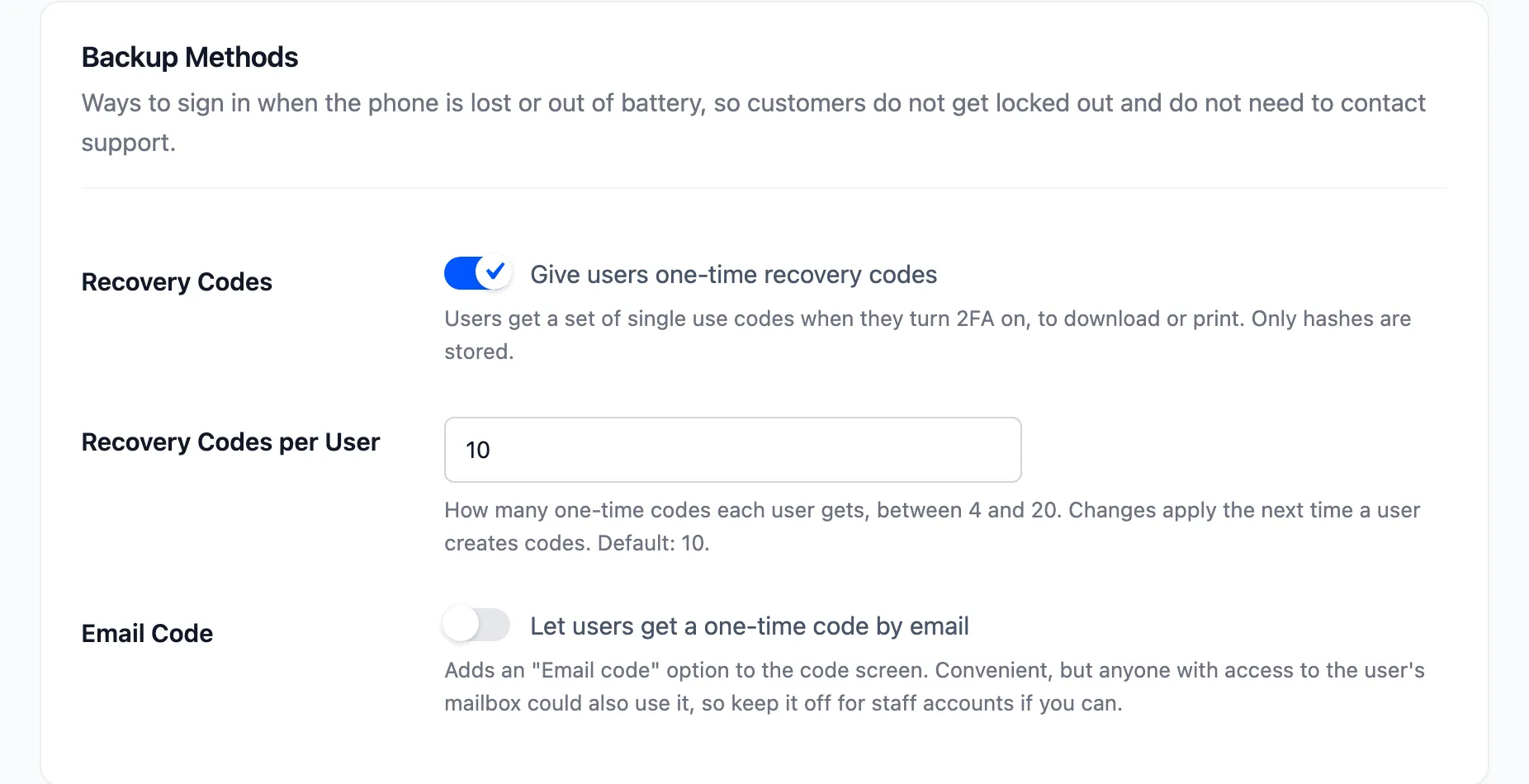
Section titled “Step 1: Turn on email codes”Open Configuration → Login Security, tick Email Code and press Save Changes.
Step 2: Pick Email code
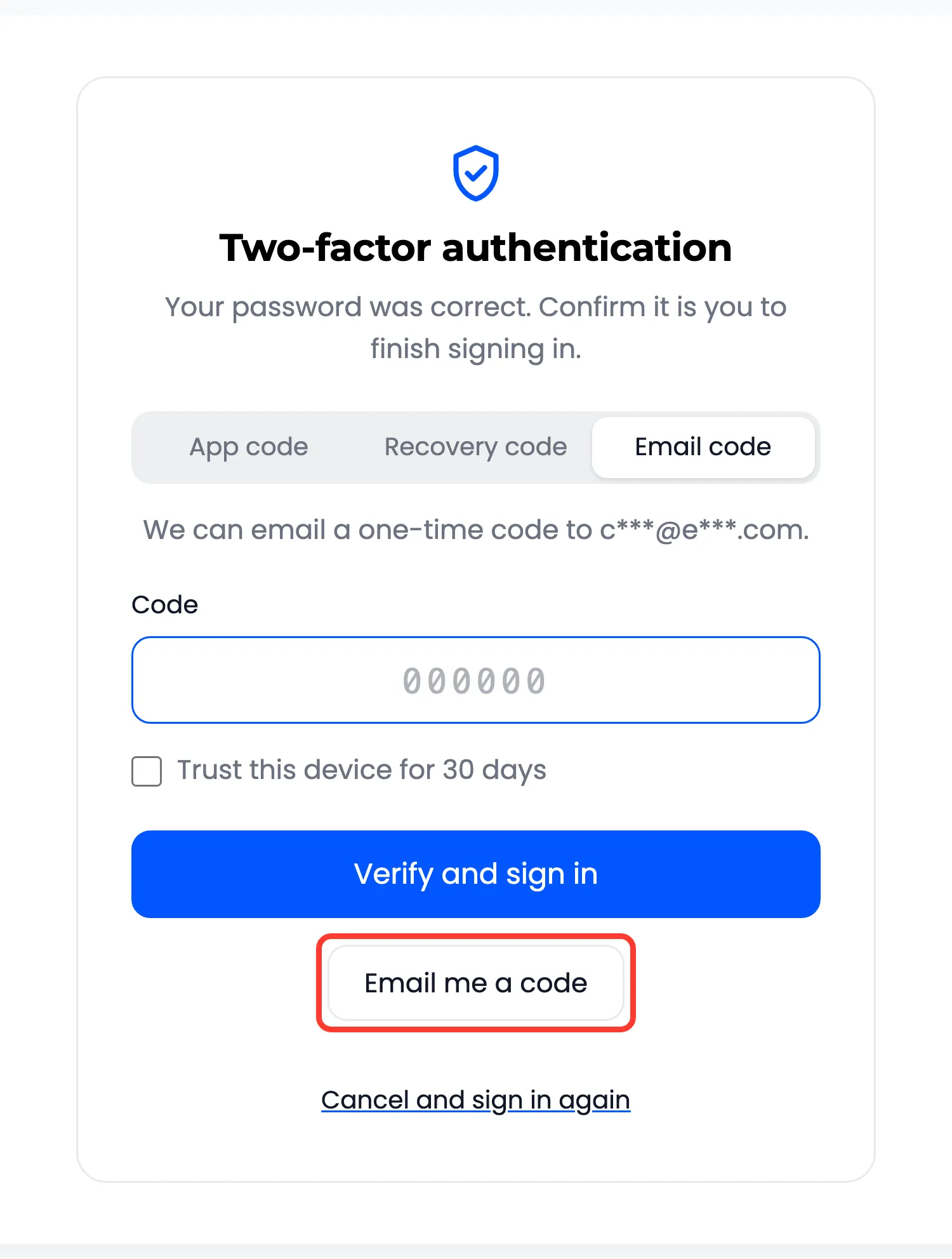
Section titled “Step 2: Pick Email code”The code screen gets an Email code tab.
Step 3: Ask for the code
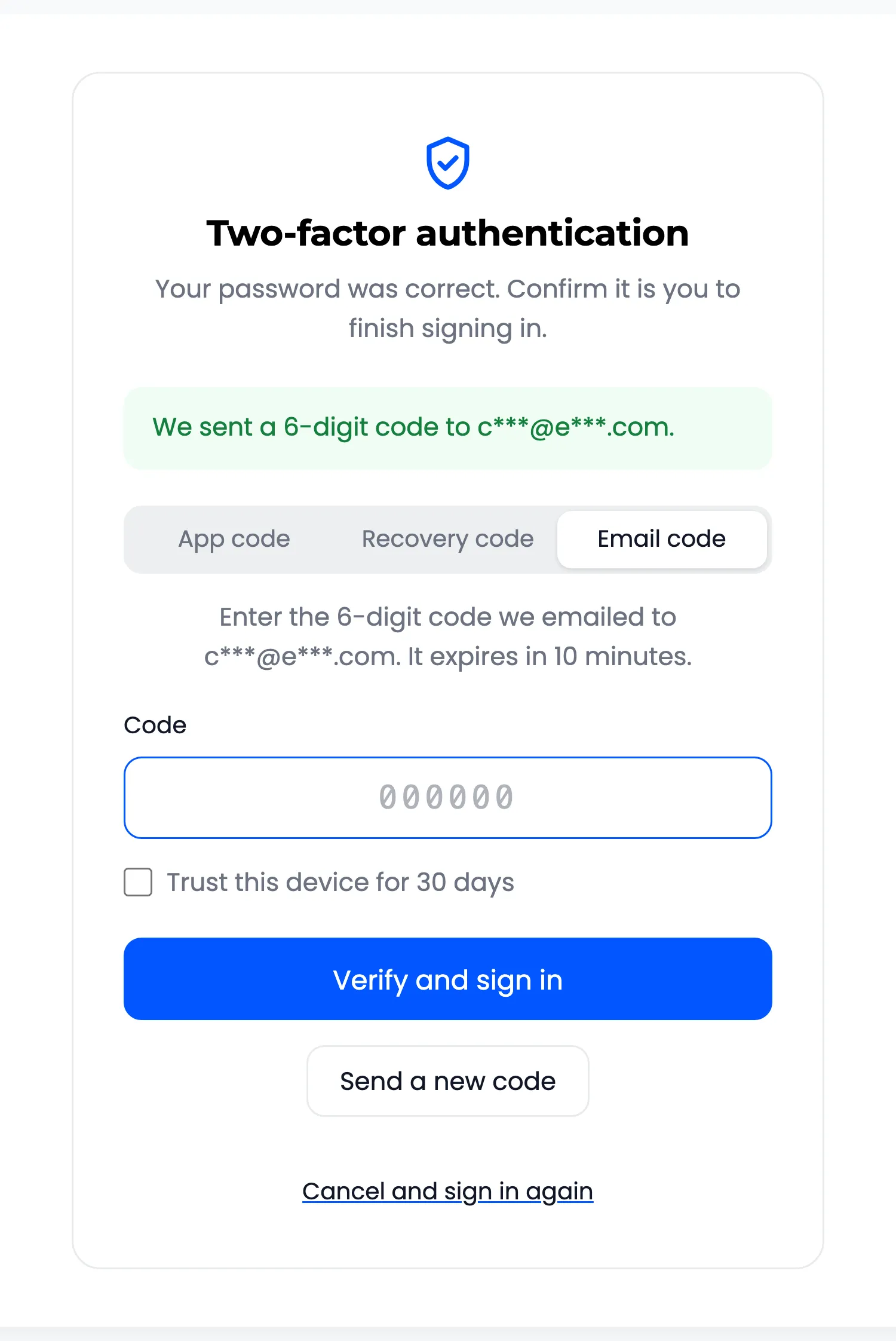
Section titled “Step 3: Ask for the code”Email me a code sends it, and says where to, with most of the address hidden.
Step 4: Type the code
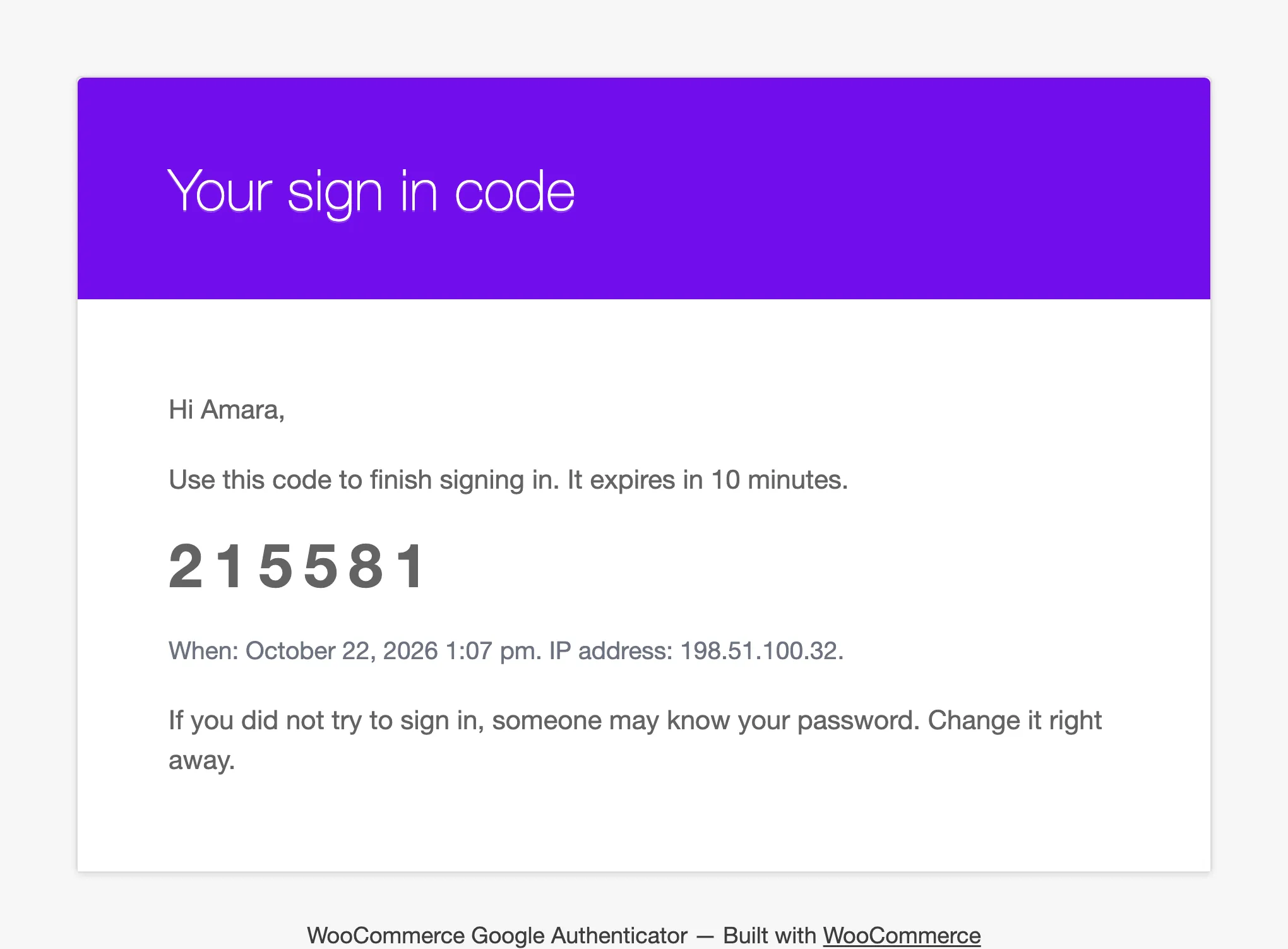
Section titled “Step 4: Type the code”The code lasts 10 minutes and works once.
Limits
Section titled “Limits”- One email per minute. A second press at once says “Please wait a minute before asking for another code.”
- Three emails per sign in. After that, the customer uses the last code or starts again.
- If the email cannot be sent, they are asked to use the app or a recovery code.
- Wrong email codes count towards the lockout.