

My Account Settings
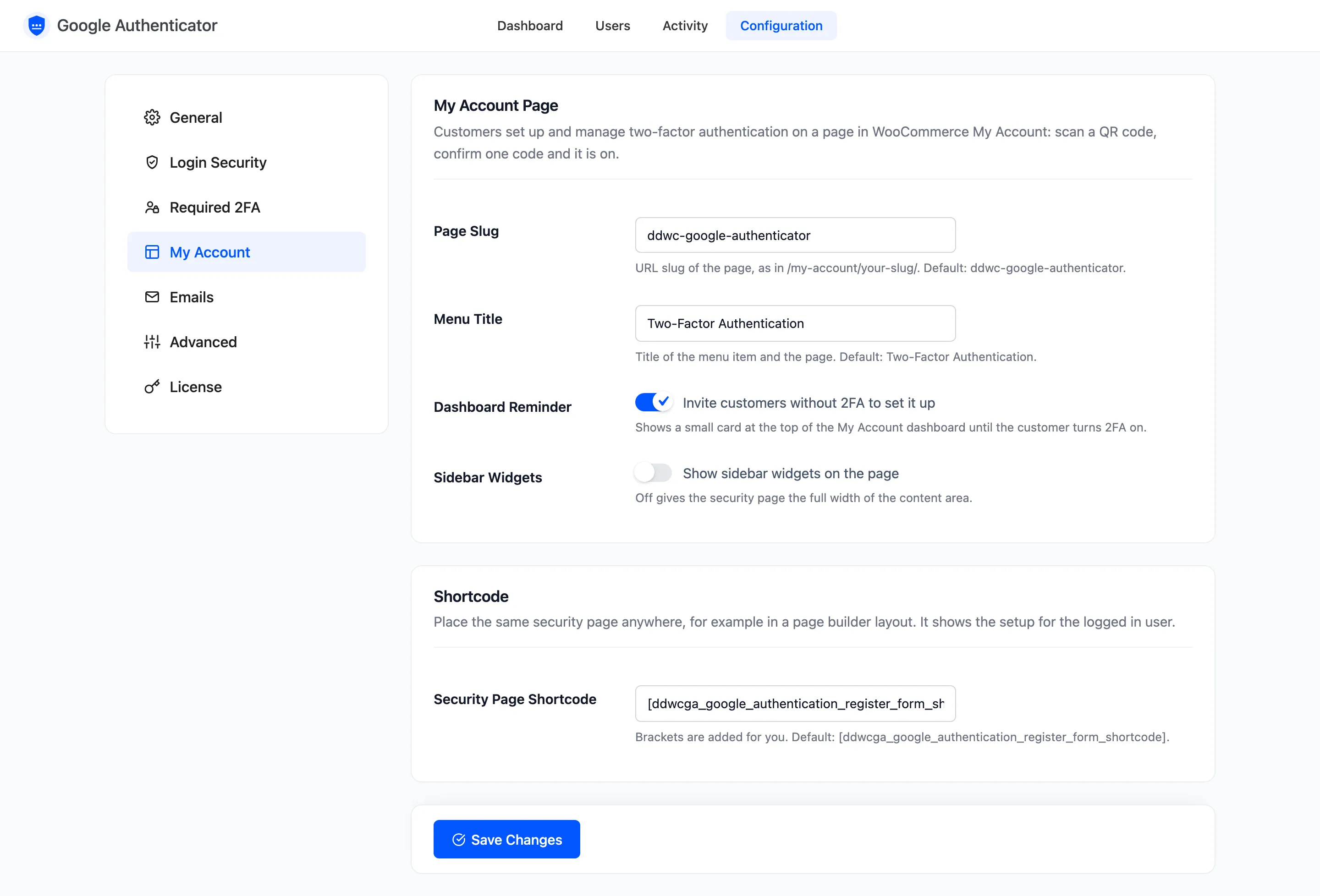
Customers set up and manage 2FA on a page inside WooCommerce My Account. The My Account tab decides where that page lives and how it looks. Open Configuration → My Account.
My Account Page
Section titled “My Account Page”- Page Slug: The page’s address, as in
/my-account/your-slug/. Default:ddwc-google-authenticator. - Menu Title: The menu item and the page title. Default: Two-Factor Authentication.
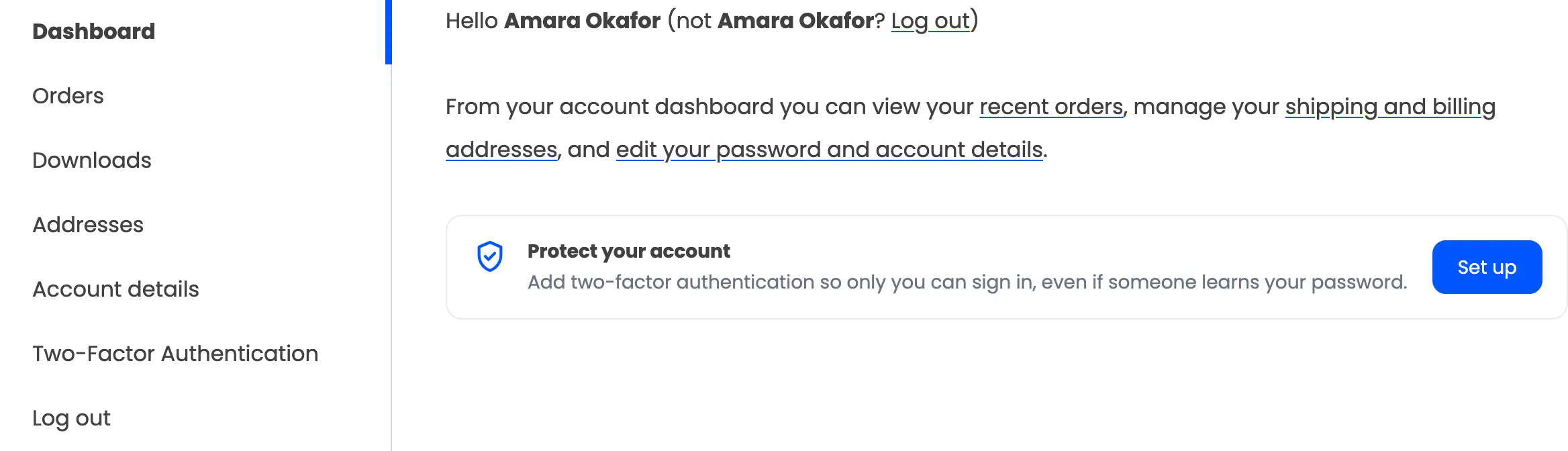
- Dashboard Reminder: Ticked by default. A small card at the top of the My Account dashboard invites customers without 2FA to set it up.
- Sidebar Widgets: Off by default, which gives the page the full width of the content area. The theme’s header and footer widgets stay either way.
A new slug takes effect at once. Links to the old one stop working, so update any links you sent customers.
Shortcode
Section titled “Shortcode”- Security Page Shortcode: Default:
[ddwcga_google_authentication_register_form_shortcode]. Type a shorter tag if you like, with or without brackets.
The shortcode shows the same page anywhere, for the signed in user. A signed out visitor sees “Please sign in to manage two-factor authentication.” See How to Place the Security Page Anywhere.