

WooCommerce Google Authenticator Documentation
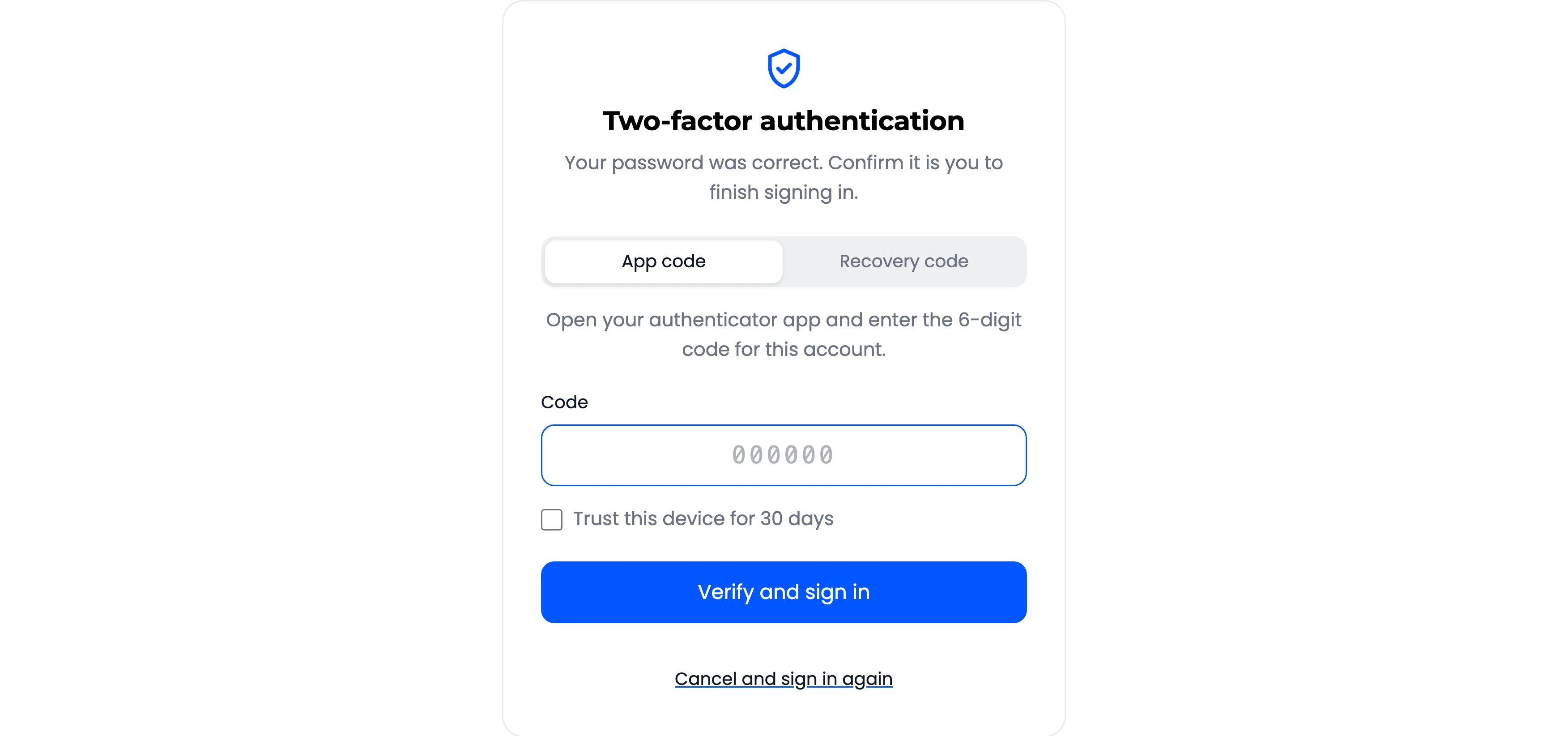
WooCommerce Google Authenticator adds two-factor authentication to every password sign in on your store. After the password, customers and staff type a 6-digit code from Google Authenticator or any authenticator app, so a stolen password alone cannot open their account. Recovery codes, email codes and trusted devices cover a lost phone, and you can make 2FA required for staff.
Live demoOpen the plugin's admin dashboard with sample data. No login needed.
Buy Google AuthenticatorPricing, features and changelog on devdiggers.com.
Start here
Section titled “Start here”IntroductionWhat the plugin does and where each part lives.
How two-factor sign in worksOne customer, from setup to a recovery code.
Turn on 2FA in My AccountWhat customers do, in five steps.
Sign in with a recovery codeThe way back when a phone is lost.
Require 2FA for staffA grace period, then setup before anything else.
Troubleshoot two-factor sign inEvery message, and what to do about it.
What is in these docs
Section titled “What is in these docs”- Getting started covers installing, the setup wizard and the dashboard, follows one customer from setup to sign in, and shows everything customers see.
- Configuration documents all seven tabs, field by field, with each default.
- Management covers the Users and Activity screens, and the WordPress Users screen and profiles.
- Tutorials cover setup, signing in with an app, recovery or email code, trusted devices, the checkout and WordPress login screens, required 2FA, the lockout, resets, emails, exports, privacy requests, custom forms, connected apps, troubleshooting, pausing and upgrading from 1.x.
- FAQs answer the questions store owners ask most.
Google Authenticator is a paid plugin with one edition, so every feature here is included.