

Users
The Users screen lists every user on the store with their two-factor details. Open DevDiggers Plugins → Google Authenticator → Users.
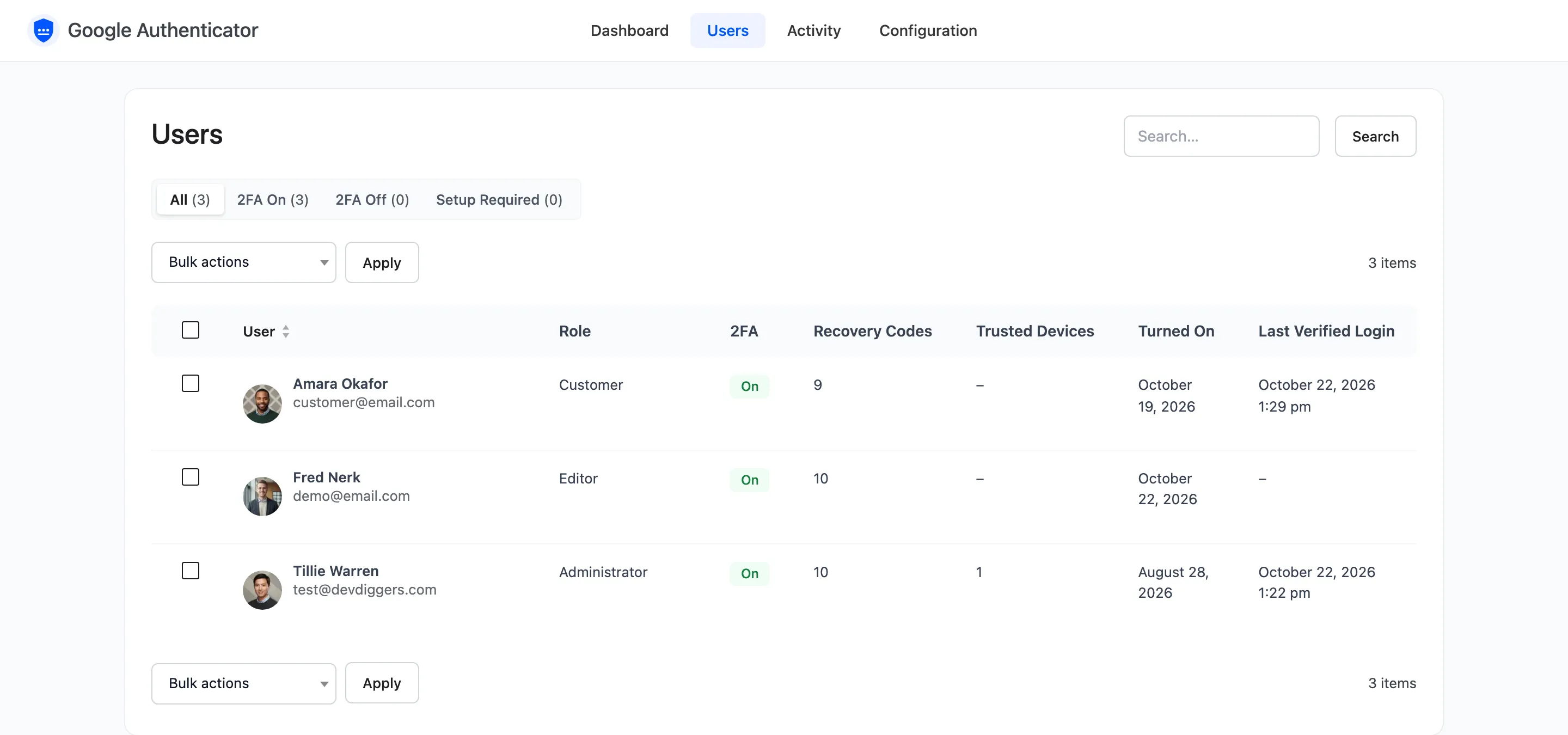
The columns
Section titled “The columns”- User: Name and email.
- Role: Their WordPress roles.
- 2FA: On, Off, Setup required (a required role without 2FA) or Excluded.
- Recovery Codes: Unused codes left. None left is a warning: that user has no way back in if they lose their phone.
- Trusted Devices: Browsers that skip the code.
- Turned On: When they turned 2FA on.
- Last Verified Login: Their last sign in with a code or a trusted device.
Views and search
Section titled “Views and search”The views at the top filter the list: All, 2FA On, 2FA Off and Setup Required. Search matches the username, email and name. Screen Options sets how many users show per page.
Row actions
Section titled “Row actions”Hover a row for three actions.

- Edit: Opens the user’s WordPress profile.
- Activity: Opens the Activity screen for this user only.
- Reset 2FA: Shows for users with 2FA on, after a confirmation.
Reset 2FA
Section titled “Reset 2FA”A reset turns 2FA off for the user and deletes their secret, recovery codes and trusted devices. They sign in with their password only until they set it up again, and they get an email asking them to. Use it when a customer has lost their phone and their recovery codes.
To reset several users at once, tick them, pick Reset 2FA under Bulk actions and press Apply.
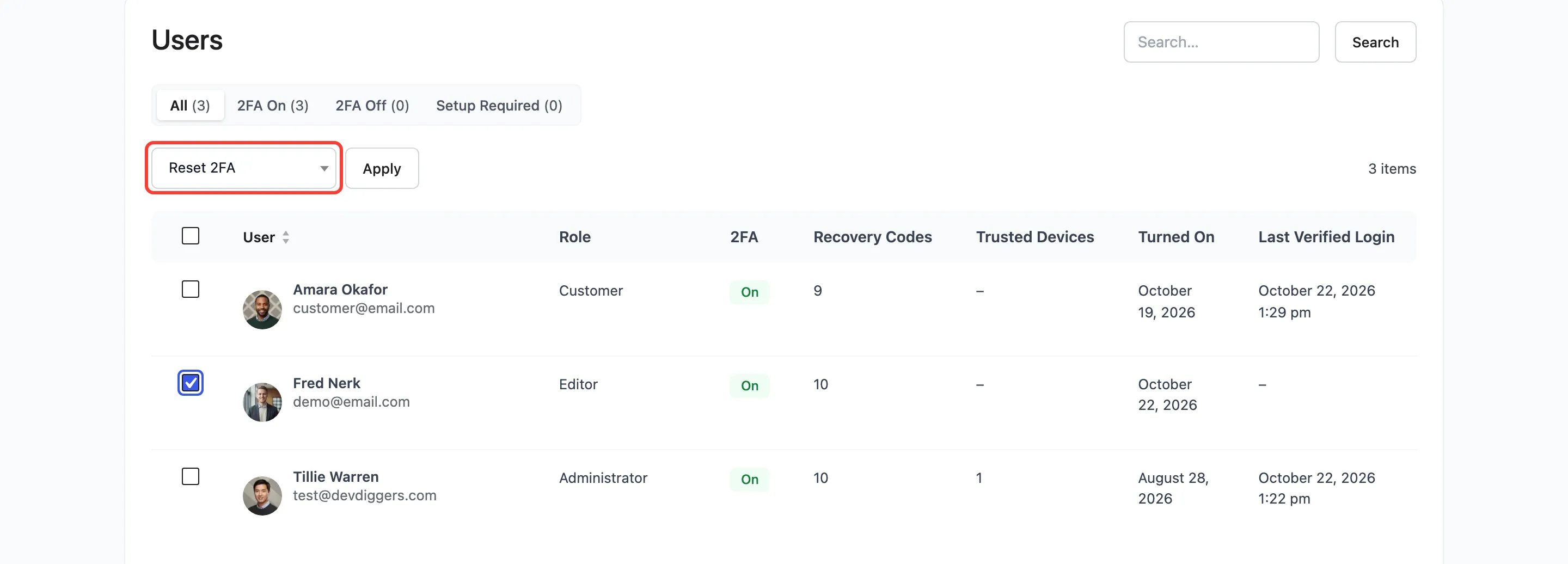
A notice confirms how many were reset.
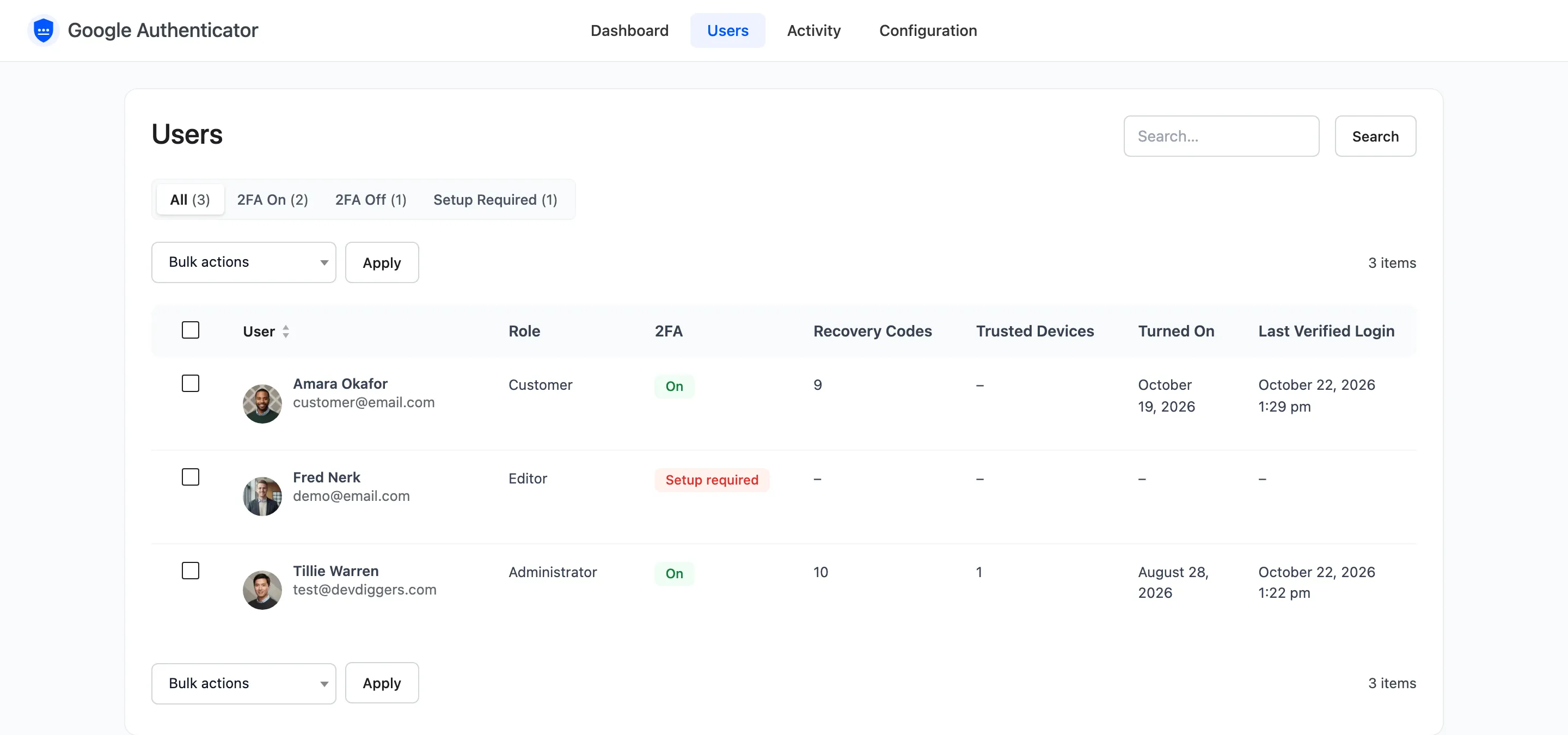
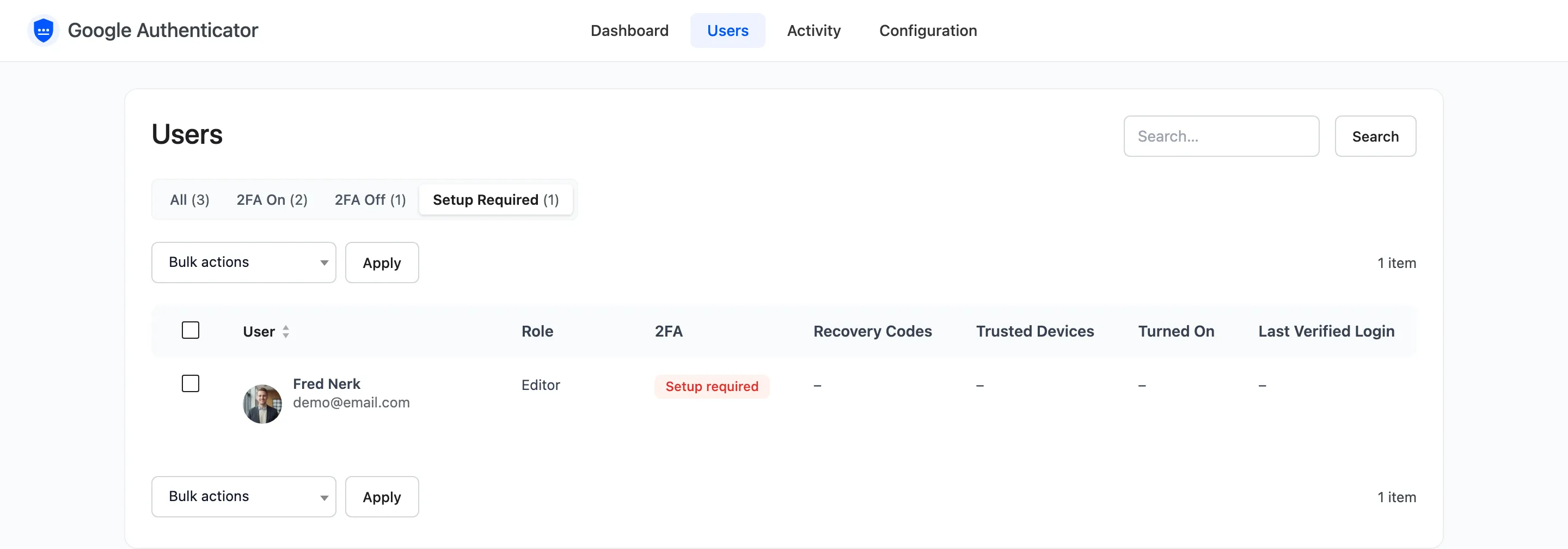
A user in a required role then shows under Setup Required, with a new grace period from their next visit.
Resetting needs permission to edit that user. Staff who can open the screen but not edit users see no reset action.