

How to Move the Progress Bar on the Page
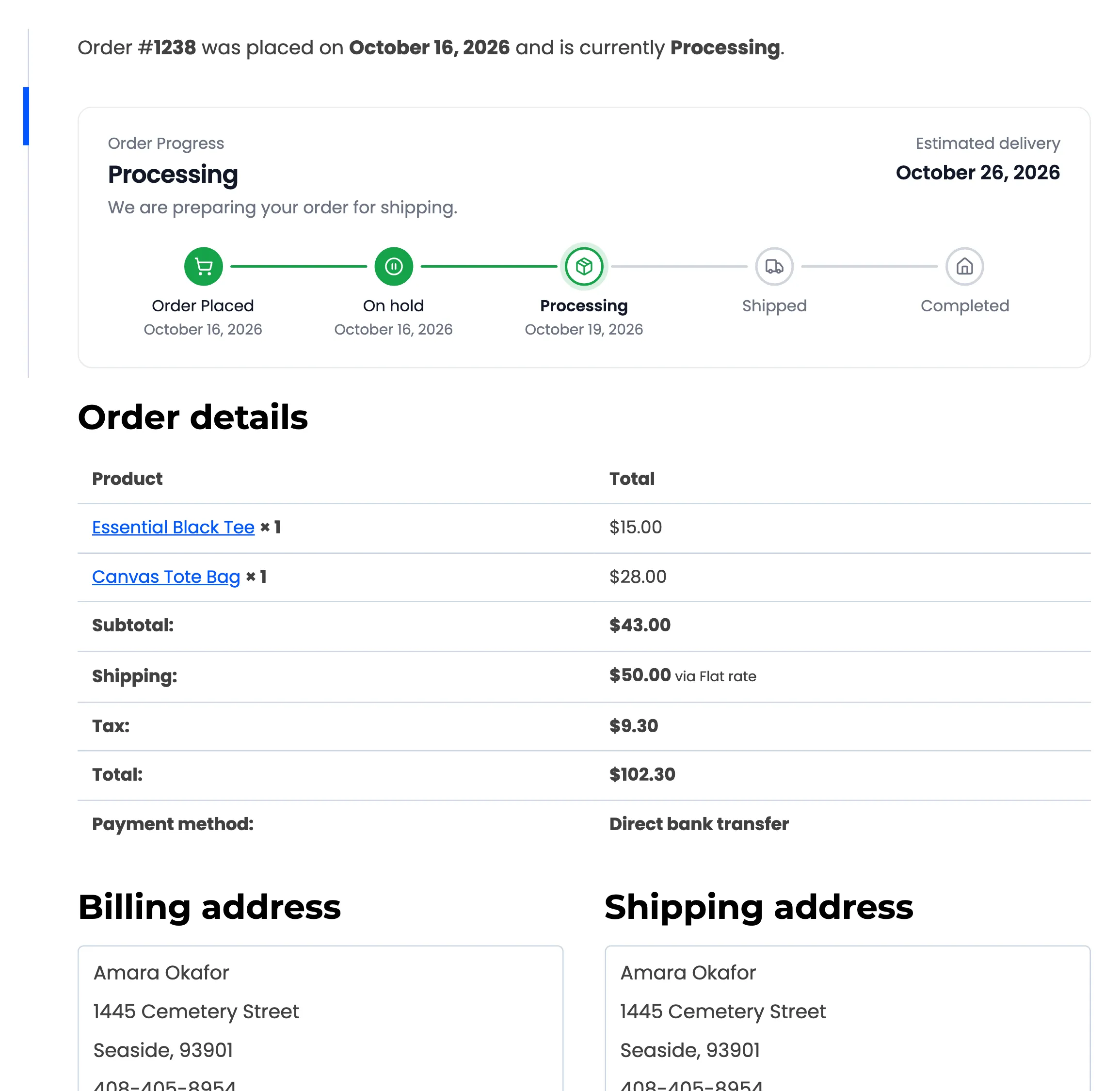
The bar sits above Order details on both pages by default. Some stores want it at the very top of the thank-you page, where nobody scrolls past it.
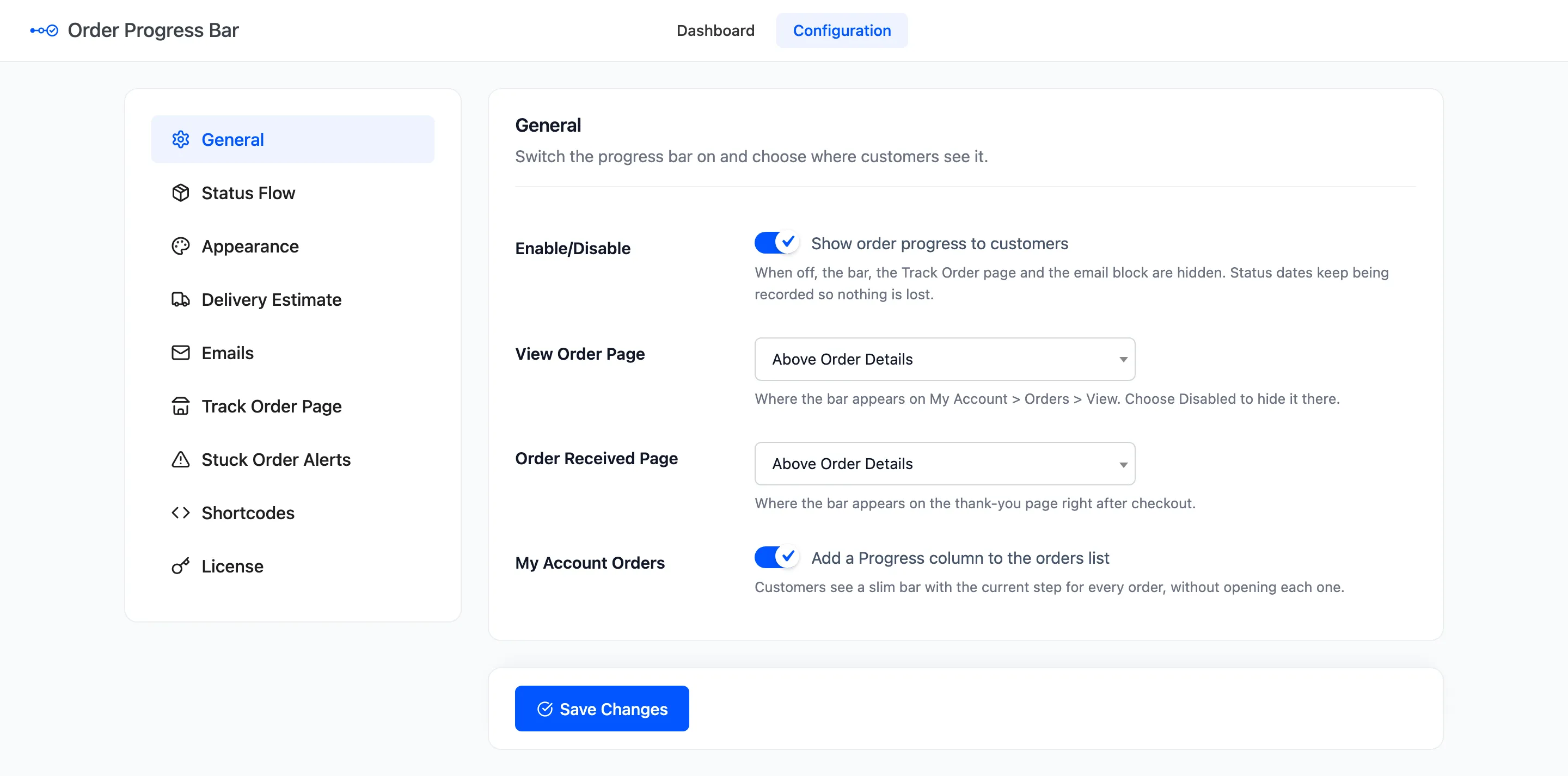
Step 1: Open General
Section titled “Step 1: Open General”Go to Configuration → General.
Step 2: Pick the View Order position
Section titled “Step 2: Pick the View Order position”View Order Page sets the place on My Account → Orders → View:
- Above Title, Above Account Menu.
- Above Order Details (default), Below Order Details.
- Above Customer Details, Below Customer Details.
- Disabled, to show no bar there.
Step 3: Pick the thank-you position
Section titled “Step 3: Pick the thank-you position”Order Received Page offers the same places for the thank-you page right after checkout. Above Title puts the bar over “Thank you. Your order has been received.”
Step 4: Save and check
Section titled “Step 4: Save and check”Click Save Changes. Open a recent order’s thank-you page and its View Order page.
When the bar does not appear
Section titled “When the bar does not appear”Each place is a part of WooCommerce’s own page. A theme or page builder that rebuilds the thank-you page can drop that part, and the bar then has nowhere to go:
- Try another position, such as Above Title.
- Still nothing? Put the
[ddwcopb_progress]shortcode on the custom thank-you page itself. Without an order number, it shows the order of the page it is on.
See How to Place the Progress Bar with a Shortcode or Block.