

License Activation
The license turns on everything customers see, and brings plugin updates. Open DevDiggers Plugins → Order Progress Bar → Configuration → License.
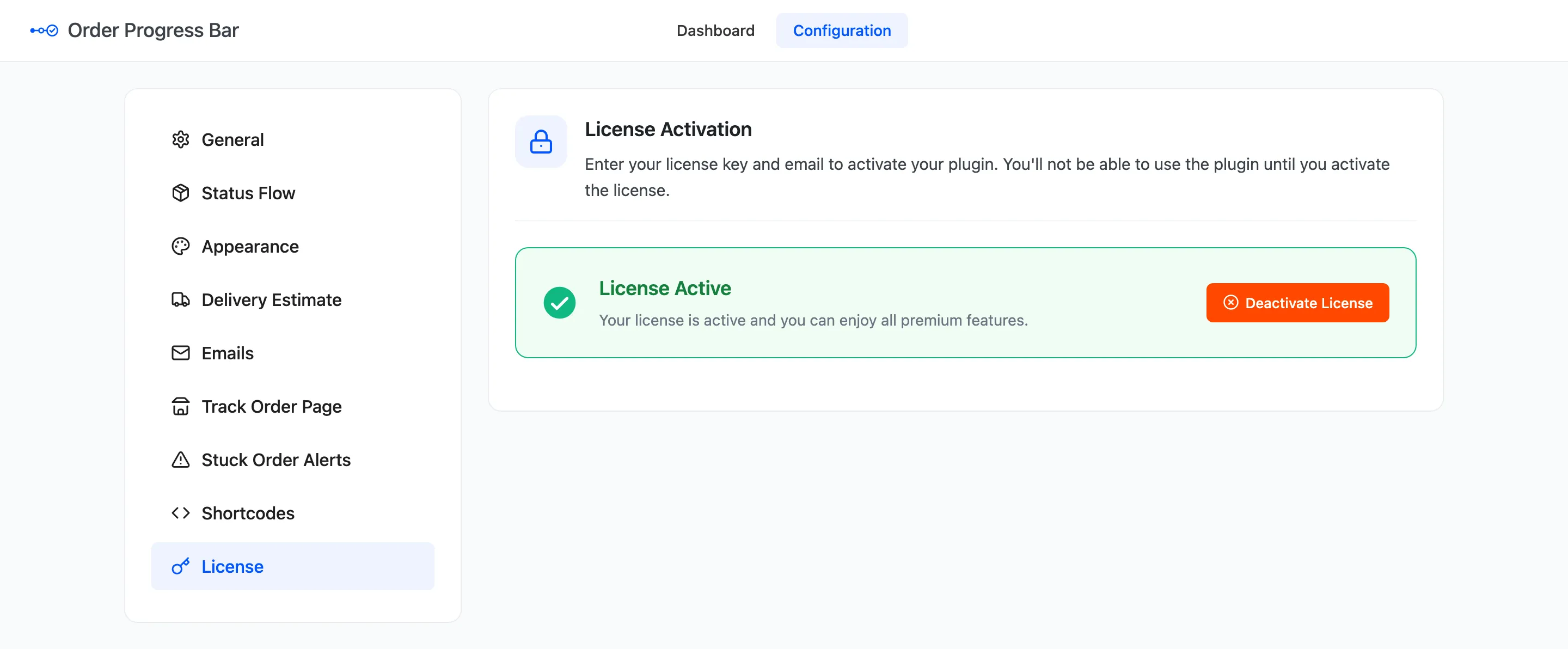
Activate
Section titled “Activate”- Enter the License Key you received after purchase.
- Enter the Purchase Email you bought with.
- Click Activate License.
The tab then reads License Active. The setup wizard’s License step does the same thing.
What the license controls
Section titled “What the license controls”Without an active license, the admin screens all work, but customers see nothing:
- No bar on the thank-you and View Order pages, and no Progress column in My Account.
- No bar in emails, and no step update email.
- The Track Order page and both shortcodes print nothing.
Status changes are still recorded, and the dashboard and the stuck order email keep working. Activate the license and every order’s bar comes back with all its dates.
Move it to another site
Section titled “Move it to another site”Click Deactivate License on the old site, then activate it on the new one.