

How to Let Guests Track Their Orders
A guest has no My Account to come back to, and WooCommerce asks them to verify their email before it reopens their thank-you page. The Track Order page is their way back, and their emails link to it.
Step 1: Keep a Track Order page set
Section titled “Step 1: Keep a Track Order page set”Under Configuration → Track Order Page, a page must be picked. With No tracking page, guests’ emails carry no button.
Step 2: Keep the Track Button on
Section titled “Step 2: Keep the Track Button on”Under Configuration → Emails, Track Button is on by default.
Step 3: The guest opens the email
Section titled “Step 3: The guest opens the email”On the demo, Nina checked out as a guest. Her order email carried the bar and the button.
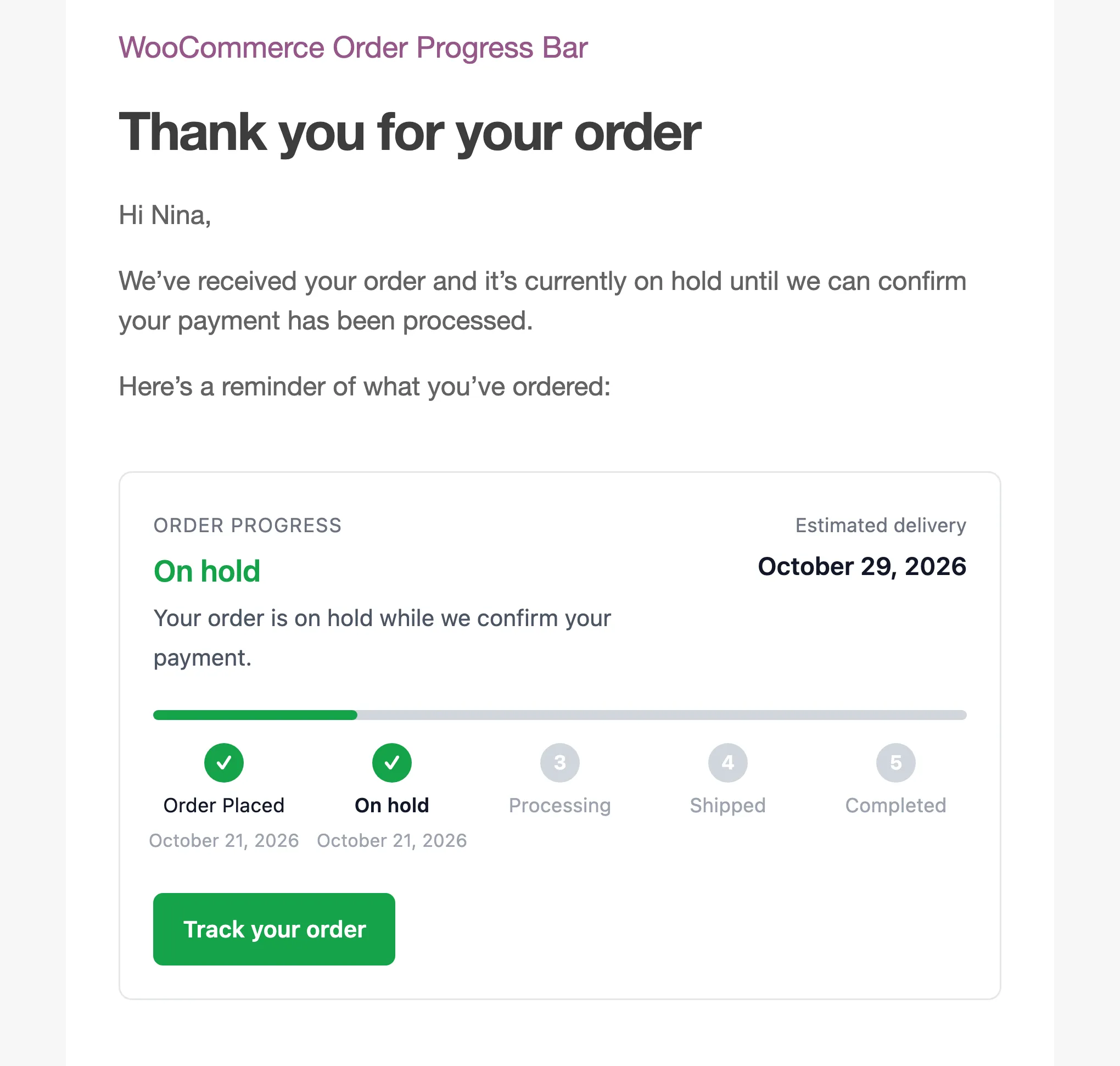
Step 4: The guest types their email
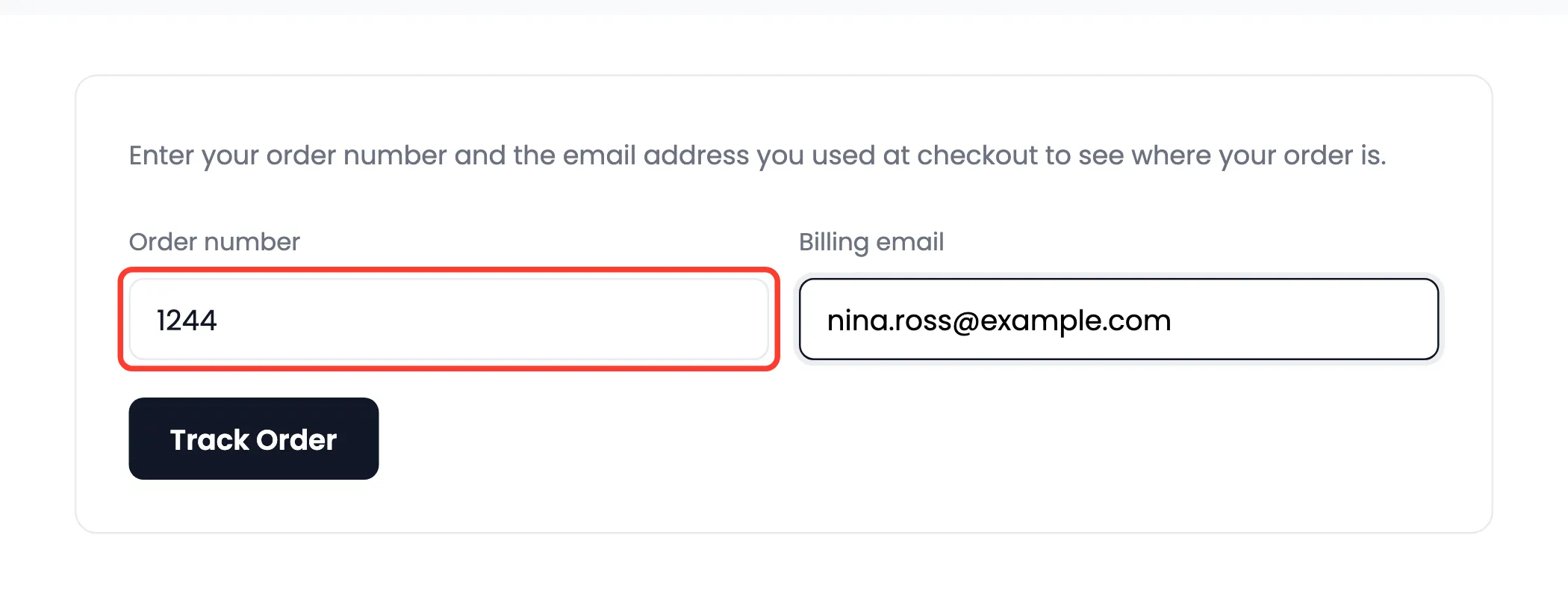
Section titled “Step 4: The guest types their email”The button opens the Track Order page with the order number already in it. Nina only typed her billing email.
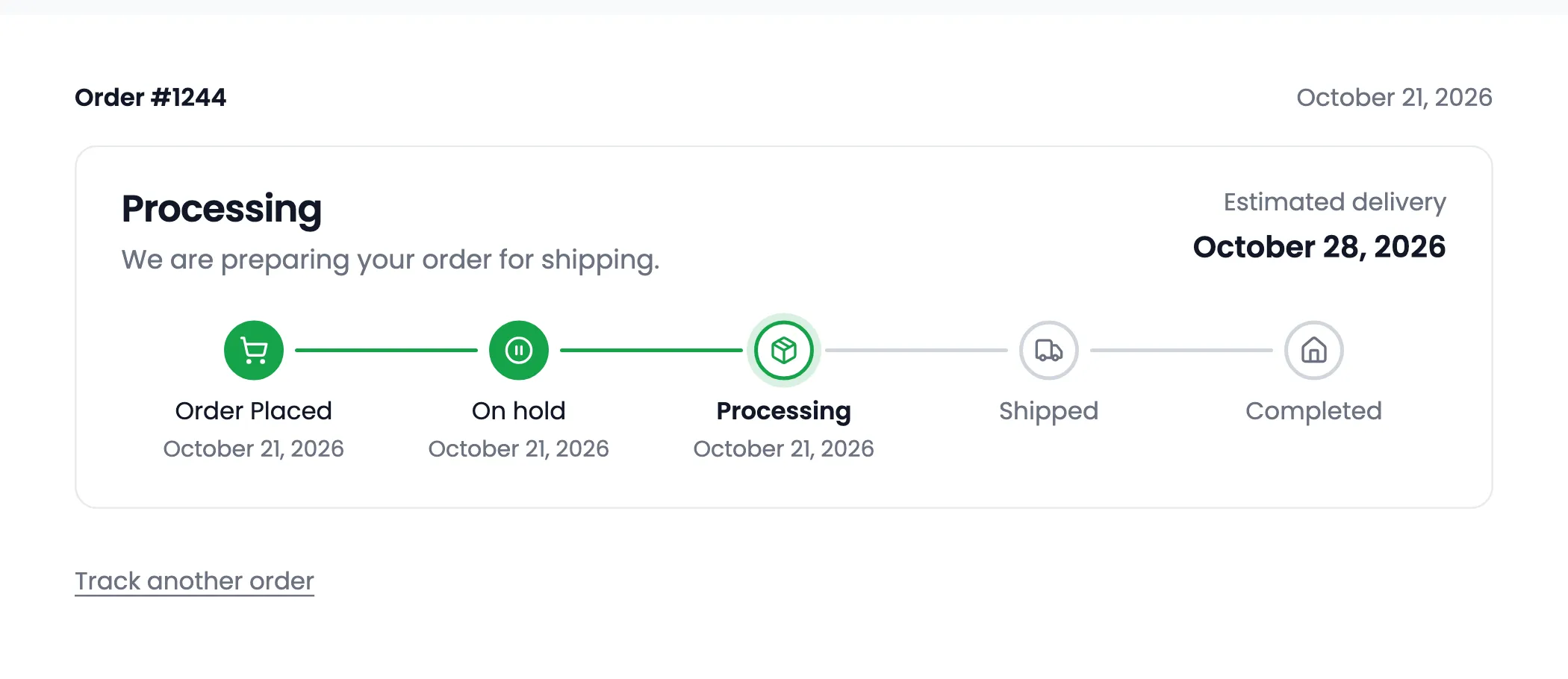
Then the live bar appeared, as it stands at that moment.
Why the email is not in the link
Section titled “Why the email is not in the link”Only the order number travels in the link. A forwarded email therefore does not open the order for whoever receives it: they still need the billing email.
Registered customers get a different button. It opens the order in My Account.