

How to Print a Conversation Transcript (Pro)
Step 1: Open the transcript
Section titled “Step 1: Open the transcript”Click Transcript in the header of a conversation, in the Inbox or on the order screen. Or hover an order on Communications and click Transcript.
Step 2: Check it
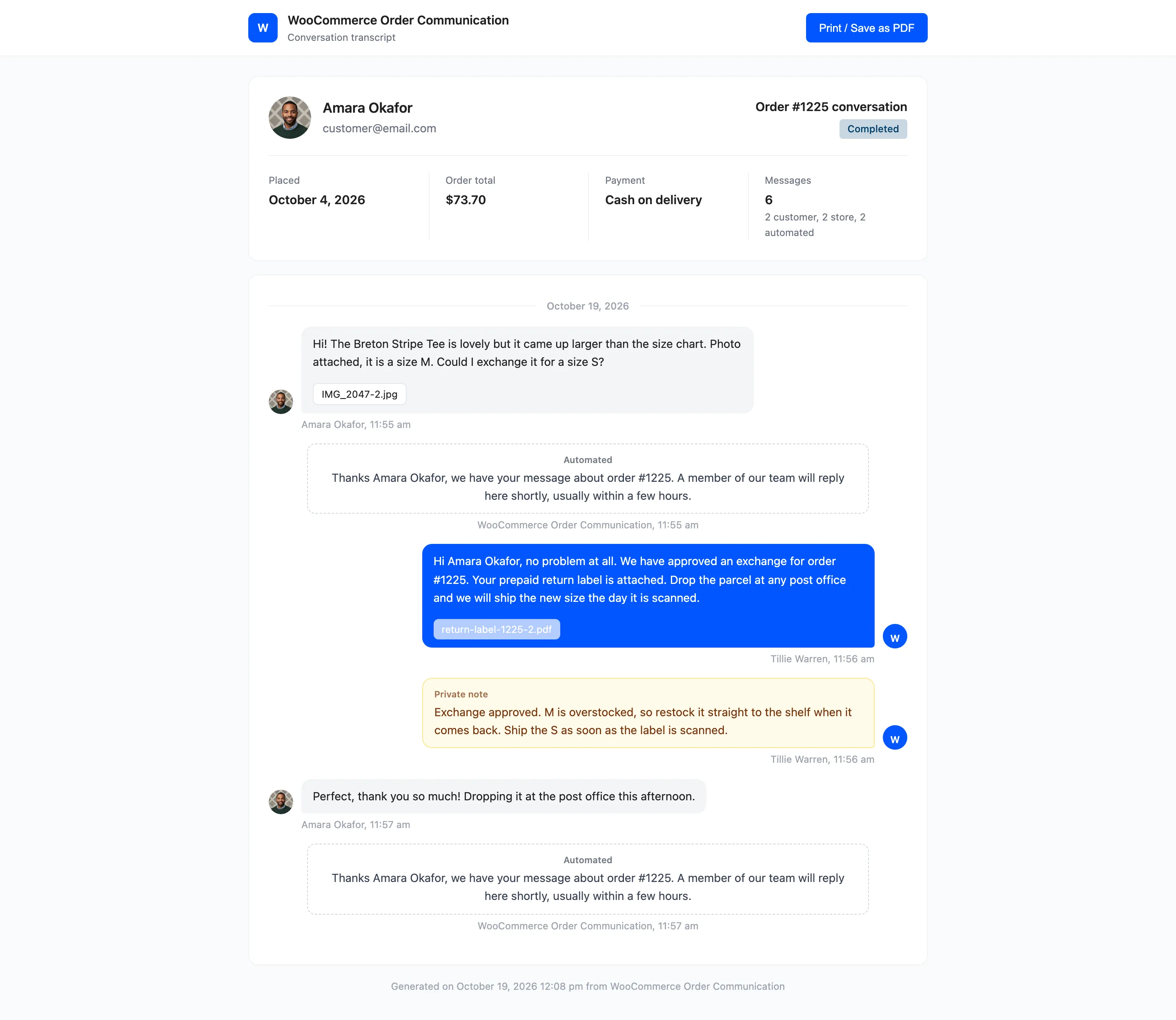
Section titled “Step 2: Check it”A new tab opens with the order and customer at the top, a count of customer, store and automated messages, and every message in order with its author and time. Private notes and automated messages are labelled. Attachments are listed as links.
Step 3: Print or save as PDF
Section titled “Step 3: Print or save as PDF”Click Print / Save as PDF. The button itself is left off the printout. Choose Save as PDF as the destination to keep a file.
Private notes are in the transcript. Print a copy for a customer only after checking none are there.