

License Activation (Pro)
Open Order Communication → Configuration → License. Enter the license key and the email address from your devdiggers.com purchase, then click Activate License.
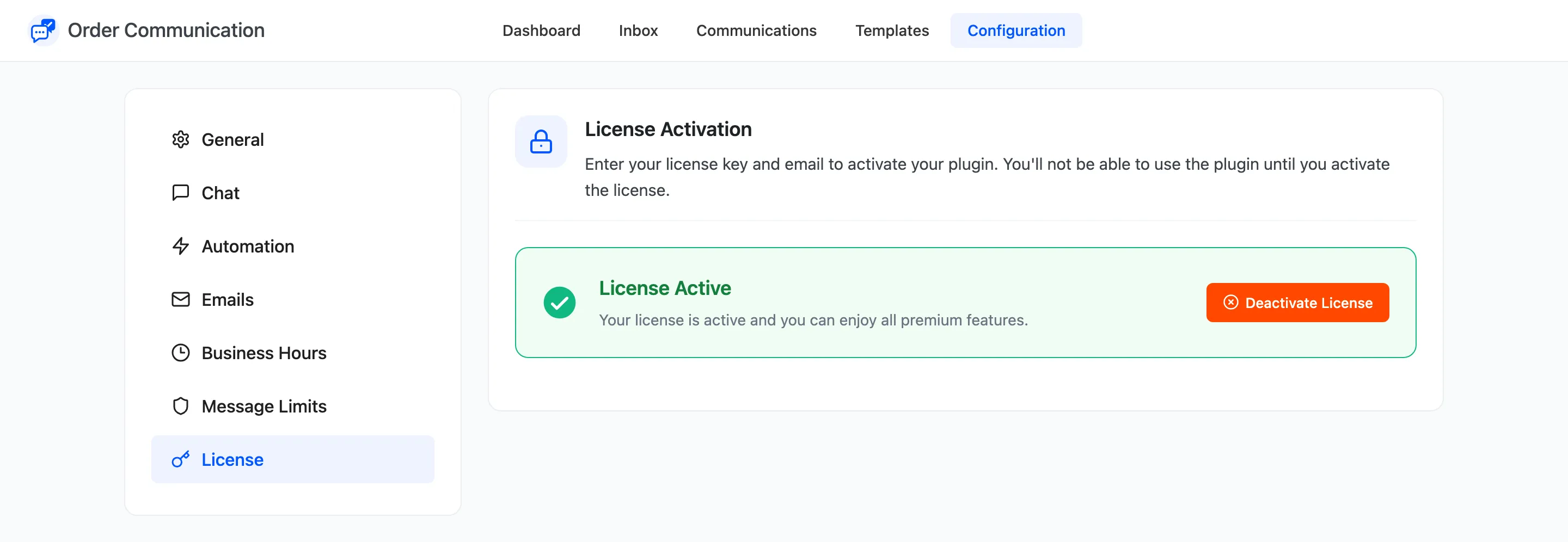
An active license reads “License Active. Your license is active and you can enjoy all premium features.” Deactivate License frees it for another site, for example before you move the store.
While the license is inactive
Section titled “While the license is inactive”- Customers see no conversation and no Messages column in My Account.
- A customer message sent from an already open page is refused with “Order communication is currently disabled.”
- Your team can still use every admin screen and read every conversation.
Nothing is deleted. Activating the license brings the storefront back exactly as it was.