

Installing and Activating Order Communication
Order Communication needs WordPress 5.0 or later and WooCommerce 5.0 or later. It works with WooCommerce’s High-Performance Order Storage and with the older posts storage.
Install the free version
Section titled “Install the free version”- In your WordPress admin, go to Plugins → Add New Plugin.
- Search for DevDiggers Order Communication for WooCommerce.
- Click Install Now, then Activate.
The setup wizard opens the first time you visit Order Communication.
Install Pro
Section titled “Install Pro”- Download the Pro zip from your account on devdiggers.com.
- Go to Plugins → Add New Plugin → Upload Plugin, choose the zip and click Install Now.
- Click Activate Plugin.
Pro runs on its own. You do not need to keep the free version installed, and if both are active the free version steps aside.
Activate the license
Section titled “Activate the license”Pro asks for your license on the second step of the setup wizard, and the wizard will not continue without it. You can also enter it later under Order Communication → Configuration → License.
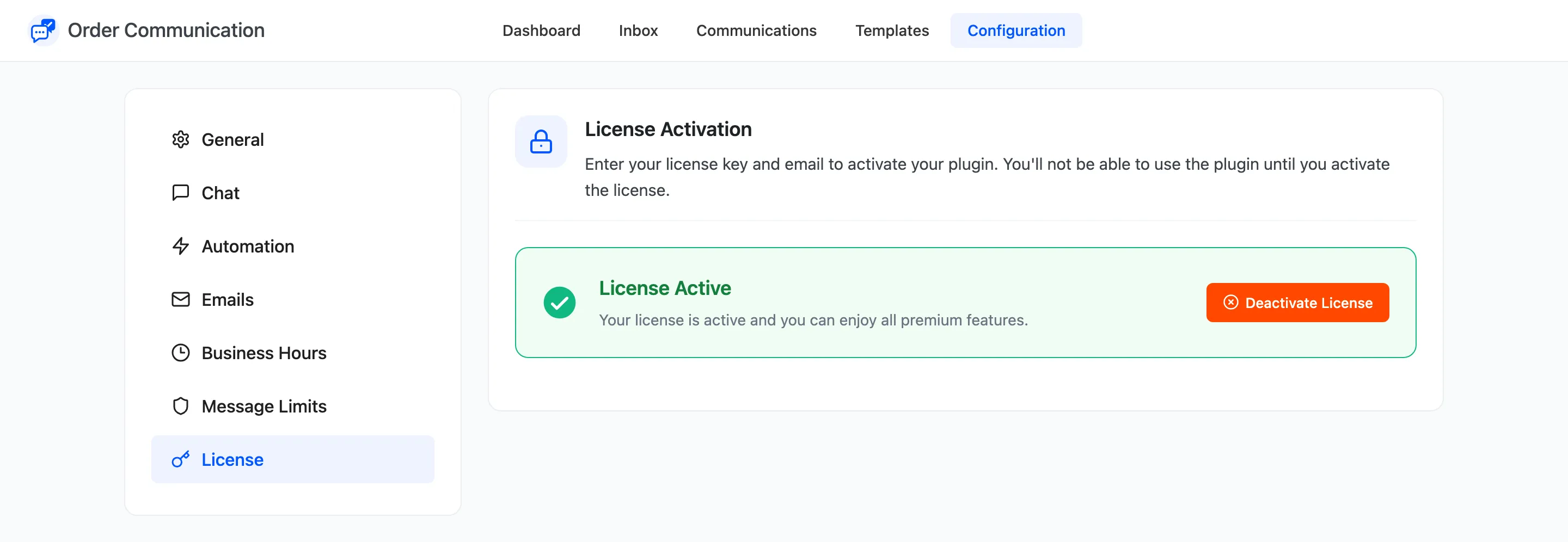
The full field list is in License Activation.
Find the menu
Section titled “Find the menu”The plugin adds Order Communication to the admin menu, with five screens: Dashboard, Inbox, Communications, Templates and Configuration. A red number next to the menu counts the customer messages nobody has read yet.
Communications and Templates are Pro. In the free version they show what Pro adds, with a link to upgrade.
What the plugin sets on a fresh install
Section titled “What the plugin sets on a fresh install”On first activation both versions switch on the conversation and both notification emails. Pro also switches on attachment sharing and order status messages. Status messages stay quiet until you write one for a status, so nothing is posted until you do. Every other setting starts off.