

The Order Communication Dashboard
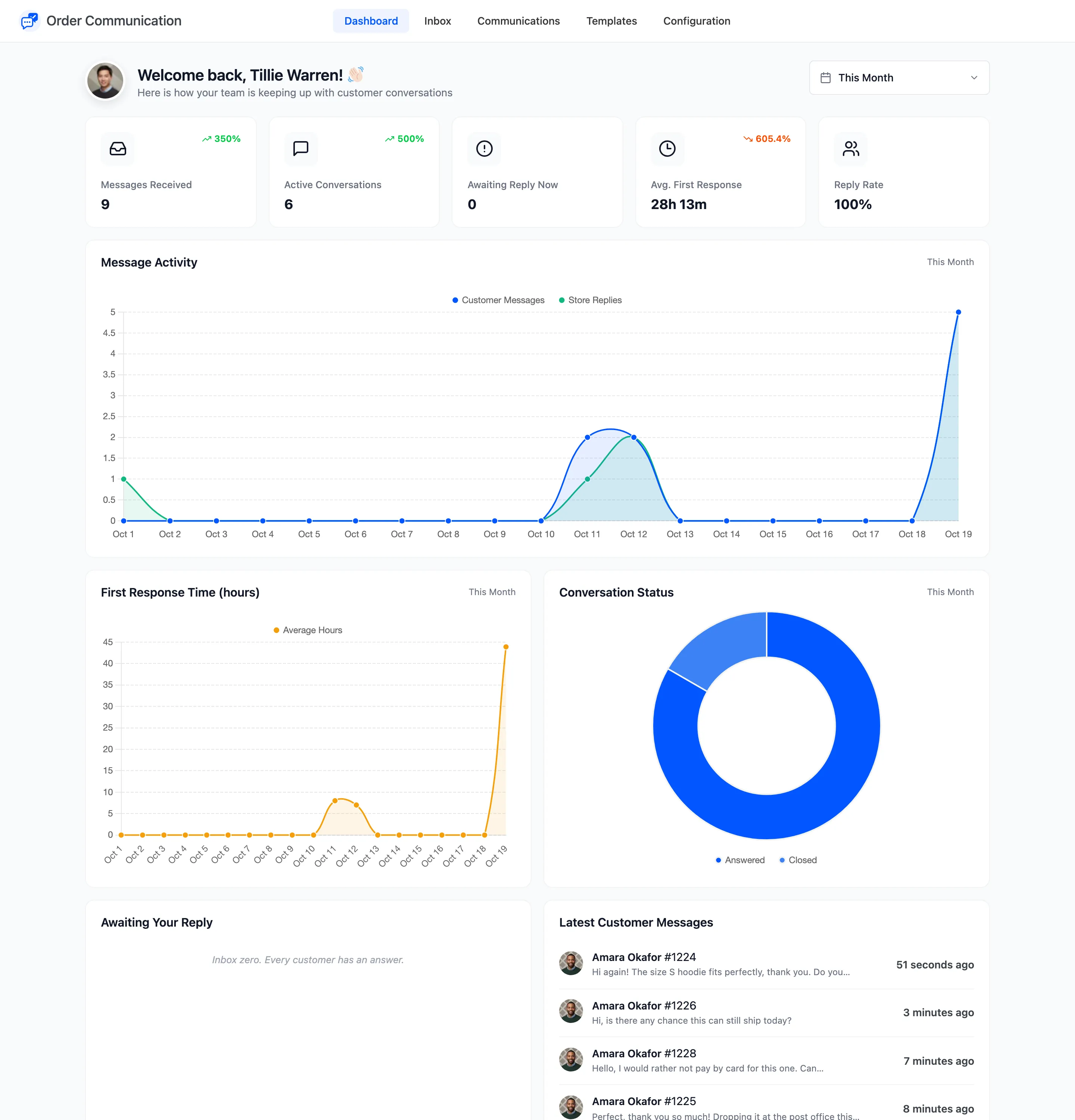
The dashboard is the first screen under Order Communication. It answers two questions: who is waiting for an answer right now, and how well your team has kept up over a period.
Choose the period
Section titled “Choose the period”The date picker in the top right sets the period for every card and chart. It starts on This Month. Each card compares the period with the one of the same length just before it, and shows the change as a percentage.
The cards
Section titled “The cards”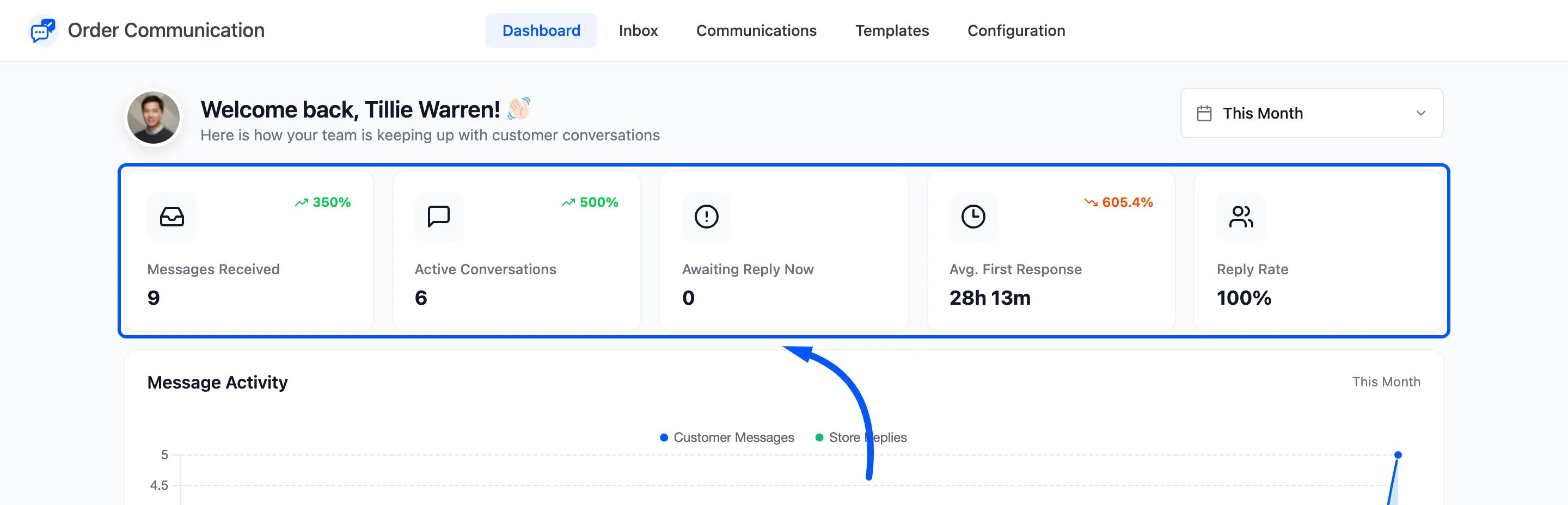
- Messages Received: Customer messages in the period. Automated messages and private notes are not counted.
- Active Conversations: Orders where the customer or your team wrote in the period.
- Awaiting Reply Now: Conversations with at least one unread customer message. This one ignores the period: it is always right now.
- Avg. First Response (Pro): The average time from a customer’s first unanswered message to your team’s reply. A fall shows in green, because faster is better.
- Reply Rate (Pro): The share of active conversations your team answered in the period.
The free version shows Store Replies in place of the two Pro cards: the number of messages your team sent in the period.
The charts
Section titled “The charts”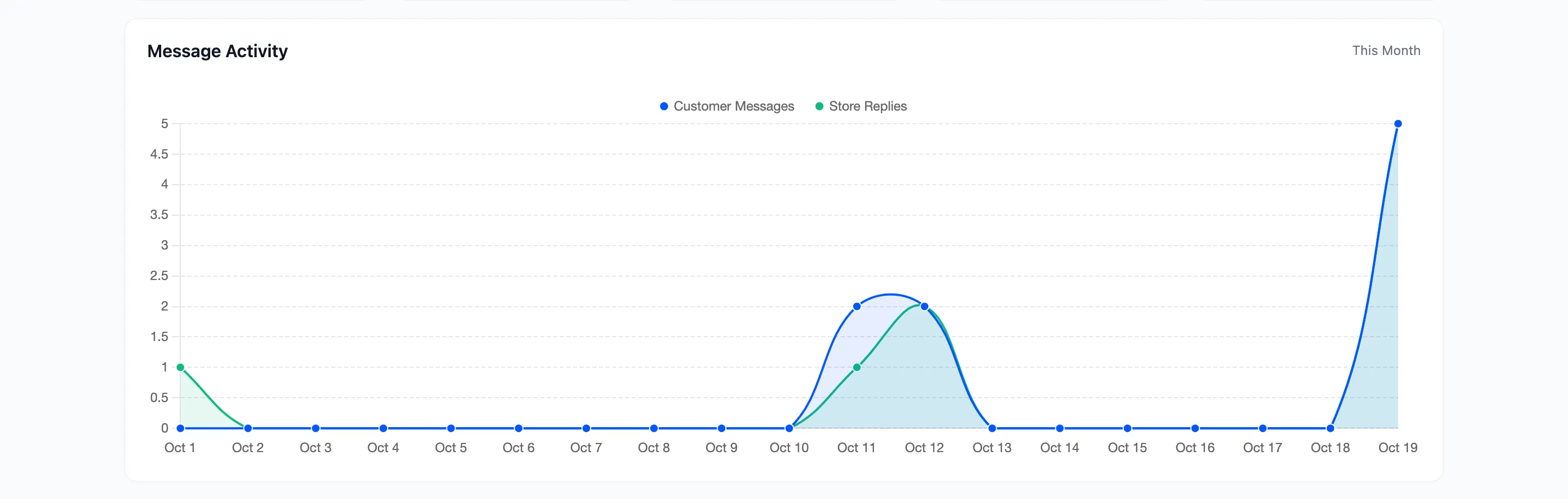
- Message Activity: Customer messages and store replies per day.
- First Response Time (hours) (Pro): The average first response for each day.
- Conversation Status (Pro): The conversations of the period split into Awaiting Reply, Answered and Closed.
Automated messages count in none of the charts. An auto-reply does not make a conversation answered.
The lists
Section titled “The lists”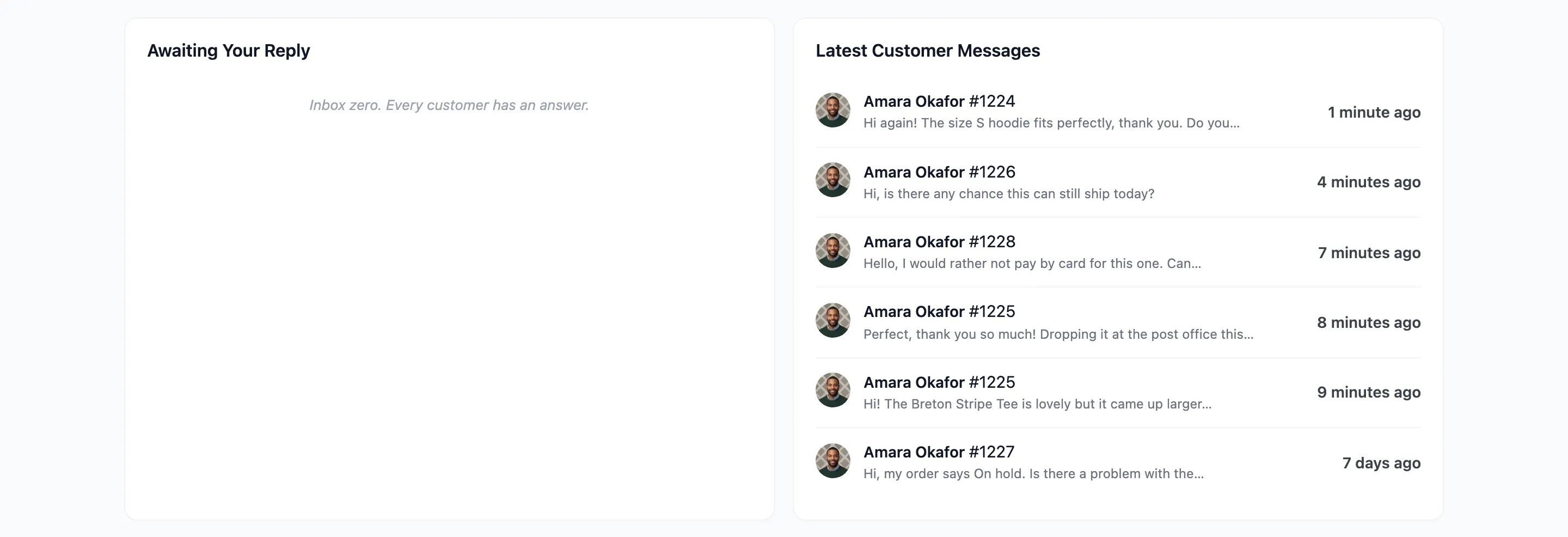
- Awaiting Your Reply: Up to six orders with unread customer messages, the one waiting longest first, with how long it has waited. When nothing is waiting it says “Inbox zero. Every customer has an answer.”
- Latest Customer Messages: The six most recent customer messages. Click an order number to open it in the Inbox.