

How to Show Pre-Order Details with a Shortcode
The shortcode prints the same block the product page shows. It is how you build a launch page that takes reservations without sending anyone to the shop.
Step 1: Find the shortcode name
Section titled “Step 1: Find the shortcode name”Go to Configuration → Shortcodes.

Default [ddwcpo_preorder_template_shortcode]. If you rename it here the old name stops working at
once, so rename it before you use it anywhere or leave it alone.
Step 2: Get the product ID
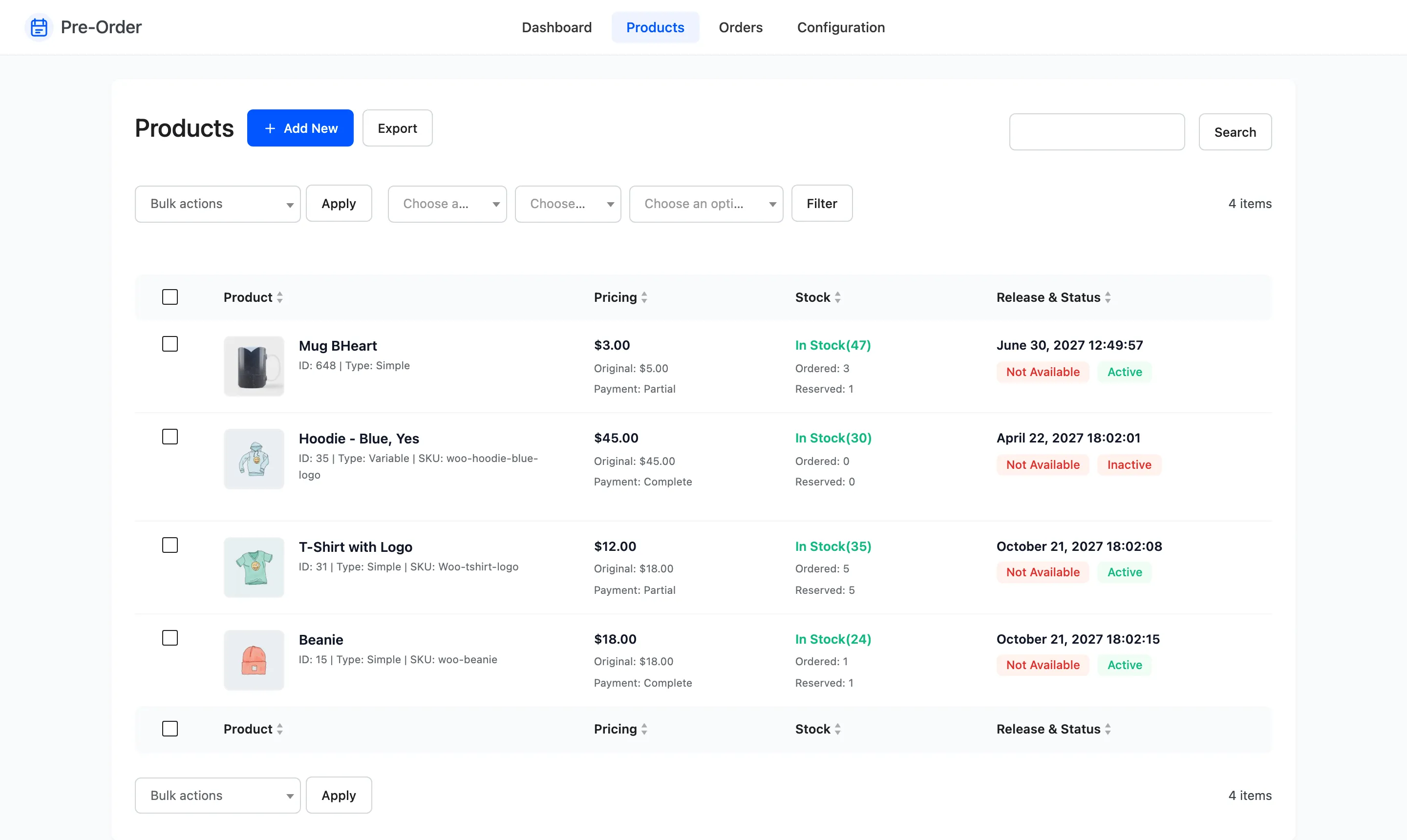
Section titled “Step 2: Get the product ID”Go to Pre-Order → Products. The ID is in the small line under each product name.
Step 3: Add it to a page
Section titled “Step 3: Add it to a page”On a page or post, add a Shortcode block and paste:
[ddwcpo_preorder_template_shortcode product_id="648"]On a product page itself the attribute can be left off, and it uses that product:
[ddwcpo_preorder_template_shortcode]Step 4: Publish and check
Section titled “Step 4: Publish and check”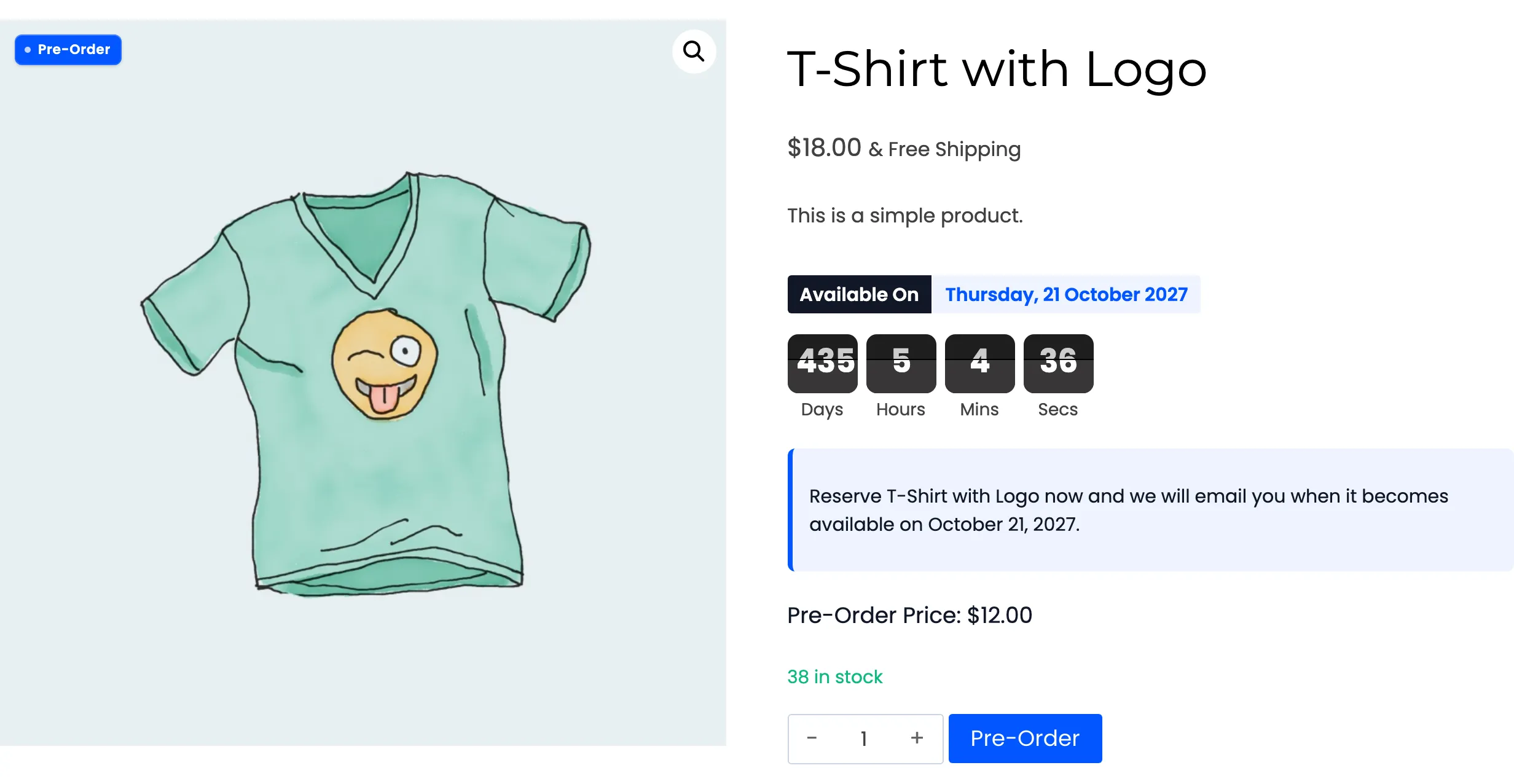
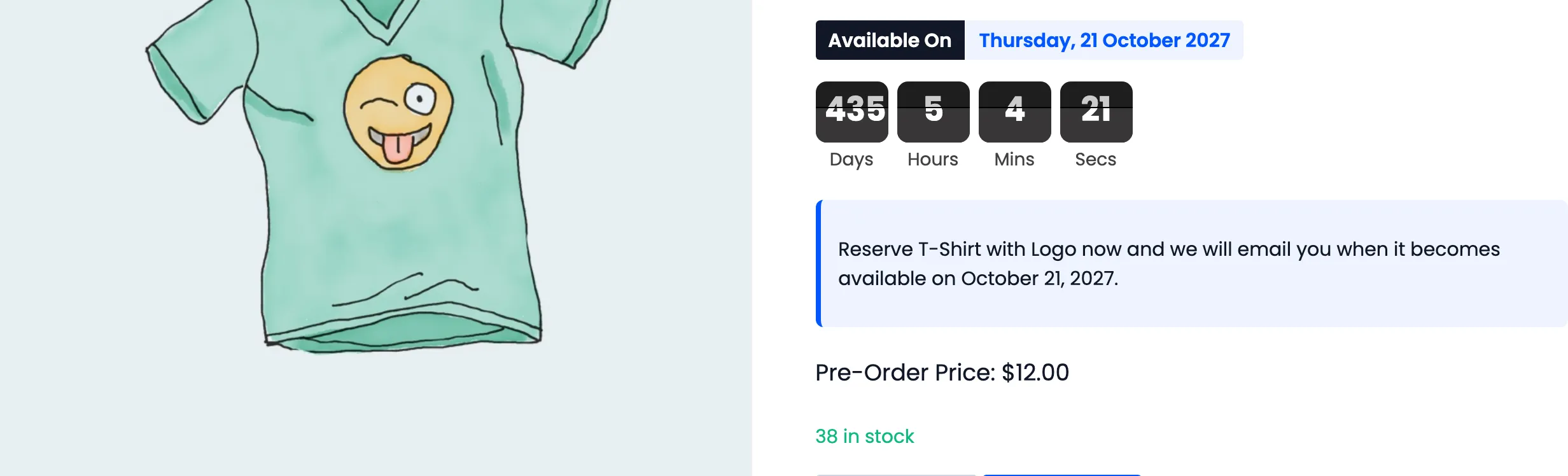
You should get the release date, the countdown, your notice, the pre-order price, the stock line and the pre-order button, all working exactly as they do on the product page.
What it needs to render
Section titled “What it needs to render”The shortcode prints nothing at all unless the product it names is currently taking pre-orders: pre-order settings present, Status Active, availability Not Available.
That is deliberate rather than a limitation. A landing page carrying this shortcode empties itself the moment the product releases, instead of showing a countdown to a date that has gone.
The usual two conditions apply as well: the licence has to be active and Enable pre-orders ticked, because the storefront half of the plugin does not load otherwise.
Building a launch page
Section titled “Building a launch page”A shape that works:
- Your own headline, images and copy about the product.
- The shortcode, so the date, the countdown and the button sit inside your layout.
- Whatever you would normally put below a buy button, such as delivery terms or a returns note.
Because the block empties on release, add a line above it that still makes sense afterwards, and the page keeps working as a plain product page once the reservation window closes.
Several products on one page
Section titled “Several products on one page”Repeat the shortcode with different IDs.
[ddwcpo_preorder_template_shortcode product_id="648"][ddwcpo_preorder_template_shortcode product_id="31"]Each renders its own block with its own countdown. Add your own headings between them: the block prints the date and the price, not the product name.
Widgets and templates
Section titled “Widgets and templates”Anywhere shortcodes run, this runs: a sidebar widget, a footer, a block theme template part. In a
theme file, do_shortcode() works too.
For a widget, always pass product_id. Outside a product page there is no product for it to fall back
to, so a bare shortcode prints nothing.