

Email Settings
Pre-Order sends five emails. Three are free, two are Pro. Each has its own on switch, heading, subject and message editor.
Go to Configuration → Emails.
Product Available Email
Section titled “Product Available Email”Sent to every customer who reserved a product, once, when that product is released.
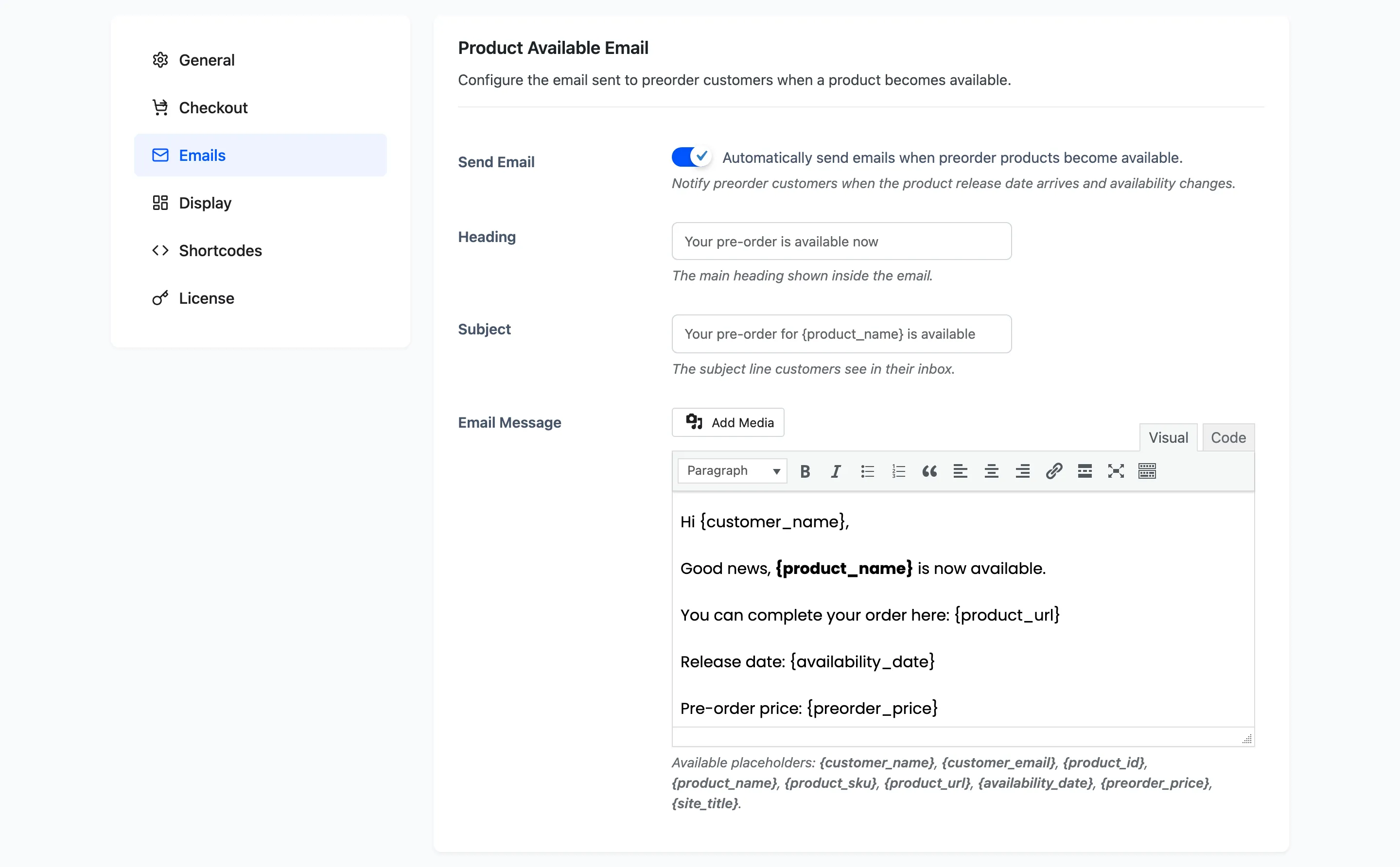
Send Email is on by default. With it off a release happens silently, which defeats most of the point of taking reservations.
Each customer is marked as told, so a second release of the same product does not email them again.
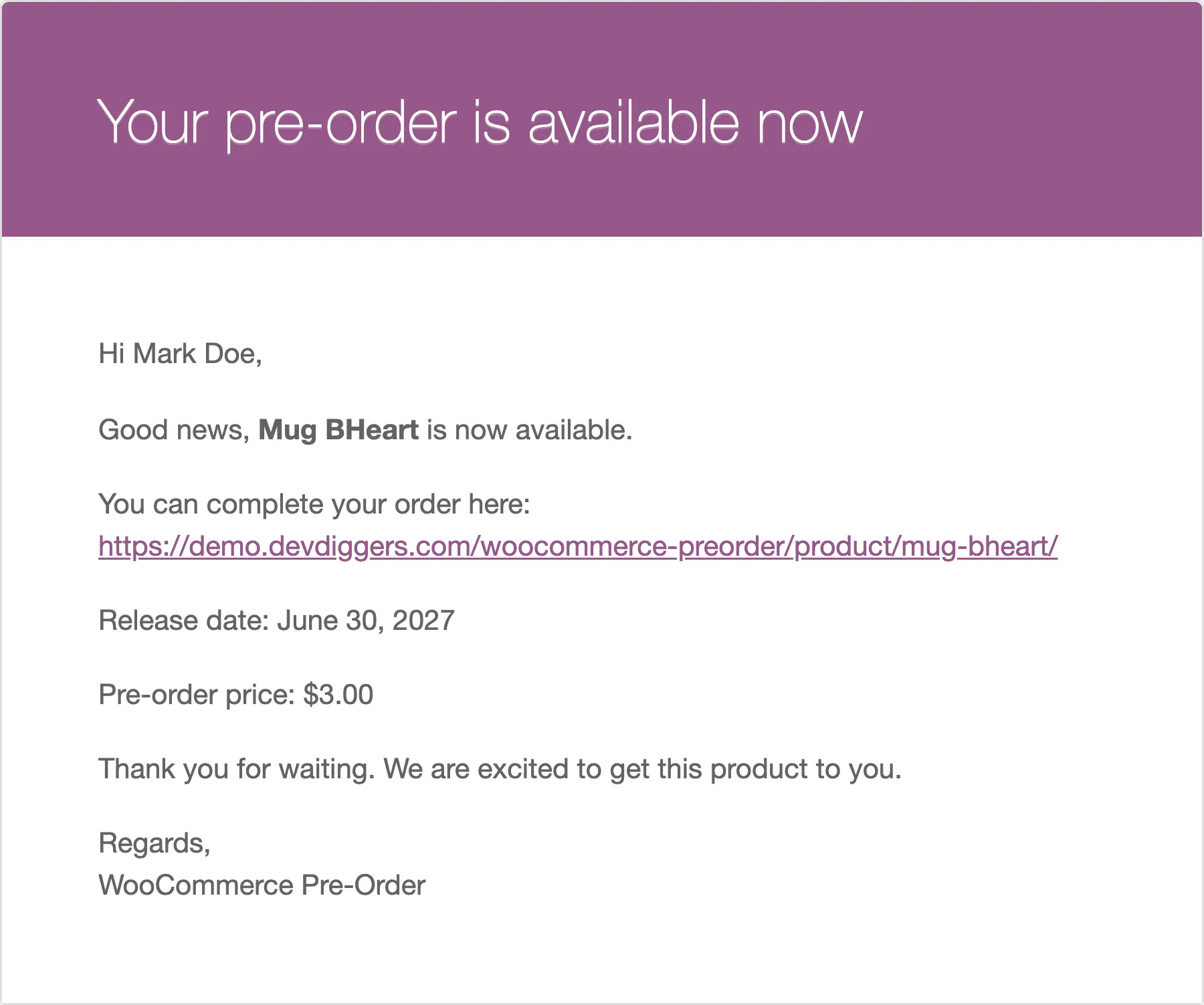
Placeholders: {customer_name}, {customer_email}, {product_id}, {product_name},
{product_sku}, {product_url}, {availability_date}, {preorder_price}, {site_title}.
Pre-Order Placed Email
Section titled “Pre-Order Placed Email”Sent to the customer as soon as their pre-order goes through.
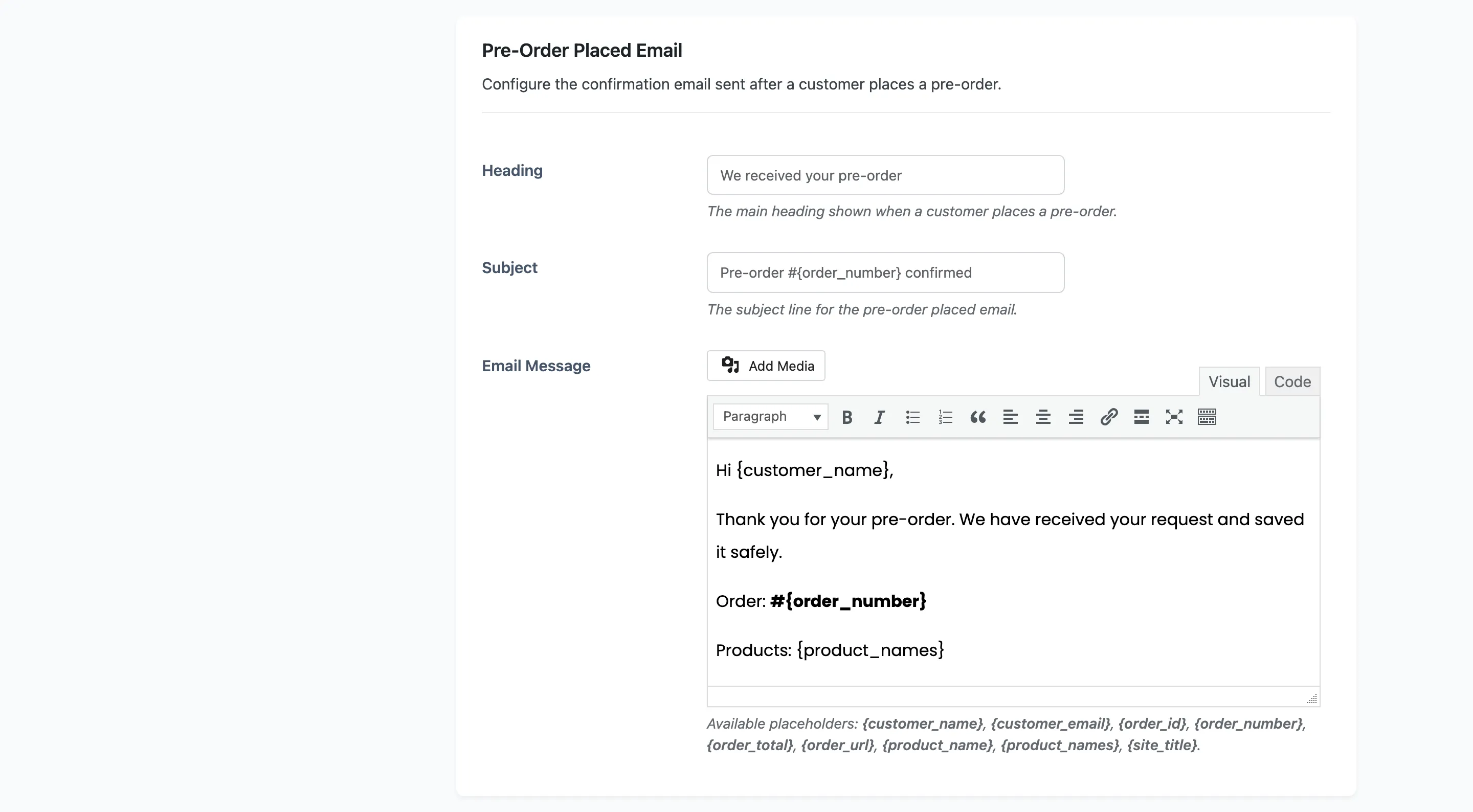
This one has no on switch. A pre-order confirmation always goes out.
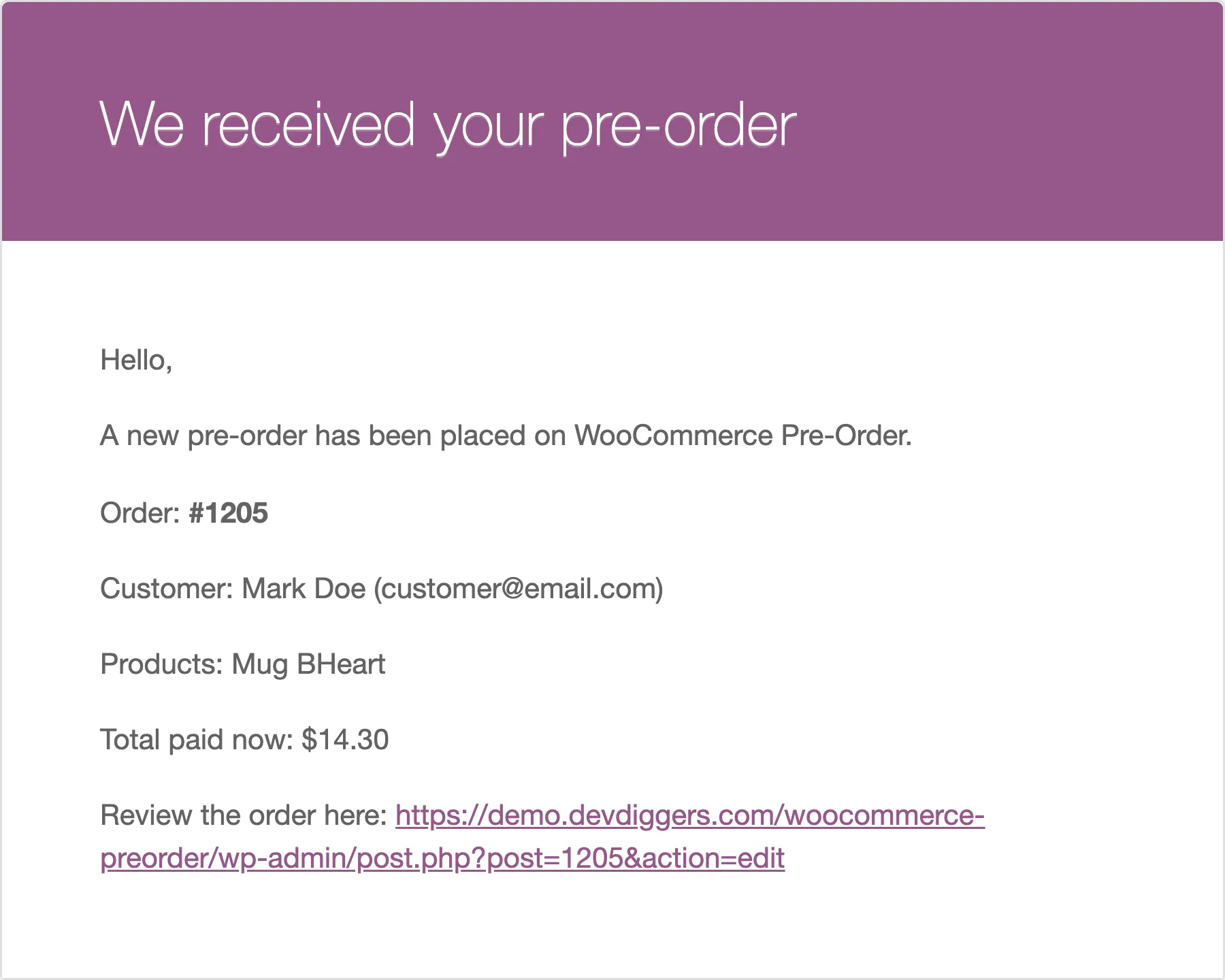
Placeholders: {customer_name}, {customer_email}, {order_id}, {order_number},
{order_total}, {order_url}, {product_name}, {product_names}, {site_title}.
{order_total} is what the order actually took, so on a deposit pre-order it is the deposit plus
any fee and tax, not the product’s price. Say so in the wording if you take deposits, or customers
will read it as the full amount.
Admin Pre-Order Email
Section titled “Admin Pre-Order Email”The same event, sent to you.
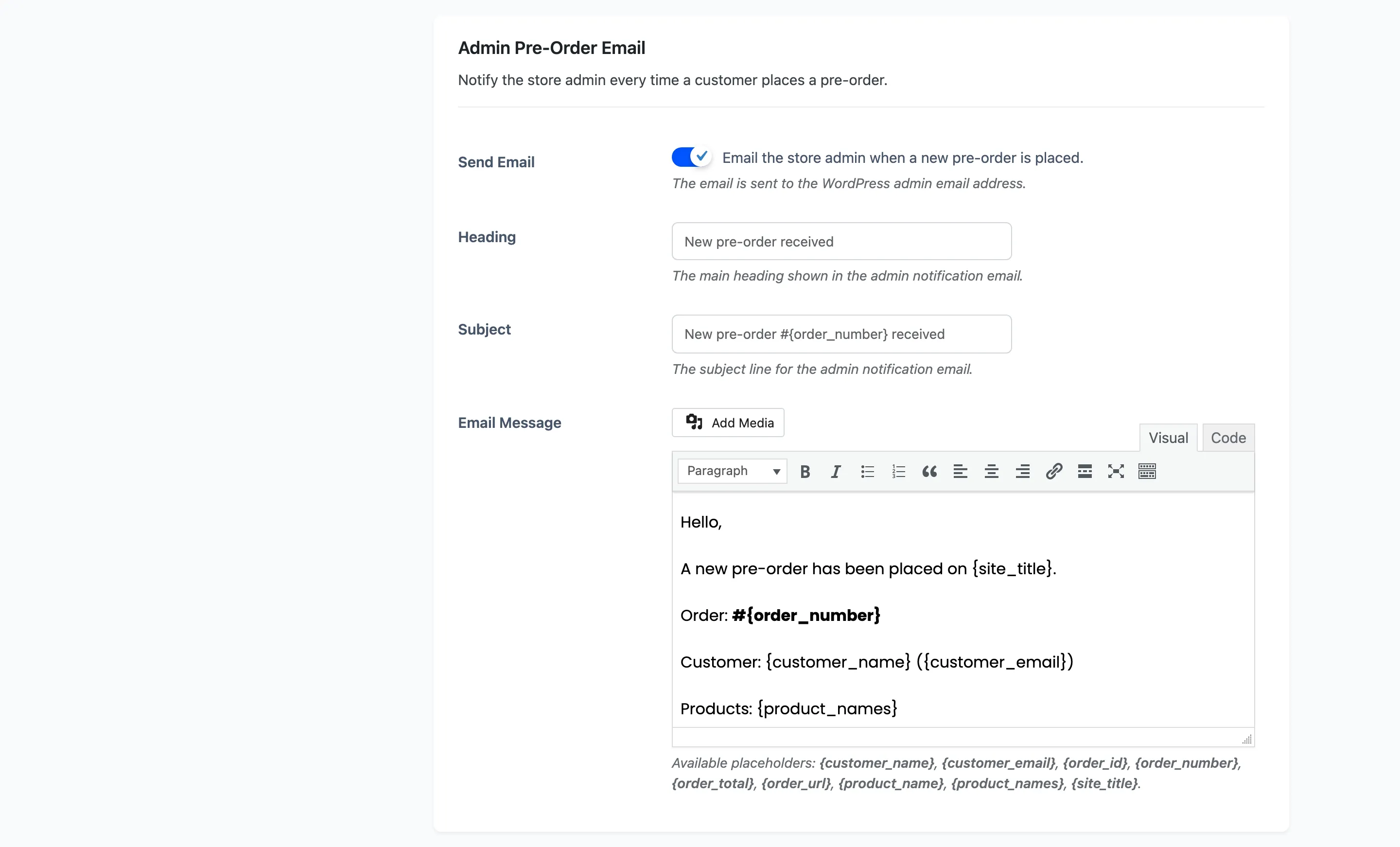
Send Email is on by default. It goes to the WordPress admin address, and its order link opens the order in the admin rather than in the customer’s account.
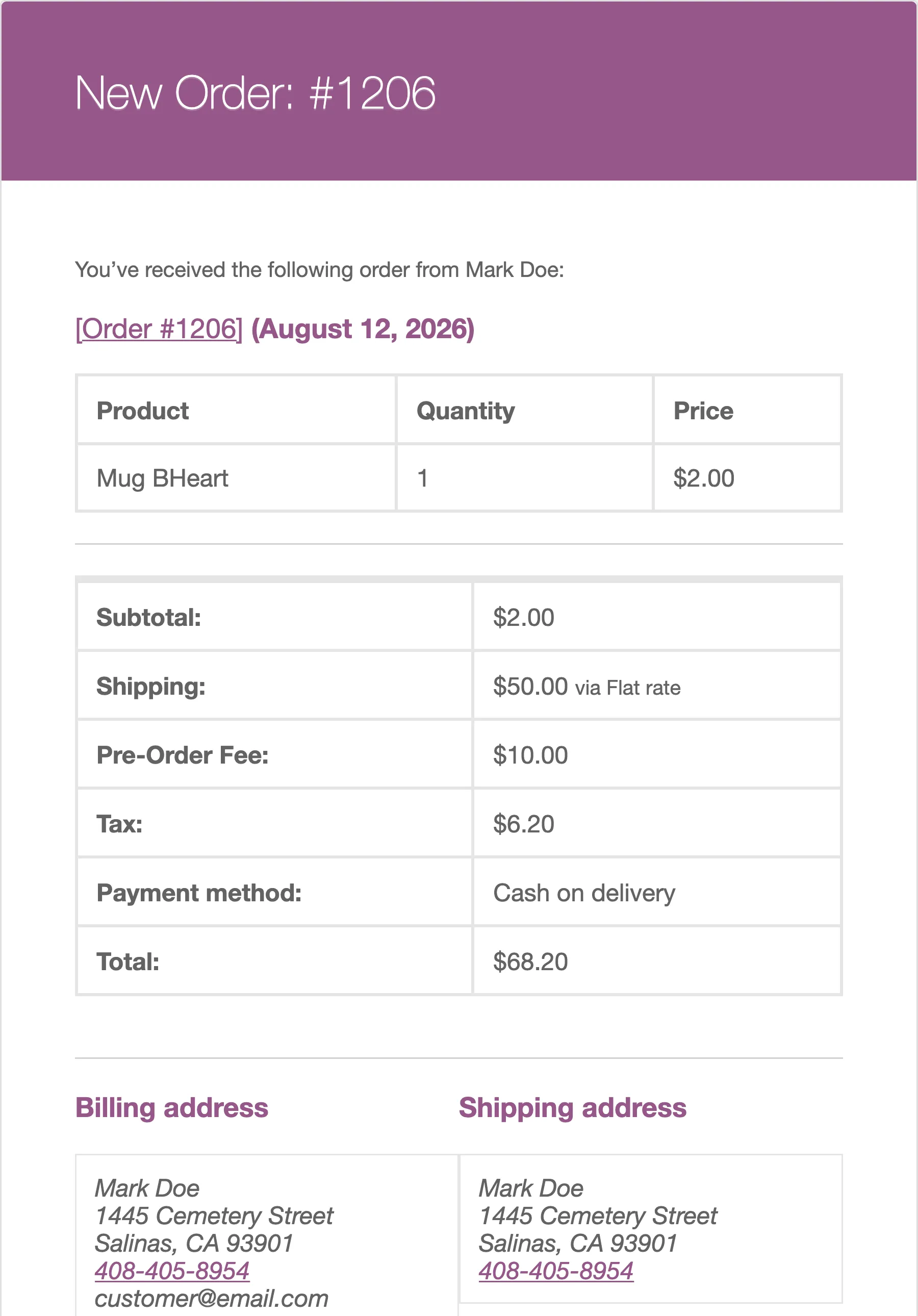
Placeholders are the same as the customer confirmation.
Admin Release Reminder Email
Section titled “Admin Release Reminder Email”A daily summary of pre-order products about to release.
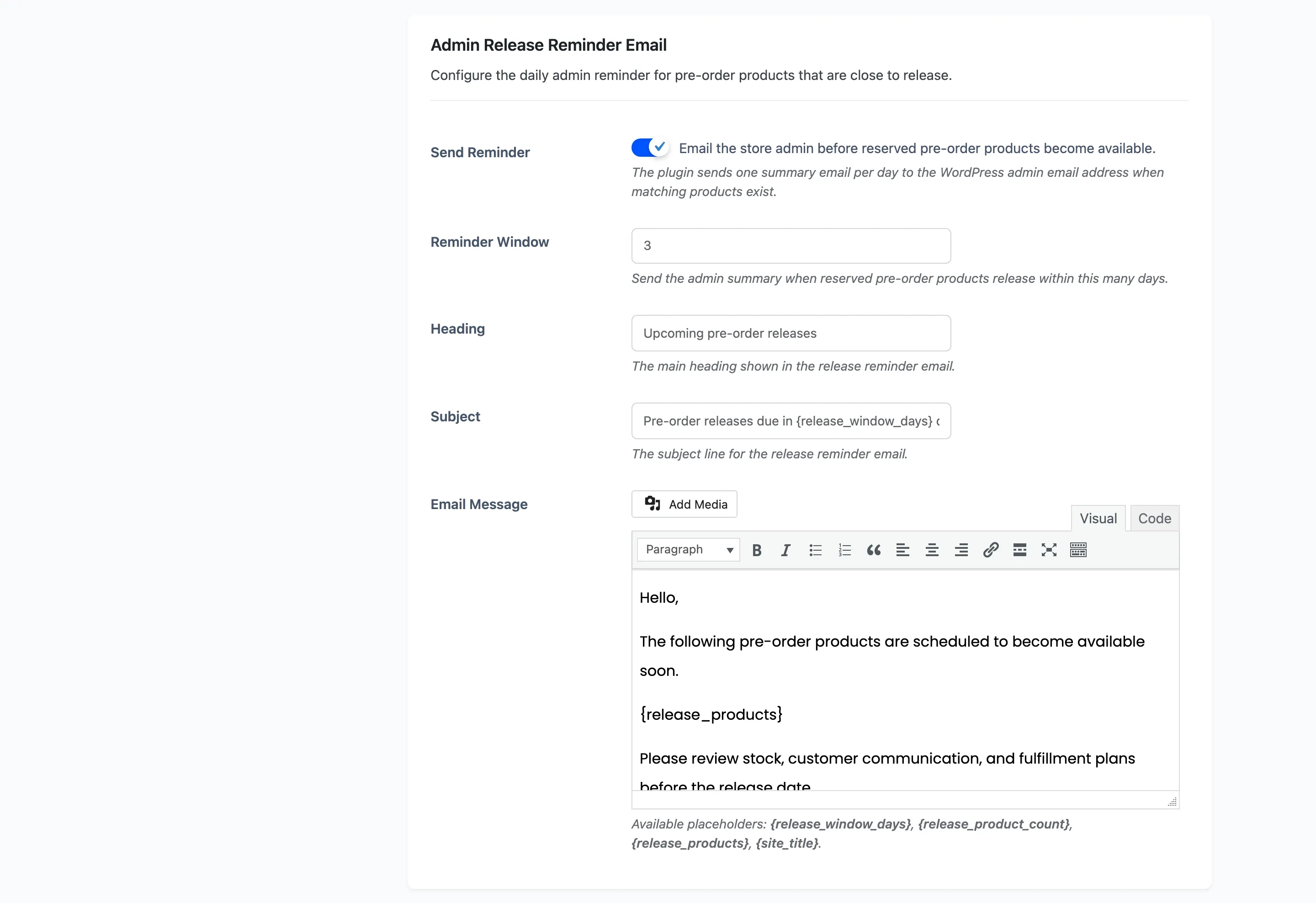
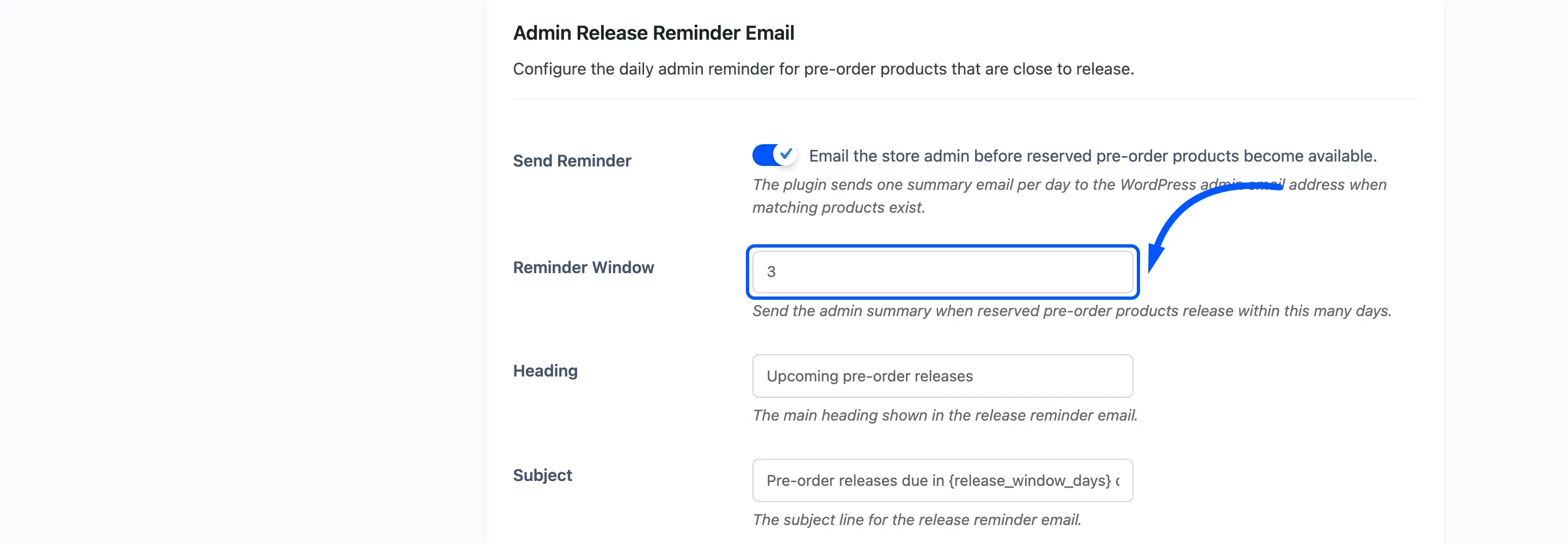
Send Reminder is on by default. Reminder Window decides how far ahead it looks, from 1 to 30 days, default 3.
Three things about it:
- It only lists products that somebody has actually reserved. A product with no customers is not something you need warned about.
- It sends once a day at most, even if the job runs more often.
- It does not send at all when nothing falls in the window, so silence means there is nothing due.
Each line carries the product, its SKU, the release date, and how much is ordered and reserved.
Placeholders: {release_window_days}, {release_product_count}, {release_products},
{site_title}. {release_products} is the formatted list itself.
Release Date Changed Email
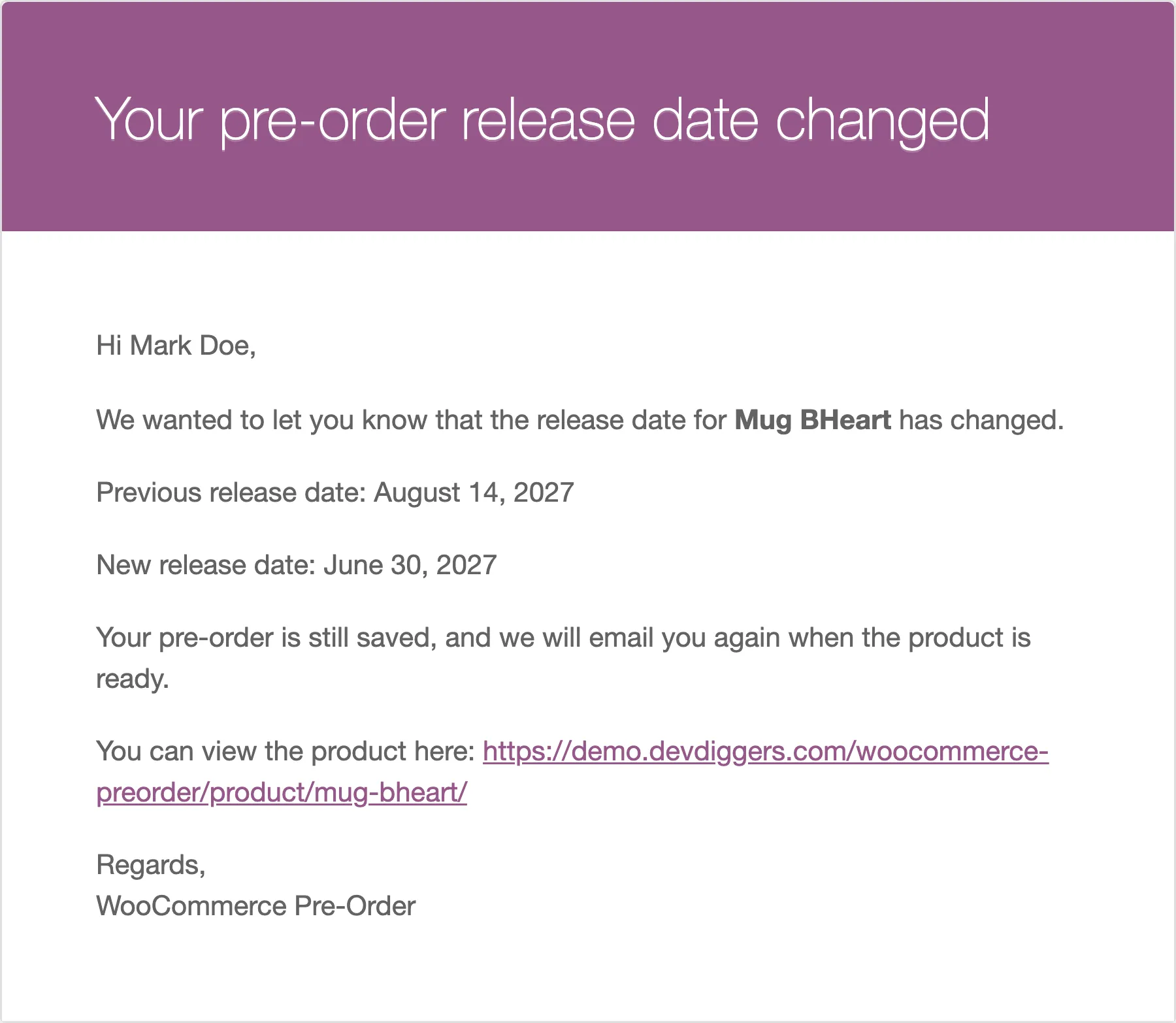
Section titled “Release Date Changed Email”Sent to everyone who reserved a product when you change its release date.
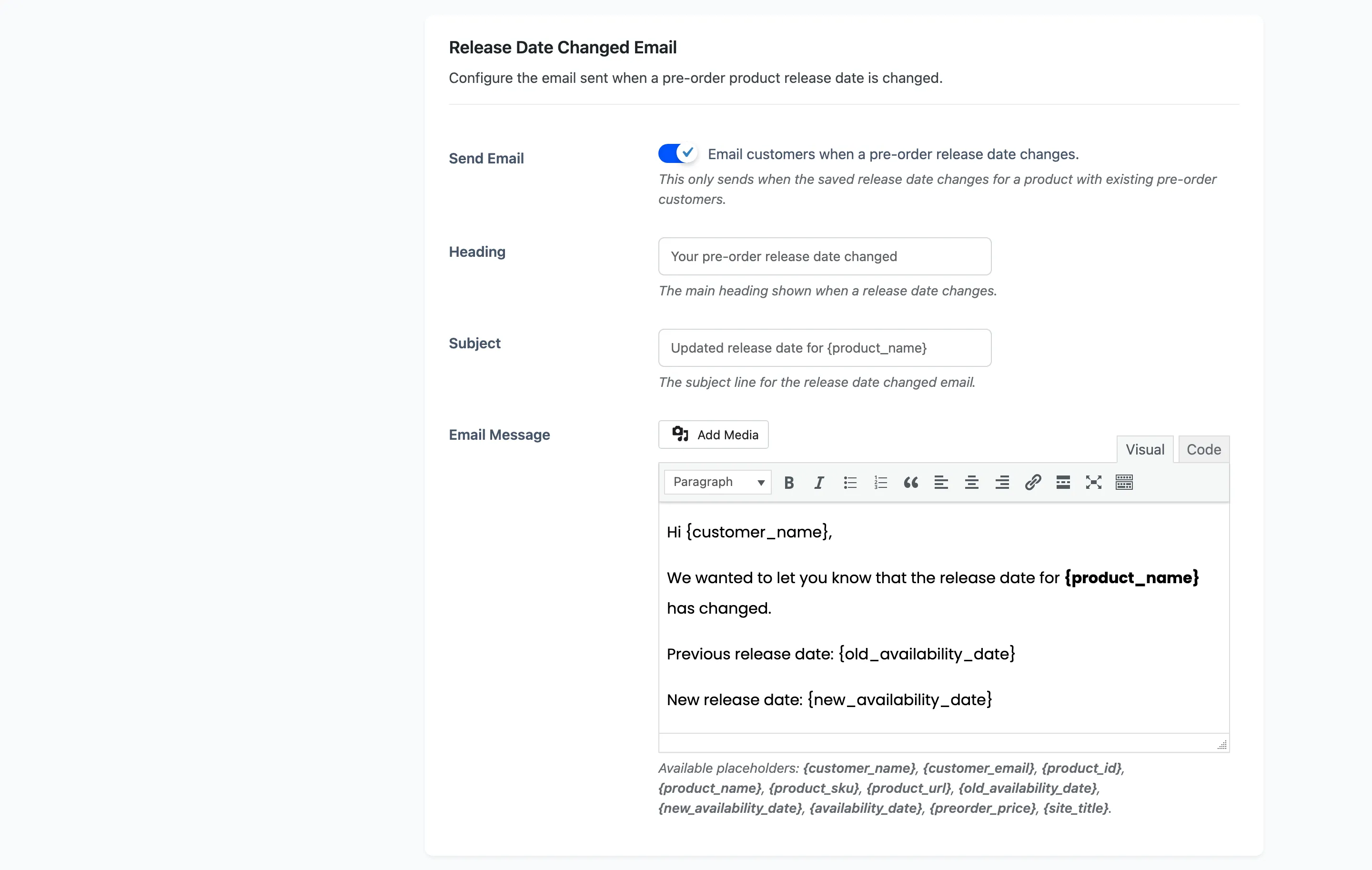
Send Email is on by default. It fires only when the saved date really changes, and only for a product that already has customers, so editing a date nobody is waiting on sends nothing.
The comparison is by day. Changing the time within the same date is not treated as a change and sends no email.
Placeholders add {old_availability_date} and {new_availability_date} to the product set. Use both:
a customer wants to see what the date was as well as what it is now.
Where the wording lives
Section titled “Where the wording lives”Every message is a full editor, so you can use formatting, links and images. The placeholder list for each email sits under its own editor, which is the list to trust: they differ per email, and a placeholder that does not apply is left as it is rather than blanked.
Emails are sent through WooCommerce’s own mailer, so they inherit your store’s email template, header and footer.
Field summary
Section titled “Field summary”| Sent to | Default | Free | |
|---|---|---|---|
| Product Available | Customers who reserved | On | Yes |
| Pre-Order Placed | The customer | Always | Yes |
| Admin Pre-Order | Store admin | On | Yes |
| Admin Release Reminder | Store admin | On, 3 days | No |
| Release Date Changed | Customers who reserved | On | No |