

License Activation (Pro)
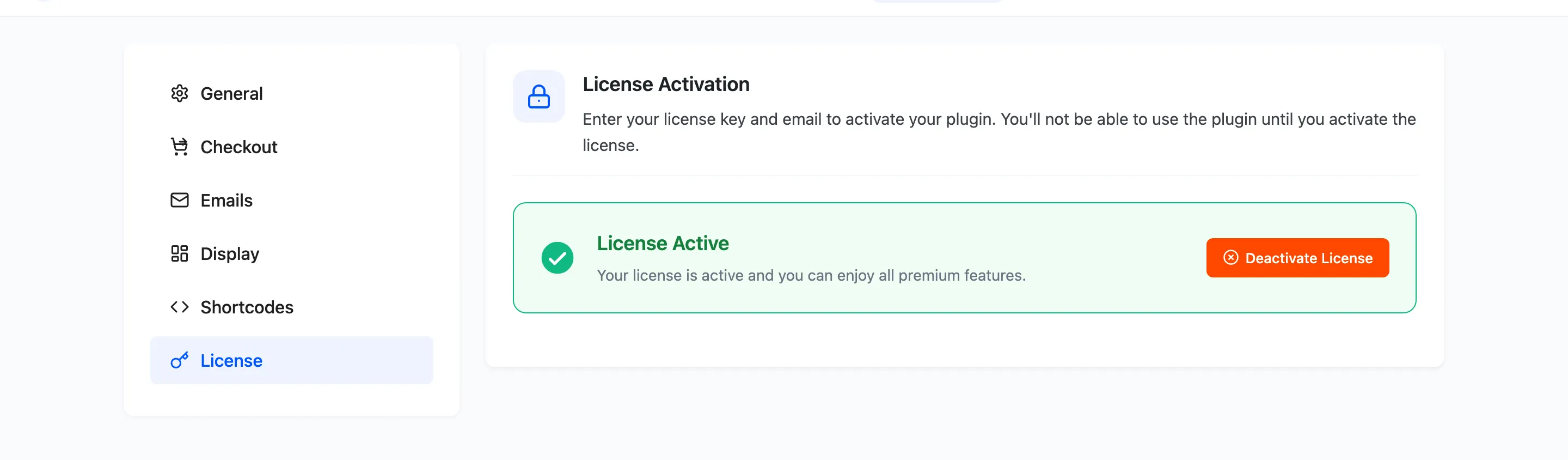
The License tab activates the Pro plugin. Until it reads active, none of the customer-facing half of the plugin loads.
Go to Configuration → License.
Activating
Section titled “Activating”- Find the purchase code and the email address on your DevDiggers order.
- Paste both in.
- Press Activate License.
The tab then shows License Active in place of the form.
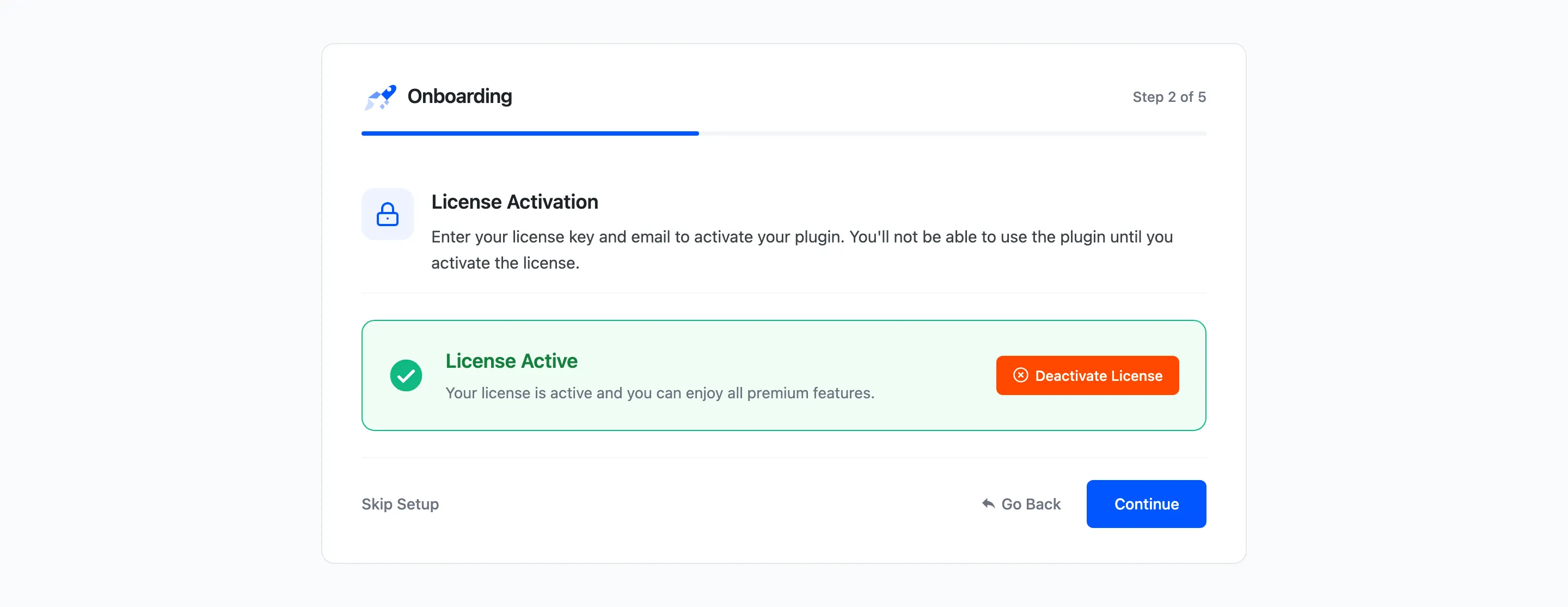
The setup wizard asks for the same thing on its second step, so activating there and activating here are the same action.
What the licence gates
Section titled “What the licence gates”More than updates. An inactive licence stops three things:
- The whole storefront: No badge, no countdown, no release date, no pre-order button. Products with pre-order settings simply behave as ordinary products.
- The hourly release job: Dates pass and nothing is released, so customers keep waiting and the Release Pipeline fills with overdue products.
- The out-of-stock rule: Products that sell out are not converted to pre-orders.
The admin screens all keep working, which is what makes this confusing: you can configure the plugin completely, save everything, and see no change on the shop. If the storefront looks untouched, check this tab first.
Deactivating
Section titled “Deactivating”Deactivate License releases the licence from this site. Do that before moving the plugin to another domain, so the seat is free to use there.
Deactivating does not delete anything. Pre-order products, orders and settings stay exactly as they are, and reactivating brings the storefront straight back.
Updates
Section titled “Updates”An active licence is also how the site sees new versions. Pro updates arrive in the normal Plugins screen once it is registered.
Keep the free plugin active alongside Pro. Pro depends on it, and deactivating the free one turns Pro off too.
If activation fails
Section titled “If activation fails”- Check the email. It has to be the address on the order, not necessarily the WordPress admin address.
- Check the code. Purchase codes are long; a trailing space pasted along with it is the usual culprit.
- Check the seat. A licence already active on another domain has to be deactivated there first.