

Exporting Pre-Order Data (Pro)
Two exports, one wizard. Products give you the reservation setup; orders give you who reserved what and what they still owe.
Opening it
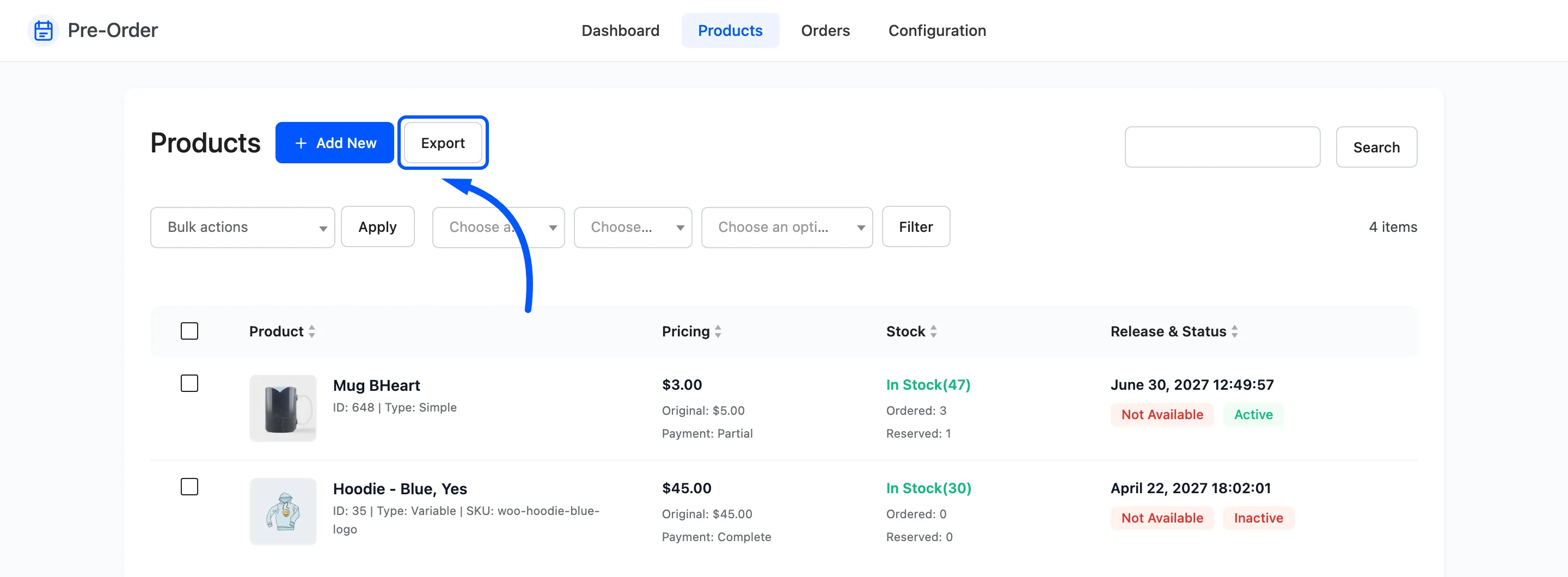
Section titled “Opening it”Export sits beside Add New on the Products screen, and alone on the Orders screen. Which screen you start from decides which export you get.
Step 1: options and fields
Section titled “Step 1: options and fields”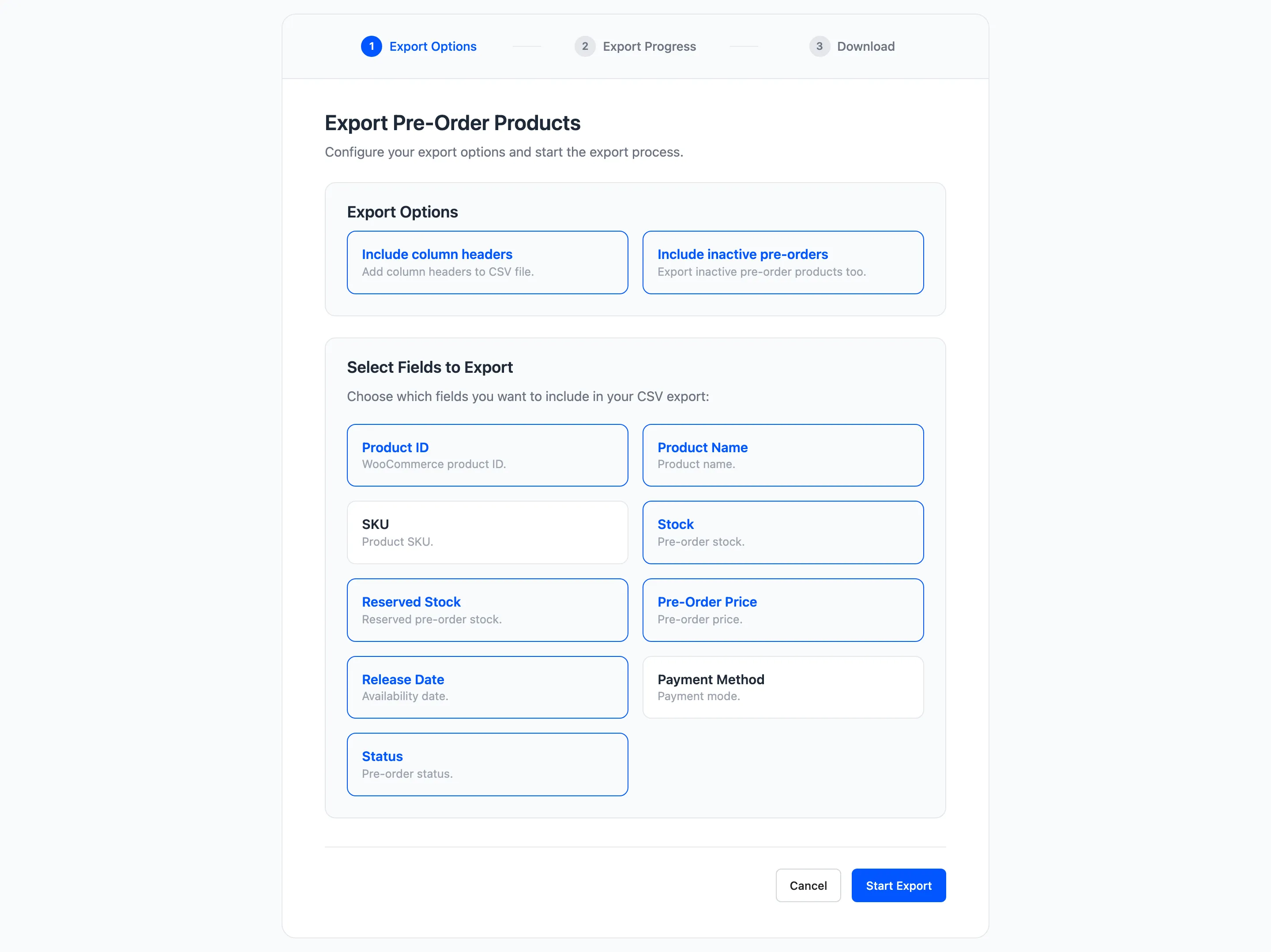
Two options at the top.
- Include column headers: On by default. Leave it on unless you are appending to a file that already has them.
- Include inactive pre-orders, or Include all order statuses on the orders export. On by default. Turning it off drops inactive products, or cancelled, failed and refunded orders.
Then the fields.
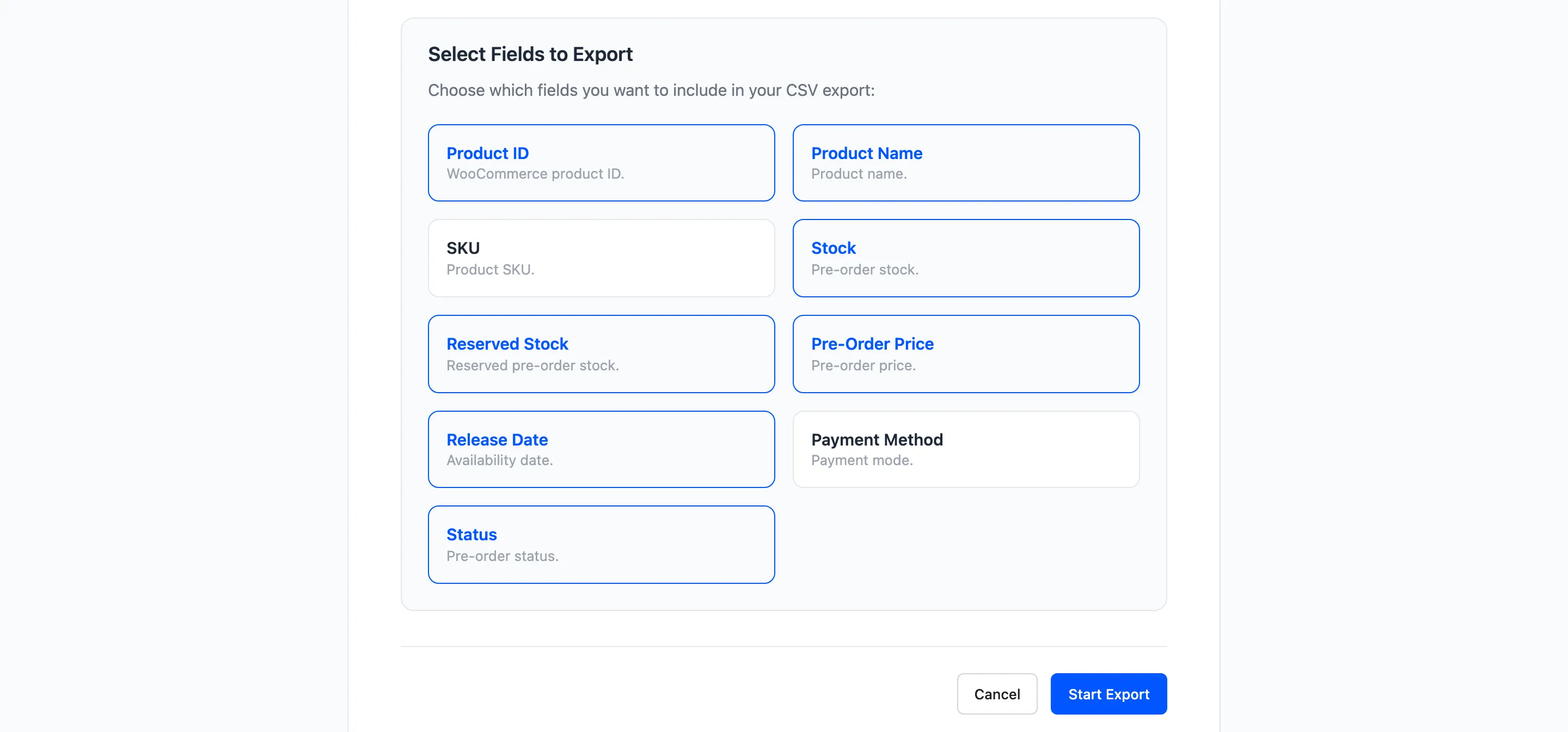
Most are ticked already. Untick anything you do not want; the export refuses to run with none selected.
Products offers: Product ID, Product Name, SKU, Stock, Reserved Stock, Pre-Order Price, Release Date, Payment Method, Status.
Orders offers: Order ID, Order Number, Order Date, Order Status, Customer Email, Product Name, Quantity, Order Total, Remaining Amount.
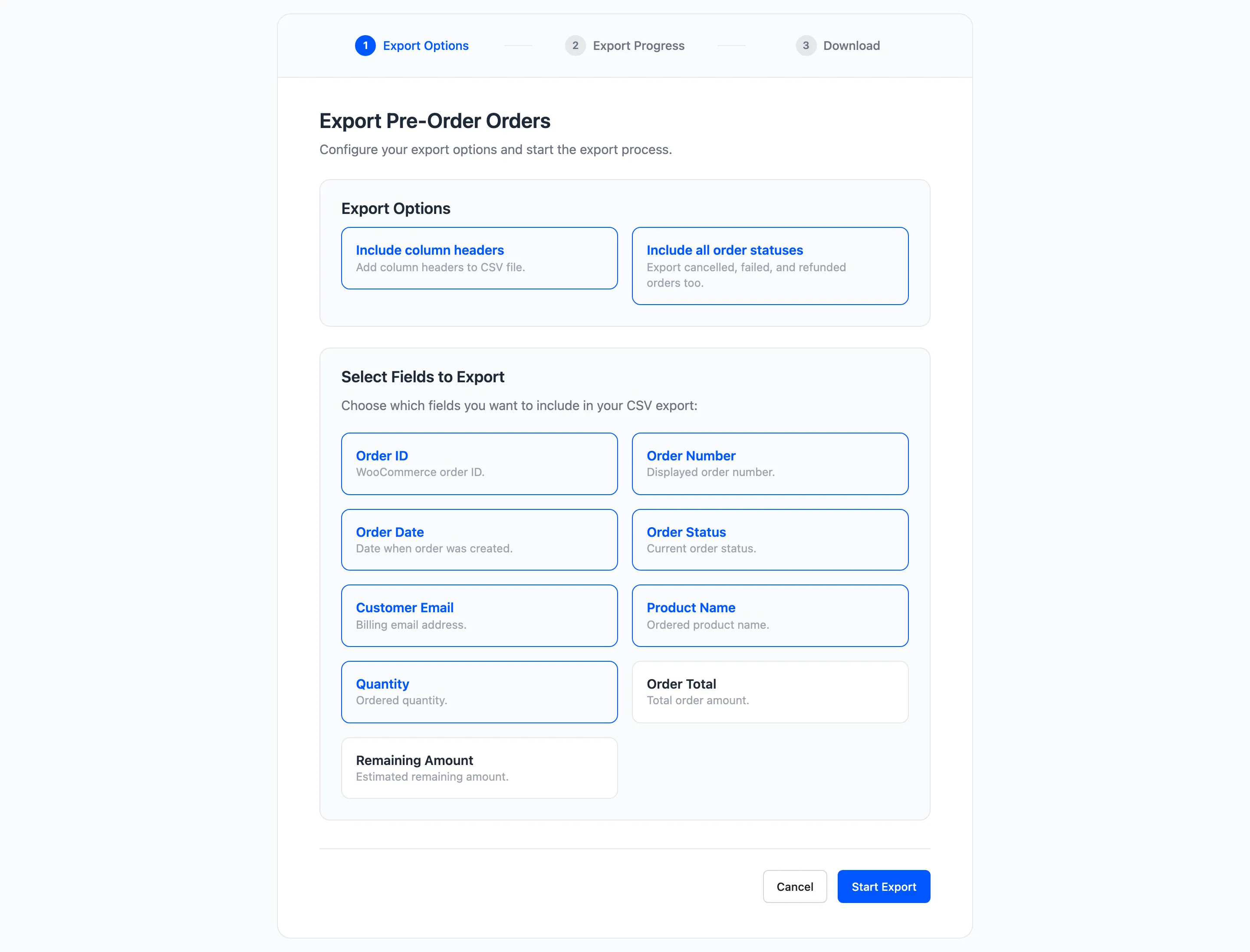
Press Start Export.
Step 2 and 3: progress and download
Section titled “Step 2 and 3: progress and download”The export runs in one pass and lands on the download step.
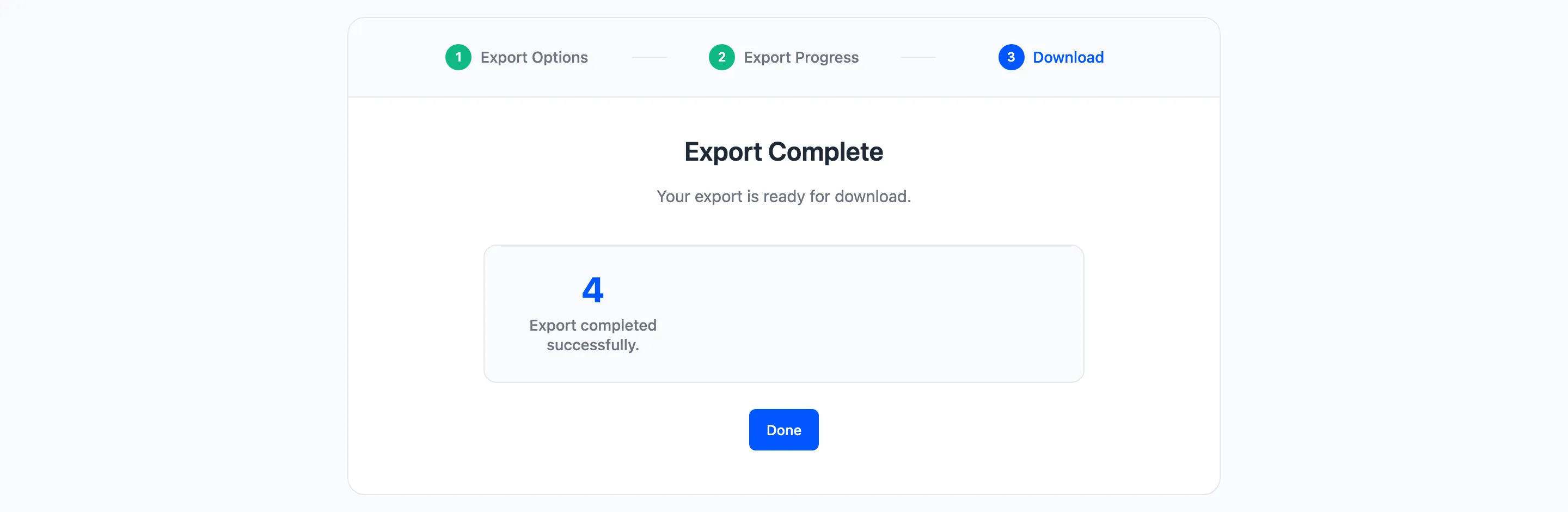
The file is named for its type and the date, so preorder-products-export-2026-08-11.csv. Done
returns you to the list.
How the rows are shaped
Section titled “How the rows are shaped”One row per product on the products export.
One row per order line on the orders export, so an order with three pre-order products becomes three rows sharing an order number. That is what makes the file usable in a pivot table, and it means you cannot sum the Order Total column without double counting.
Remaining Amount is per line, worked out as the product’s full price for that quantity minus what the line actually collected. Sum that column to get your outstanding balance across the store.
What it is good for
Section titled “What it is good for”- A production list: Export products, filter to Not Available, sort by release date, and you have what to make and when.
- Outstanding balances: Export orders and total Remaining Amount to see the money still to come.
- A mailing list for a launch: Export orders, filter to one product, and take the customer emails.
- A backup before a bulk change: The products export captures every pre-order setting, so you can see what changed.
Limits worth knowing
Section titled “Limits worth knowing”The export reads everything in one request, so a very large catalogue can take a while. There is no scheduling and no direct-to-email option; the file downloads in the browser.
Dates come out as stored, which is your site’s timezone.