

Checkout Settings
The Checkout tab decides how a pre-order behaves once it is in the cart. Two fields are free; the Advanced Checkout Rules below them are all Pro.
Go to Configuration → Checkout.
Checkout Settings
Section titled “Checkout Settings”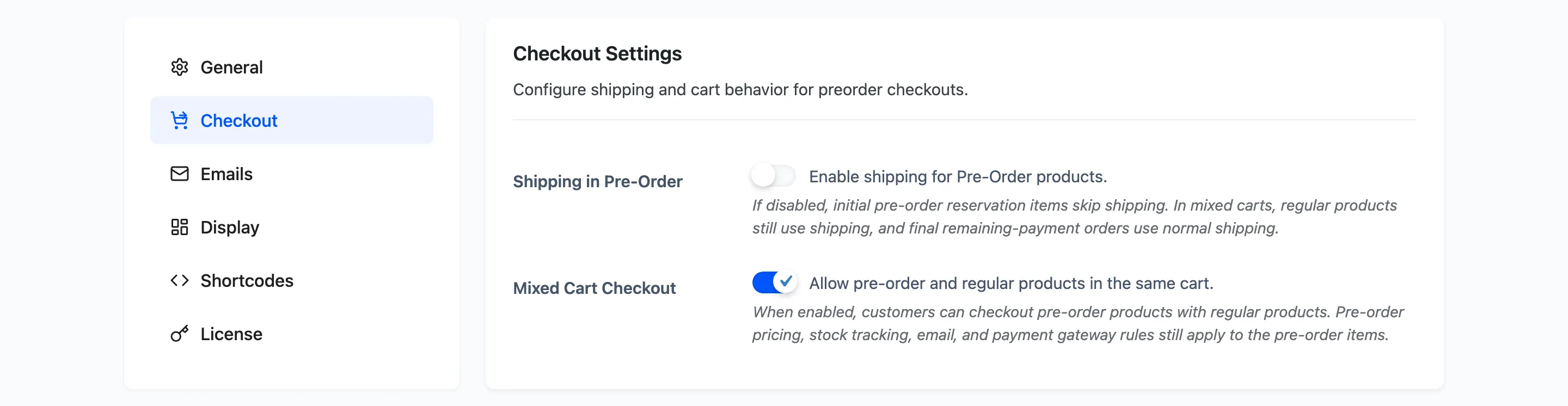
Shipping in Pre-Order: Default off.
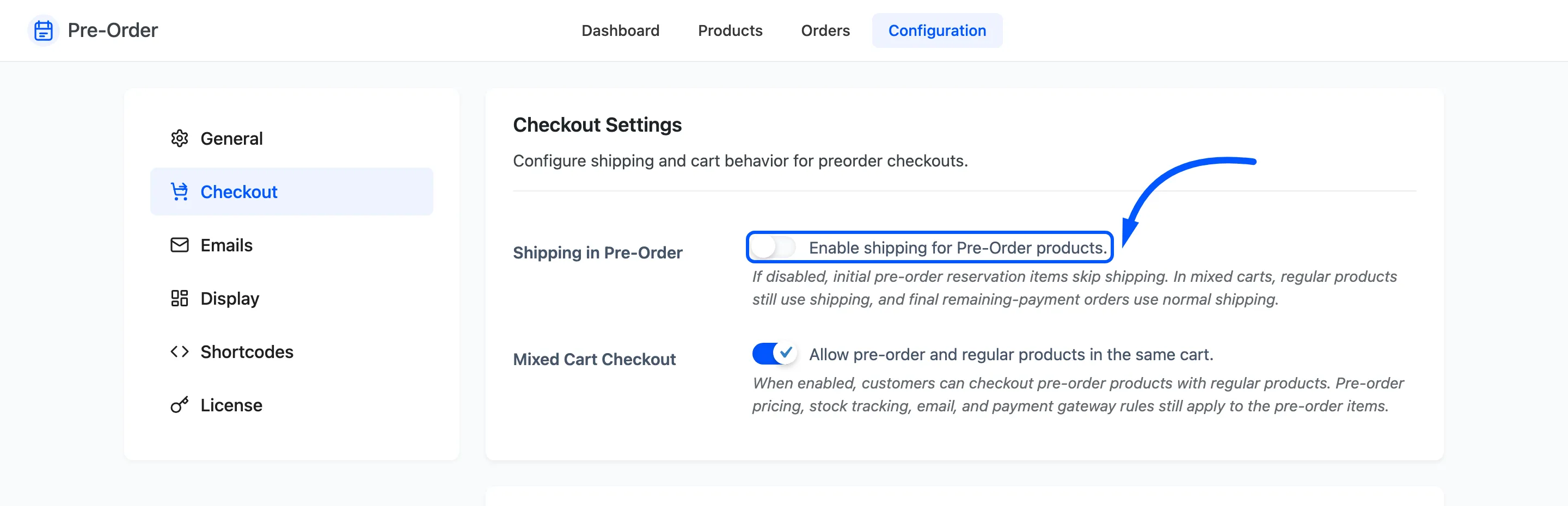
Off means a reservation is dropped from the shipping calculation entirely, so a cart holding only pre-orders is never asked for a shipping address or a delivery method. That is usually right: nothing is being posted yet.
In a mixed cart the ordinary products still pay their normal shipping. And when a deposit customer comes back to pay the balance, that second order ships normally, because by then the product is real.
Mixed Cart Checkout: Default off.
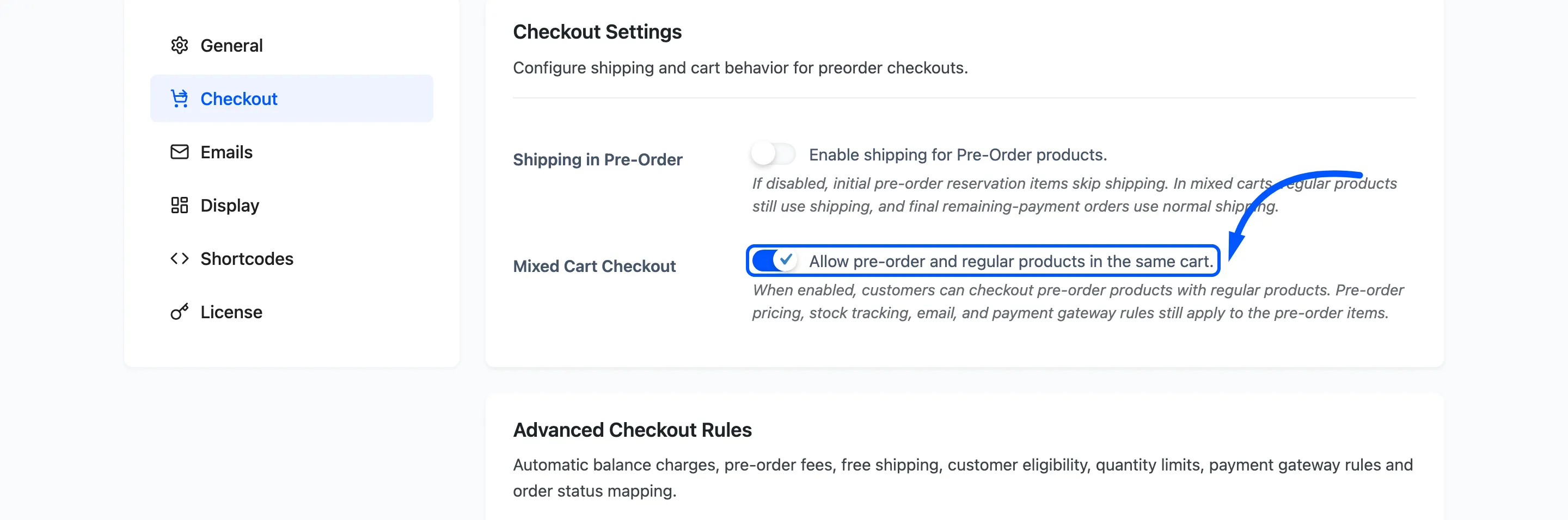
Off makes pre-orders exclusive. If the cart holds a pre-order and the shopper adds a normal product, the normal products are removed and a notice explains why. The reverse is also true.
Ticked, the two mix freely and the pre-order rules still apply to the pre-order lines only.
Advanced Checkout Rules
Section titled “Advanced Checkout Rules”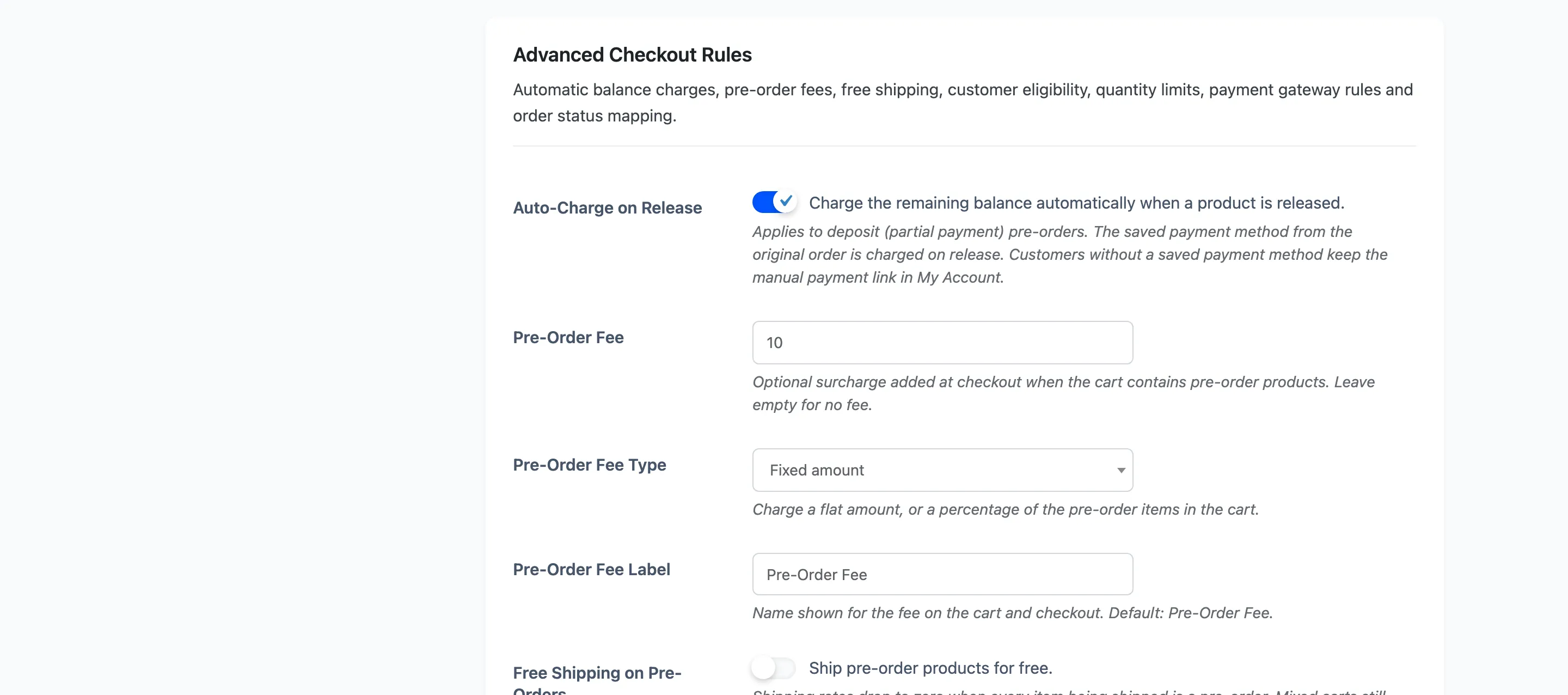
Auto-Charge on Release: Default off. Applies to deposit pre-orders only.
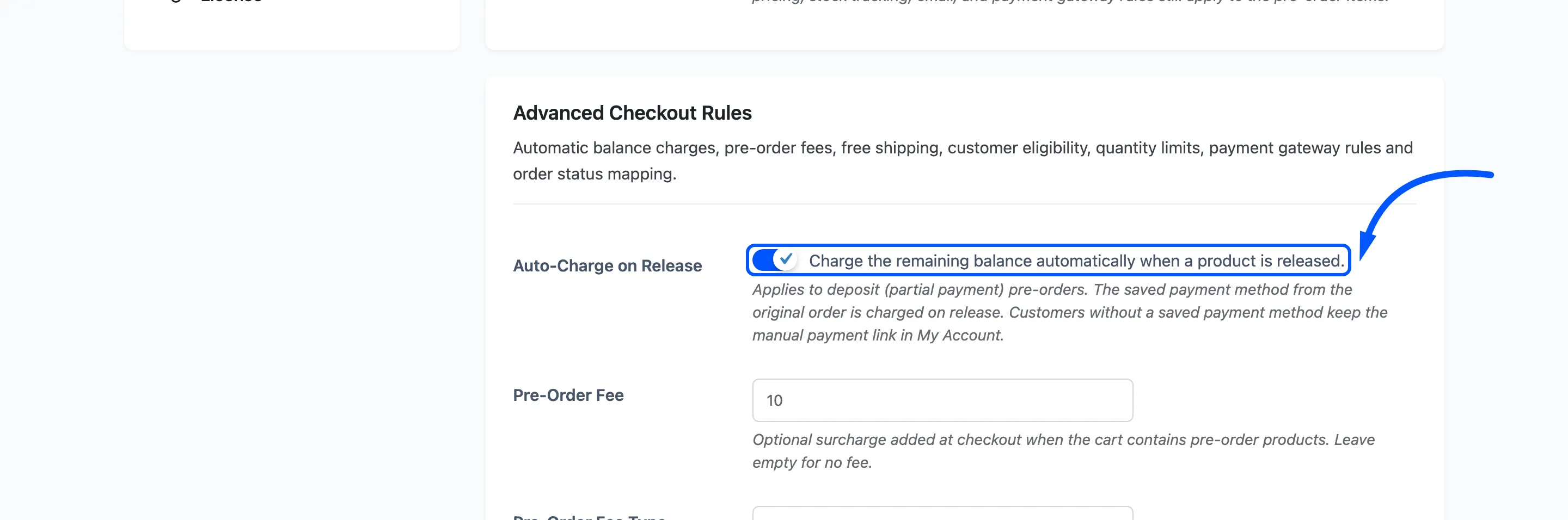
Ticked, the plugin builds a second order for the outstanding balance on release day and charges the card saved with the original order. The result is written as a note on the first order either way.
It needs a reusable payment method saved against that order, from a gateway that supports charging one later. Customers without one are not charged and keep the manual Complete Pre-Order link instead, so nobody is left stuck.
Pre-Order Fee and Pre-Order Fee Type. Default empty and Fixed amount.
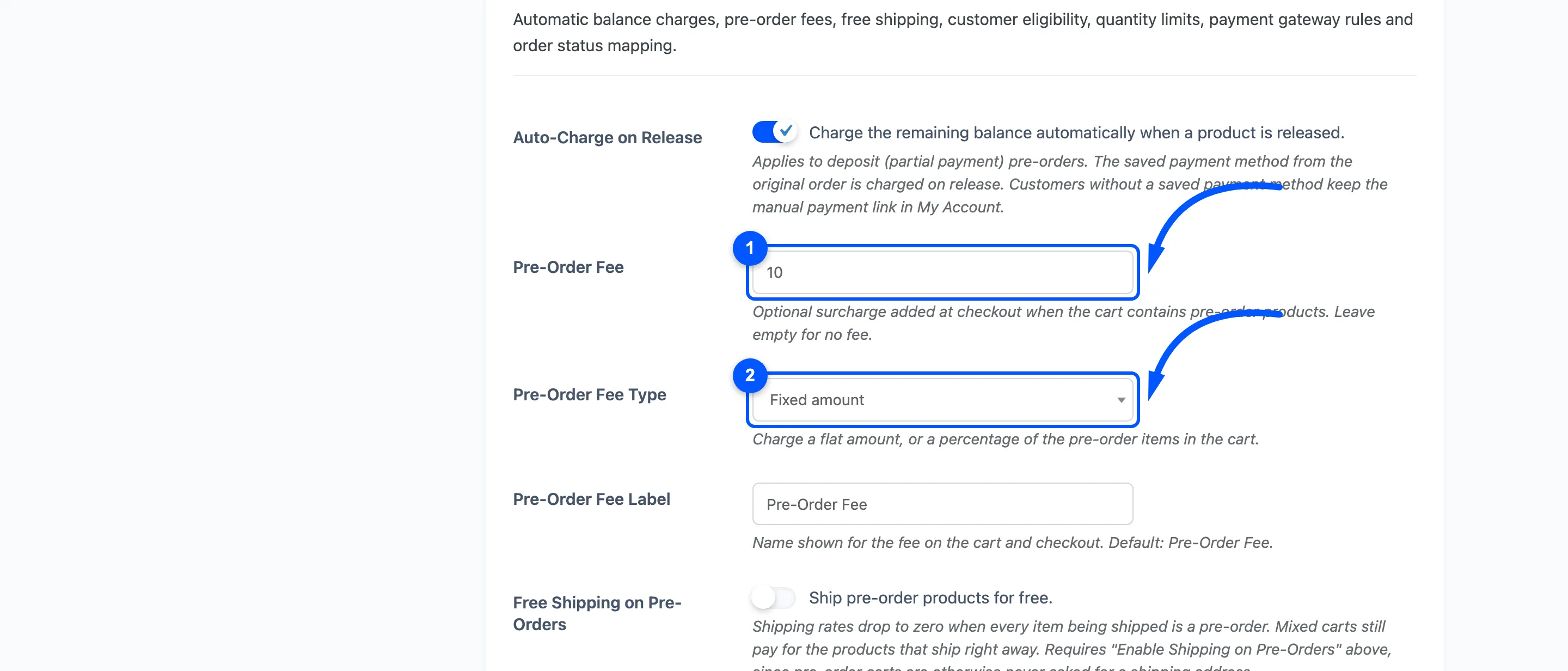
A surcharge added when the cart contains pre-orders. Percentage is worked out from the pre-order lines only, so ordinary products in a mixed cart never inflate it. Leave the amount empty for no fee.
Pre-Order Fee Label: Default Pre-Order Fee. What the line is called in the cart and checkout totals.
Free Shipping on Pre-Orders: Default off. Drops shipping to zero when every item still being shipped is a pre-order. A mixed cart still pays for whatever ships immediately.
This one depends on the setting above it: with Shipping in Pre-Order off, a pre-order cart is never given shipping rates to discount, so nothing happens.
Who can pre-order
Section titled “Who can pre-order”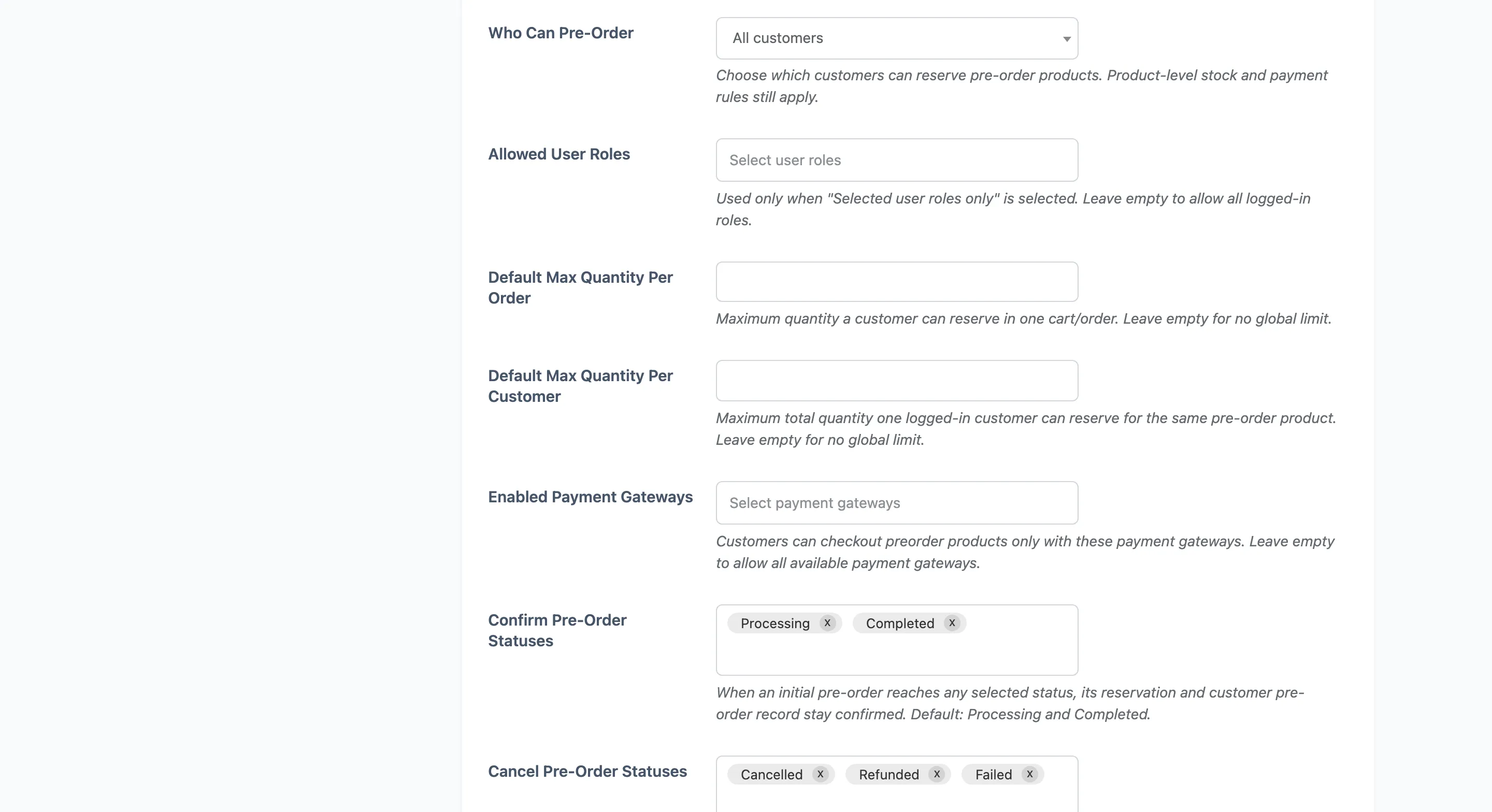
Who Can Pre-Order: Default All customers.
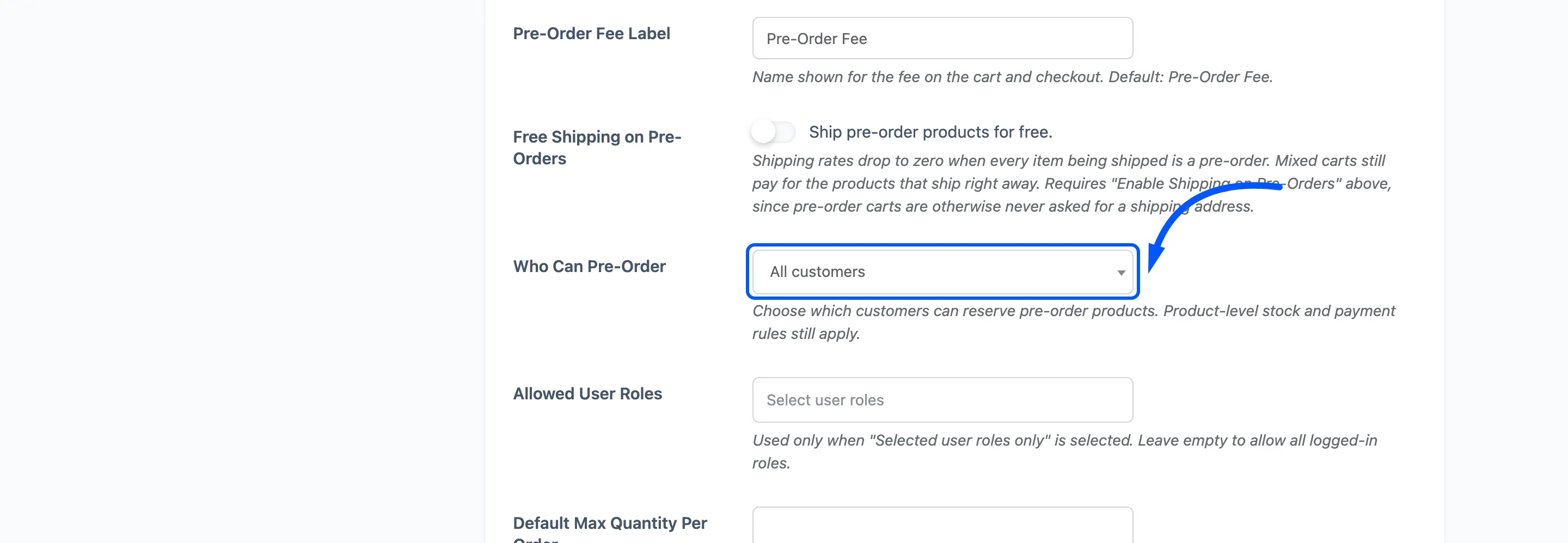
- All customers lets guests reserve.
- Logged-in customers only turns the pre-order button into a login prompt for guests.
- Selected user roles only narrows it further.
Allowed User Roles: Used only with the third option. Leaving it empty allows every logged-in role, which is the same result as the second option rather than a lockout.
Default Max Quantity Per Order and Default Max Quantity Per Customer. Both empty by default, meaning no limit.
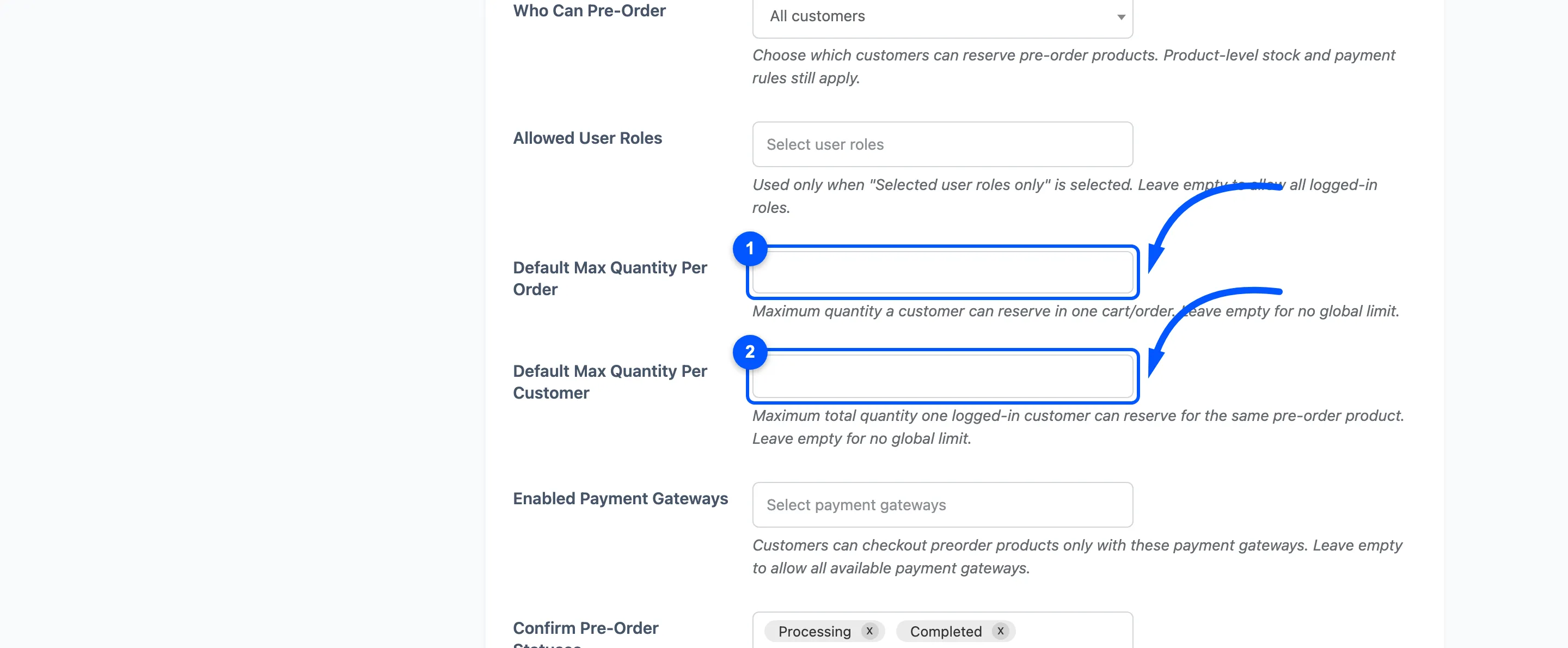
The first caps one cart. The second caps a customer across all their pre-orders of that product, and needs an account to work, since a guest cannot be counted. A limit set on the product itself wins over the value here, so these are the fallback rather than a ceiling.
Both are checked twice: when the item is added, and again before checkout.
Enabled Payment Gateways: Empty by default, meaning all available gateways.
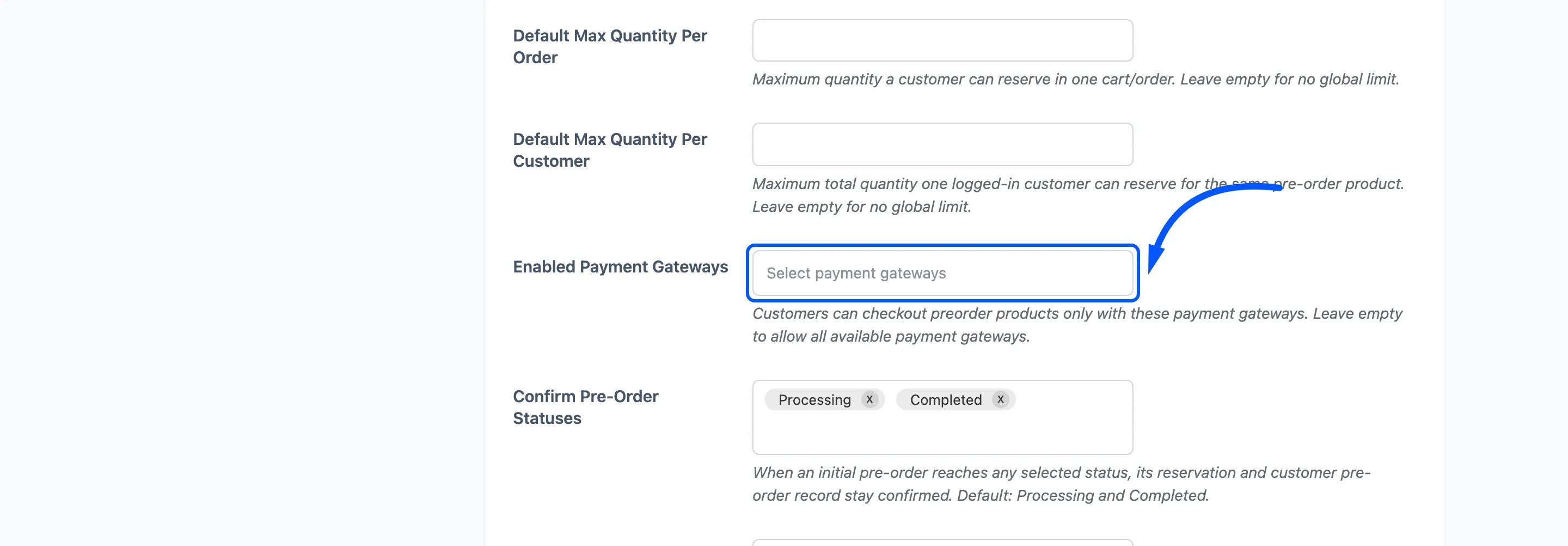
Pick one or more and any cart containing a pre-order offers only those. Useful when the balance is charged automatically later, because that needs a gateway that can store a card.
Order statuses
Section titled “Order statuses”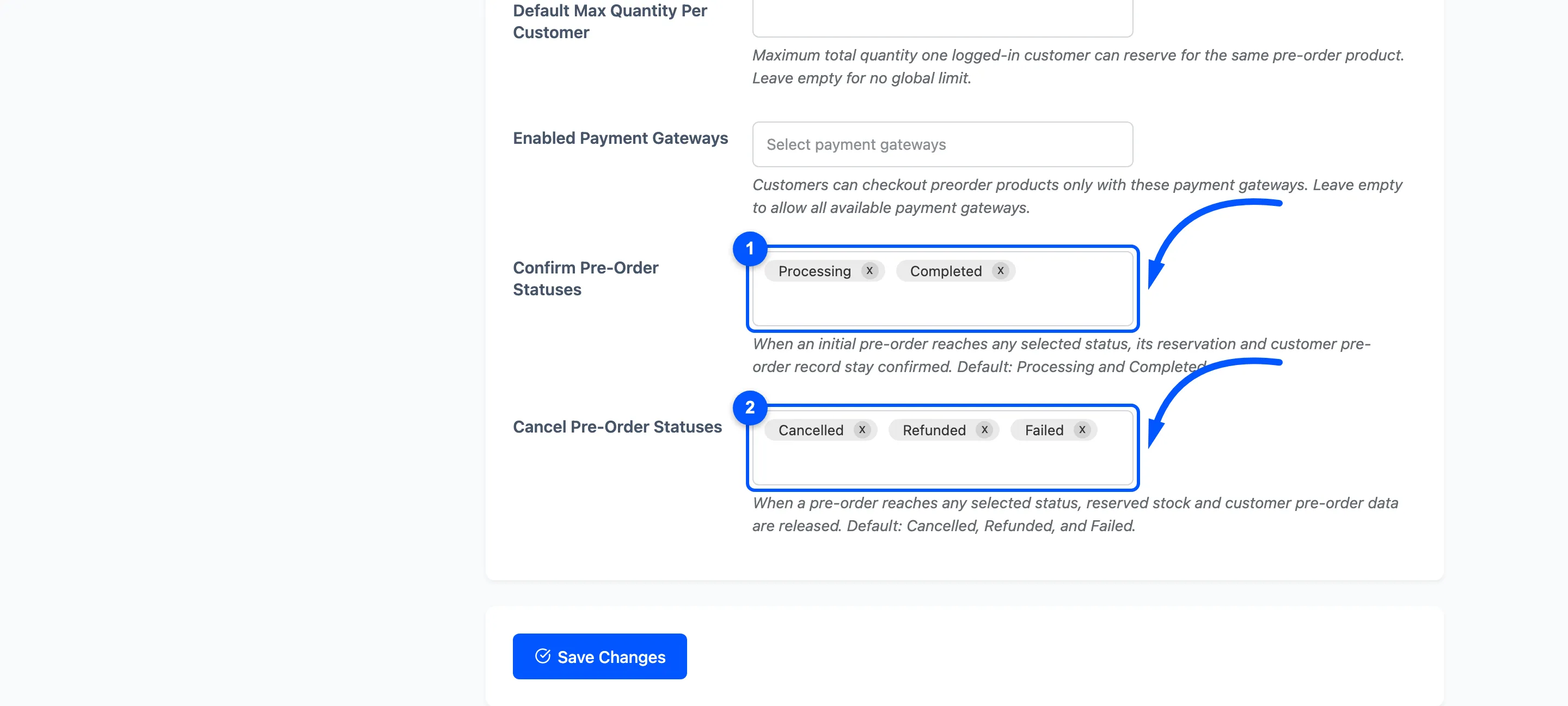
Confirm Pre-Order Statuses: Default Processing and Completed. Reaching one of these confirms the reservation and the customer’s record.
Cancel Pre-Order Statuses: Default Cancelled, Refunded and Failed. Reaching one of these releases the reserved stock and removes the customer’s record.
Emptying either list does not disable it. The plugin falls back to the defaults above.
Field summary
Section titled “Field summary”| Field | Default | Free |
|---|---|---|
| Shipping in Pre-Order | Off | Yes |
| Mixed Cart Checkout | Off | Yes |
| Auto-Charge on Release | Off | No |
| Pre-Order Fee, type and label | Empty, Fixed, Pre-Order Fee | No |
| Free Shipping on Pre-Orders | Off | No |
| Who Can Pre-Order, Allowed User Roles | All customers, empty | No |
| Max quantity per order and per customer | Empty | No |
| Enabled Payment Gateways | Empty (all) | No |
| Confirm and Cancel statuses | Processing, Completed / Cancelled, Refunded, Failed | No |