

Pre-Order Orders
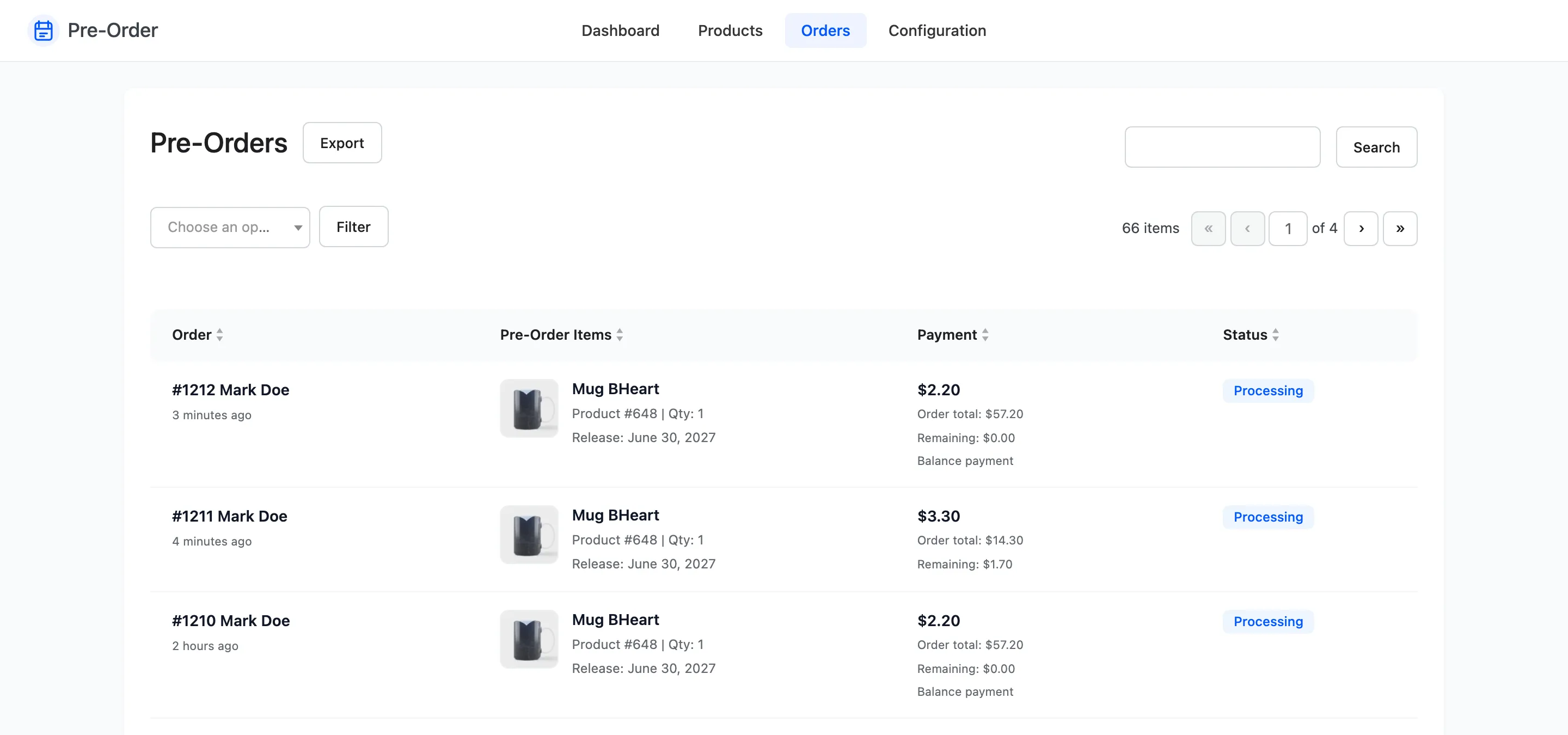
WooCommerce’s own Orders screen mixes pre-orders in with everything else. This one shows nothing but pre-orders, and adds the two columns that matter: what was reserved, and what is still owed.
Go to DevDiggers Plugins → Pre-Order → Orders.
The columns
Section titled “The columns”Order carries the order number, the customer name and the date. The number links to the full order in WooCommerce. Recent orders show a relative time, older ones a date.
Pre-Order Items lists only the pre-order lines, each with its thumbnail, product ID, quantity and release date.
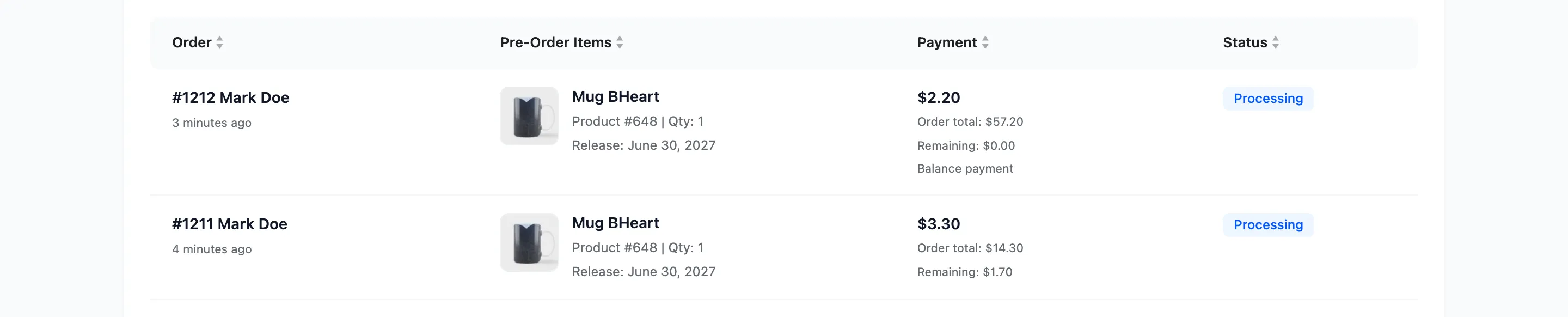
The release date shown is the product’s current date, not the date at the time of the order. Move a release and every existing order on this screen shows the new date, which is what you want when a customer asks.
Payment shows what the order collected for its pre-order lines, then the order total, then the remaining balance. An order that only settles a balance adds Balance payment under those figures.
Status is the WooCommerce order status. Hovering shows the latest order note where there is one.
Reading the remaining balance
Section titled “Reading the remaining balance”Remaining is the product’s full price for that quantity, minus what the order actually took for that line including tax.
It is zero on a full-payment pre-order, and it stays at its original figure on a deposit pre-order until the balance is paid. A row with a remaining balance and a released product is a customer you are waiting on.
It is also zero on a balance order, which is the order that settles a deposit rather than one that owes anything. Those rows are the ones marked Balance payment.
Filtering
Section titled “Filtering”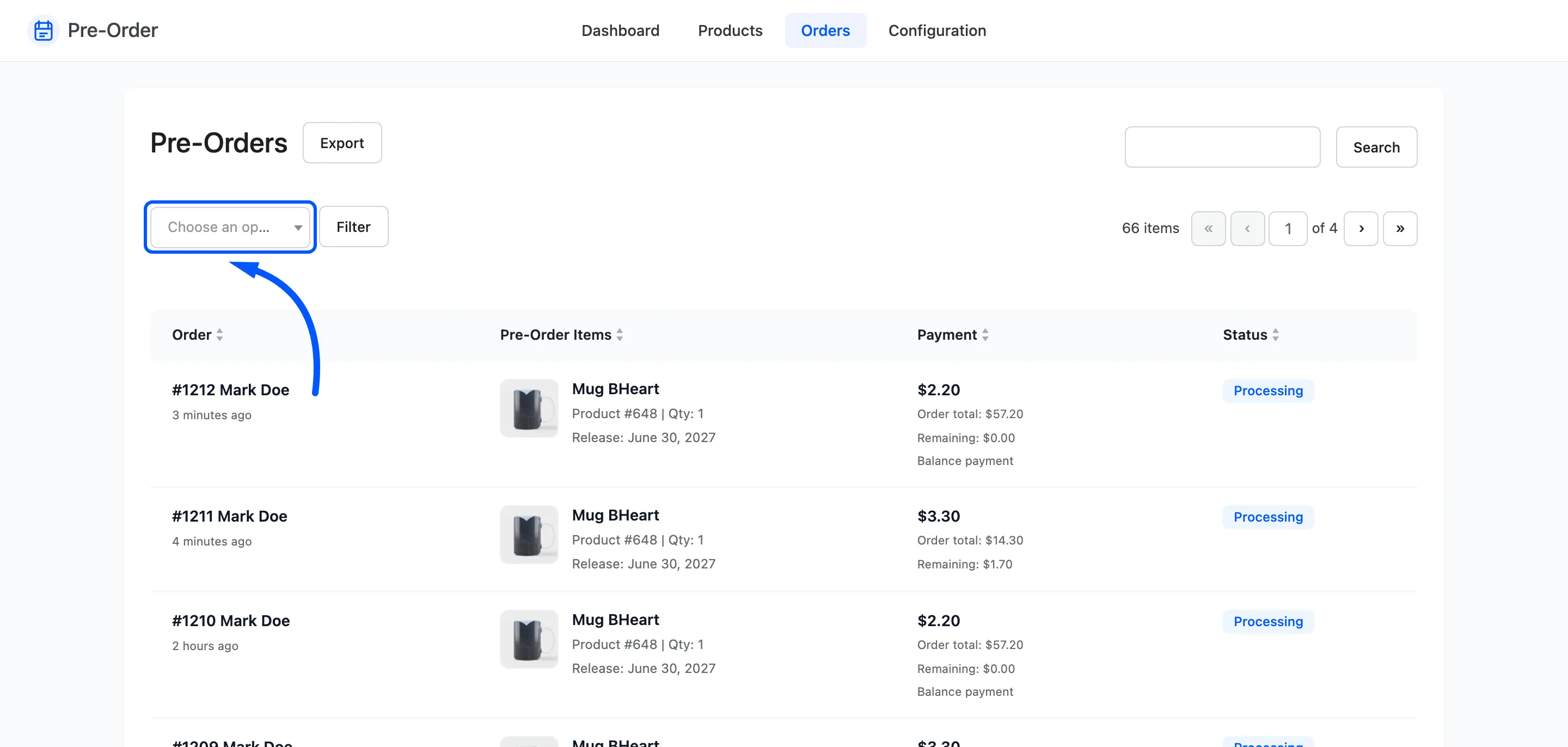
Filter by any WooCommerce order status, and search by order number. The search box takes a number only, because it matches the order ID rather than the customer.
Which orders appear
Section titled “Which orders appear”Any order the plugin flagged as containing a pre-order, in any status including trashed.
Two consequences worth knowing.
- Balance orders appear too. The second order that collects a deposit balance is itself a pre-order order, so a customer who has finished paying shows twice. The settling order carries the Balance payment label and a remaining figure of zero, so the pair is easy to read.
- Older orders can show a dash in the items column. That is an order flagged as a pre-order whose products no longer carry pre-order settings, usually because they were deleted after release.
What you cannot do here
Section titled “What you cannot do here”There are no bulk actions and no editing. This screen reports; the order itself is edited in WooCommerce, and the reservation is managed from Pre-Order Products.
Changing an order’s status in WooCommerce does reach back here: moving one to a cancel status releases the reserved stock and clears the customer’s record.
Exporting
Section titled “Exporting”Export opens the CSV wizard for orders, with fields including the remaining amount.