

The Quote Requests Screen
Every request sent from a Request a Quote button lands here. Open DevDiggers Plugins → Hide Price For Guest → Quote Requests.
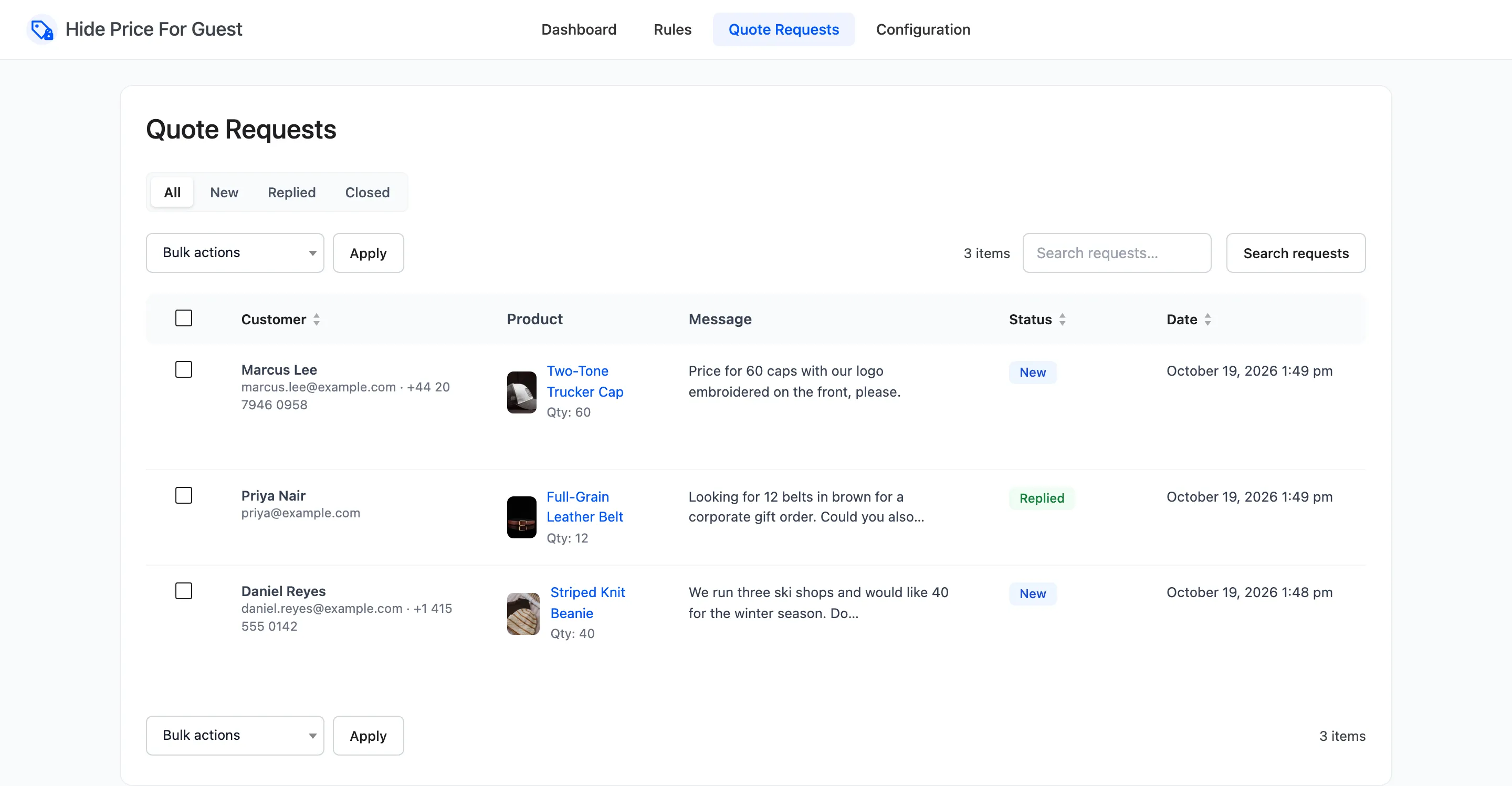
The list
Section titled “The list”- Customer: Name, email and phone.
- Product: The product with its picture, and the quantity asked for.
- Message: The start of the message.
- Status: New, Replied or Closed.
- Date: When it was sent.
Newest requests come first. Click Customer, Status or Date to sort by that column.
The tabs above the list filter by status: All, New, Replied and Closed.
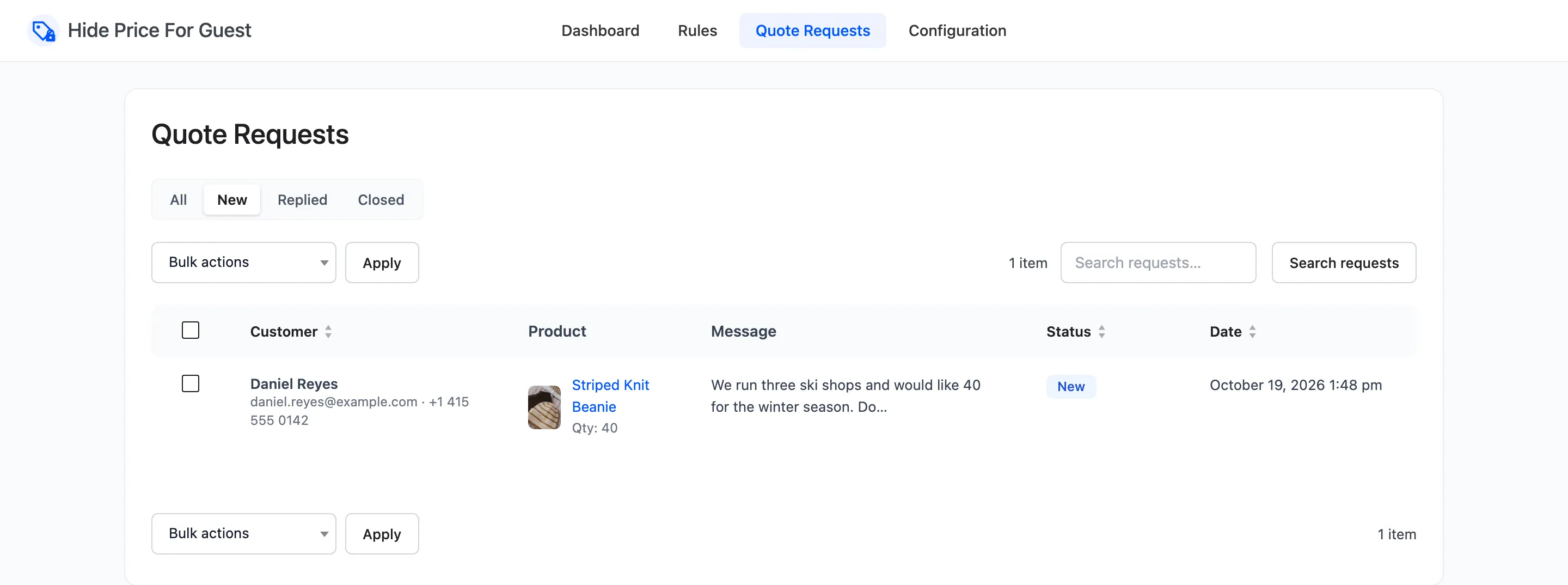
Search requests looks through names, email addresses and messages. Twenty requests show per page; change it under Screen Options at the top right.
Row actions
Section titled “Row actions”Hover a row:
- View opens the full request.
- Reply opens your email app with a message to the customer.
- Mark replied sets the status to Replied.
- Close sets it to Closed.
- Delete removes the request for good.
Bulk actions
Section titled “Bulk actions”Tick rows, then pick Mark as replied, Mark as closed or Delete under Bulk actions and click Apply.
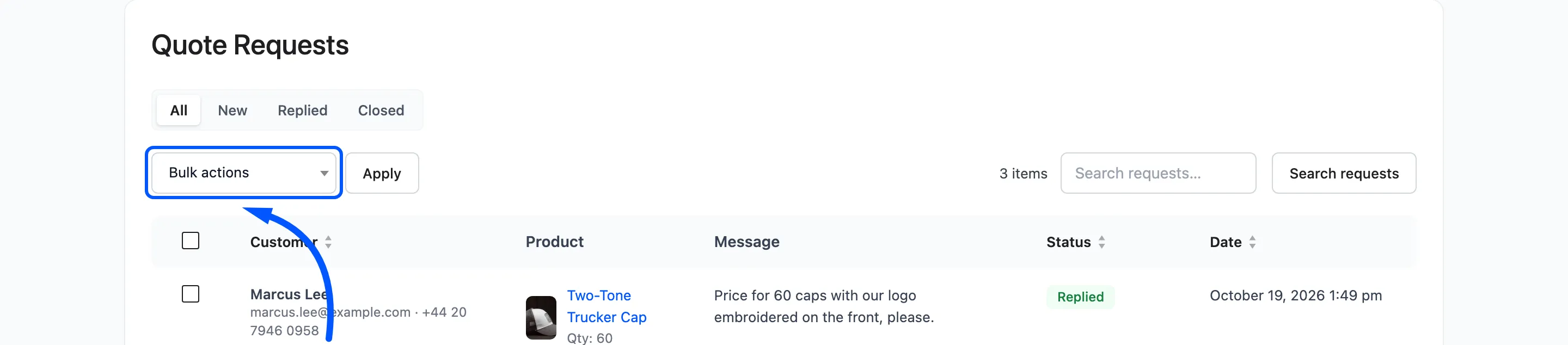
A single request
Section titled “A single request”View shows every field the customer filled in, the product with its current price, and the date.
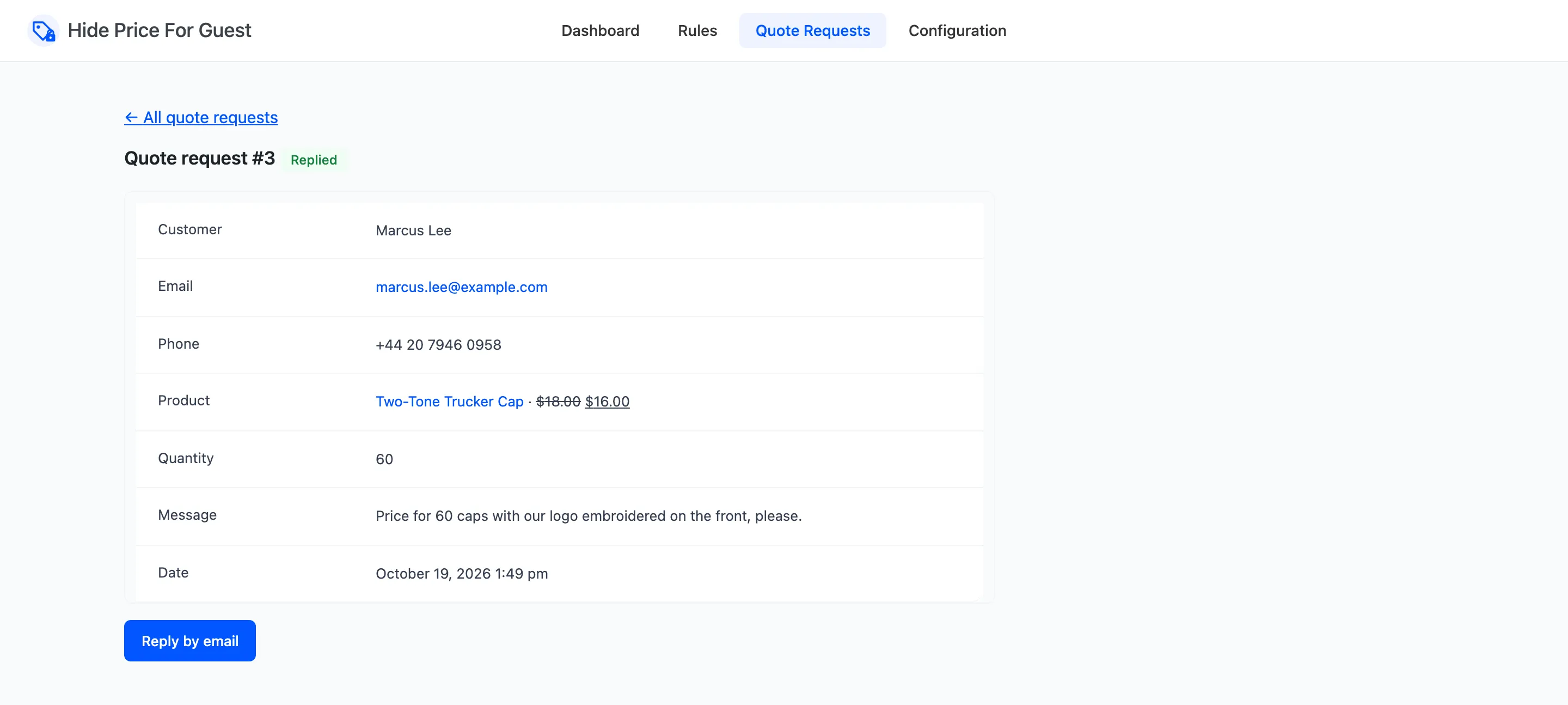
- Reply by email opens your email app with the customer’s address and a subject naming the product.
- Mark as replied sets the status, and shows while a request is New. It is not done for you: replying by email happens outside WordPress, so the plugin cannot see it.
What the statuses mean
Section titled “What the statuses mean”The statuses are for you. Nothing is sent to the customer when you change one. They let the New tab work as a to-do list, and they feed the dashboard’s Quote Requests by Status chart.
With no requests yet
Section titled “With no requests yet”The screen says “No quote requests yet” and links to the Display tab, where the quote action is chosen. A rule can use the quote action too.
How to Reply to Quote Requests takes a request from New to Closed.