

License Activation
The License tab connects your copy of the plugin to your DevDiggers purchase. The plugin is paid only, so every site that runs it needs an active license.
Go to DevDiggers Plugins → Hide Price For Guest → Configuration → License.
Activating
Section titled “Activating”- Enter the purchase code from your order.
- Enter the email address you bought with.
- Click Activate License.
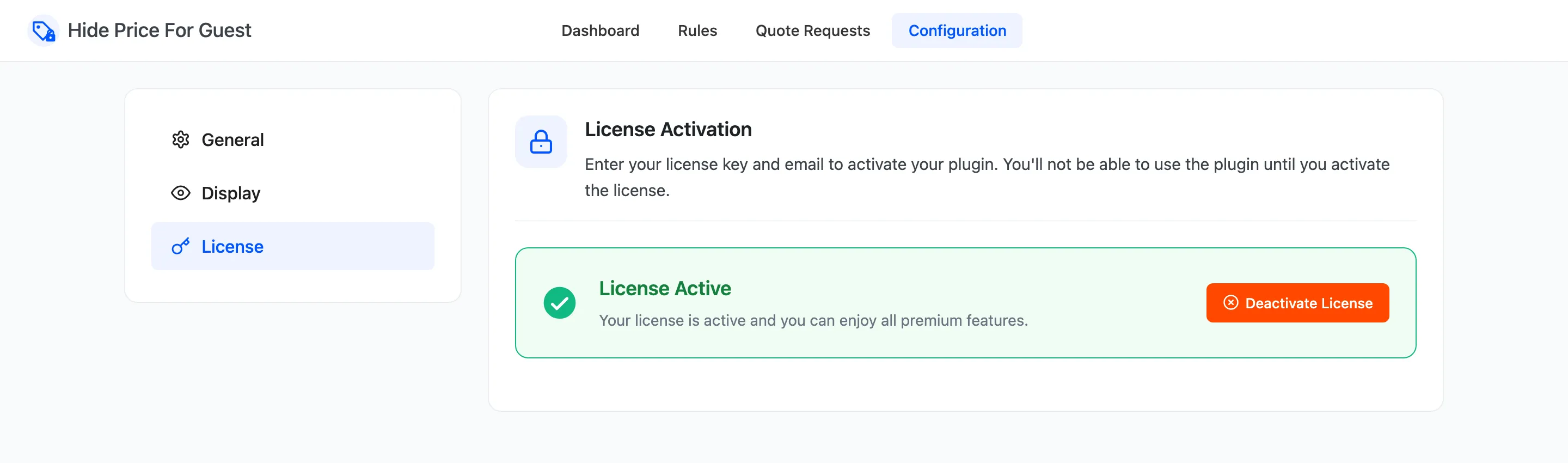
When it works, the form is replaced by a green box that reads License Active. DevDiggers explains where to find the code in How to find your license key.
The setup wizard has the same box on its second step. A license activated there is the license shown here. See The Setup Wizard.
What the license switches on
Section titled “What the license switches on”Until the license is active, nothing from the plugin runs on the storefront:
- Every price shows, to everyone.
- Every add to cart button works, and direct links add products to the cart.
- There is no replacement button, popup or quote form, so no clicks or quote requests arrive.
The admin screens keep working, so you can build rules before you activate. That makes the license easy to forget on a new site. If a rule seems to do nothing, check this tab first.
An active license also delivers plugin updates through the normal WordPress Updates screen.
Deactivating
Section titled “Deactivating”Deactivate License frees the license for another site. Use it when you move from a staging copy to the live store. Prices show again on this site straight away. Your rules, settings and quote requests stay saved.