

How to Turn Off Switcher Tracking
Tracking records two things: each time a shopper opens the switcher, and each switch. It is what the dashboard is built from. The data stays in your own database, and nothing is sent anywhere.
Step 1: Open Analytics
Section titled “Step 1: Open Analytics”Open Configuration → General and find Analytics.
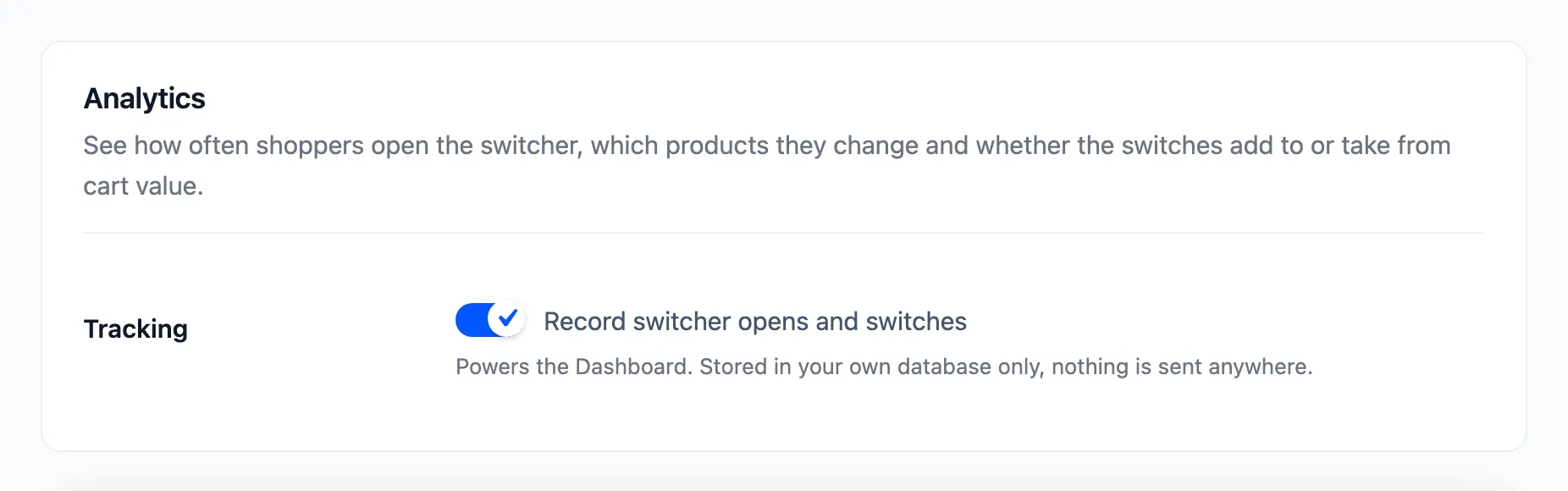
Step 2: Untick Tracking
Section titled “Step 2: Untick Tracking”Untick Record switcher opens and switches and click Save Changes.
Step 3: Check the dashboard
Section titled “Step 3: Check the dashboard”The dashboard keeps everything it already recorded and adds nothing new. A notice at the top says so, with a Fix it link back to the setting.

What a record holds
Section titled “What a record holds”- The time, the product, the option before and after, and the quantity.
- The price difference, and where it happened: the cart page, the checkout, the mini cart or a block.
- The customer’s account, for signed-in shoppers. Guests are recorded as guests, with no name, email or IP address.
Shoppers keep switching with tracking off. Only the dashboard stops filling up.