

How to Pause the Variation Switcher
During a stock count, a sale with fixed bundles, or while you test something else, you may want shoppers to stop switching for a while.
Step 1: Untick Enable
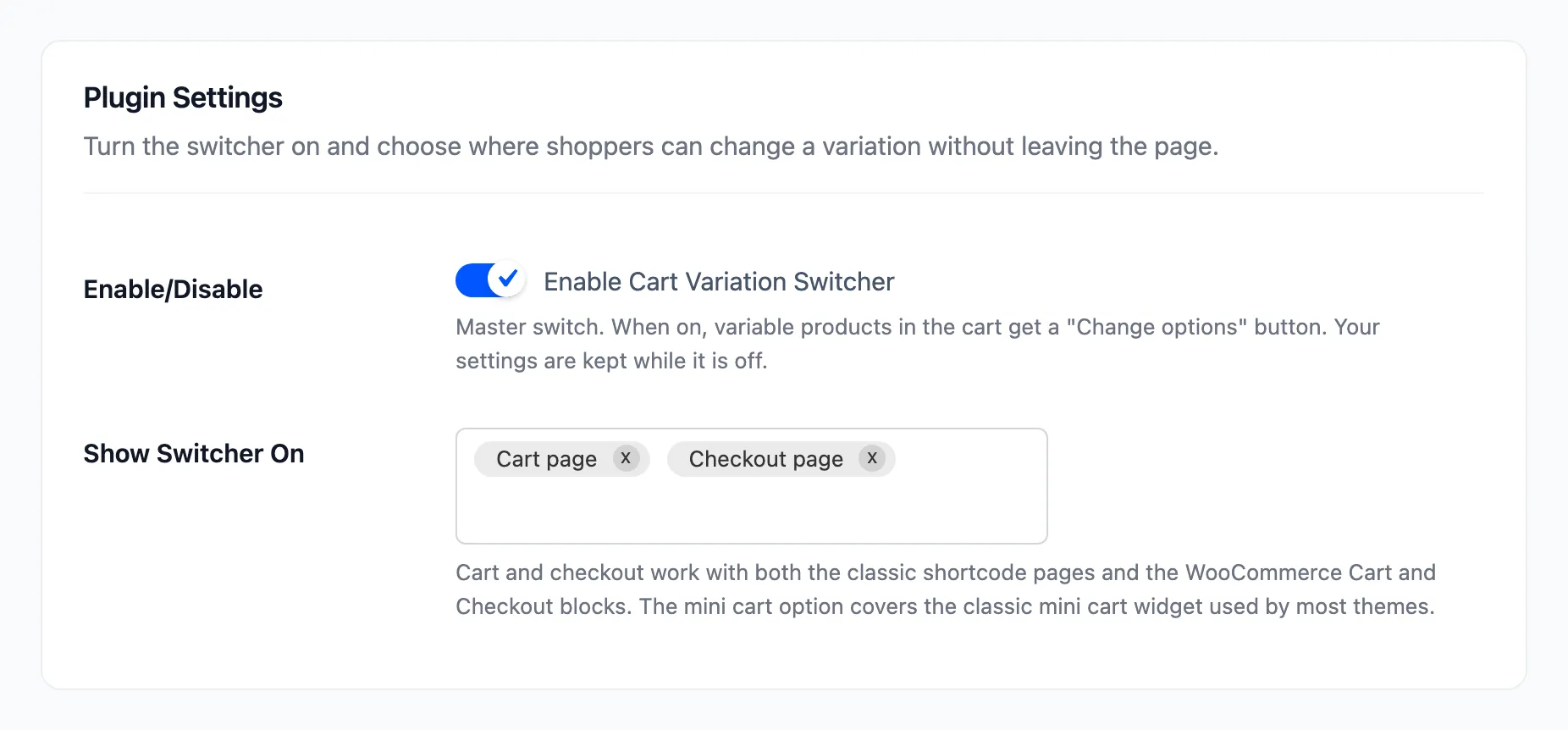
Section titled “Step 1: Untick Enable”Open Configuration → General. Untick Enable Cart Variation Switcher and click Save Changes.
Step 2: Check the storefront
Section titled “Step 2: Check the storefront”No cart, checkout or mini cart shows Change options. The dashboard says the switcher is off, with a Fix it link.

Display texts, rules and the dashboard’s history are all kept.
Step 3: Turn it back on
Section titled “Step 3: Turn it back on”Tick the box again and click Save Changes. The button comes back on the next page a shopper opens.
Other ways to stop it
Section titled “Other ways to stop it”- Show Switcher On empty keeps the plugin on but shows it nowhere. The dashboard warns about that too.
- User Roles under Rules can keep it to your own role while you test.

Re-running the setup wizard does not switch it back on. A store that saved Enable off keeps it off in the wizard’s Setup step.