

How to Limit the Switcher to Some Products
Out of the box, every variable product gets the switcher. To try it on a few products first, or to keep it to clothing, list them.
Step 1: Open Limit to Products
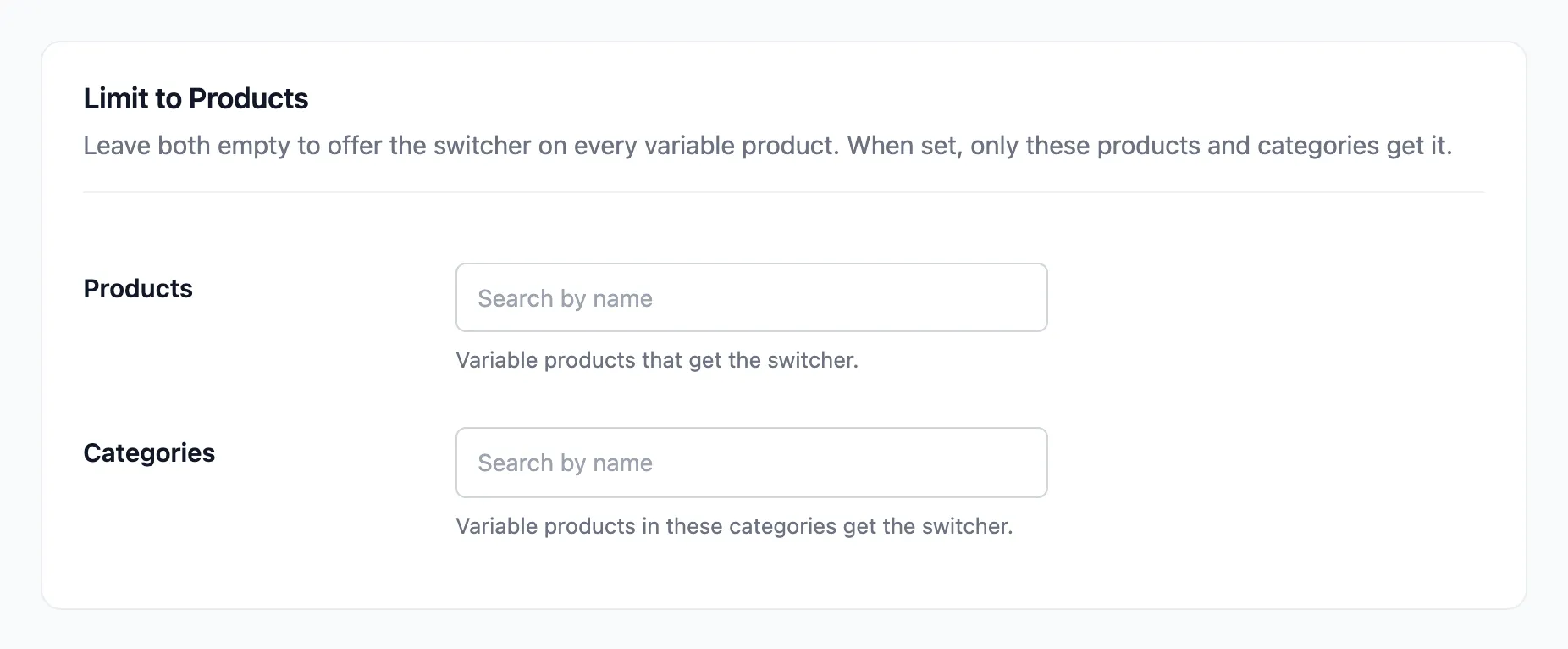
Section titled “Step 1: Open Limit to Products”Open Configuration → Rules and find Limit to Products. Both fields start empty.
Step 2: Pick products or categories
Section titled “Step 2: Pick products or categories”- Products: Type a product name and pick it.
- Categories: Pick one or more categories.
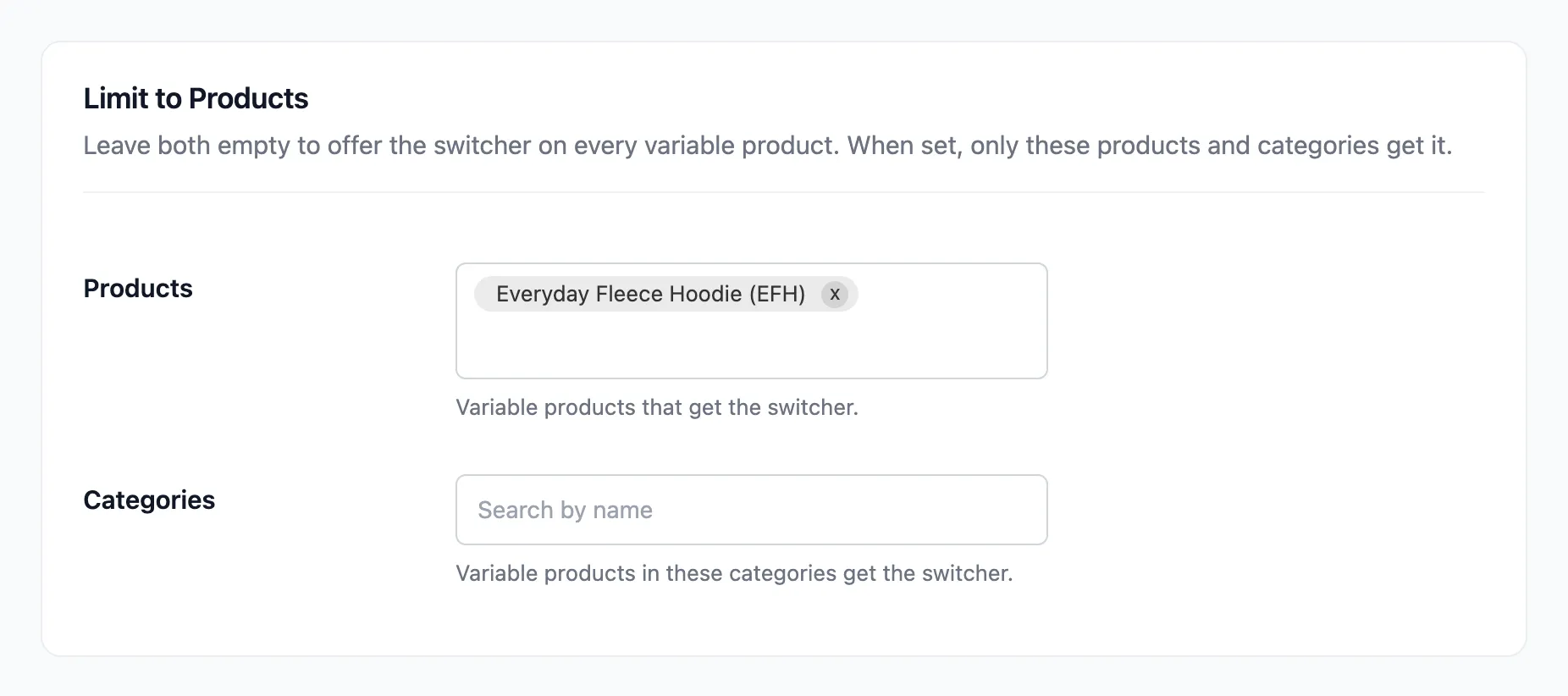
The demo limited the switcher to the Everyday Fleece Hoodie.
Step 3: Save
Section titled “Step 3: Save”Click Save Changes. A product needs to be in Products or in one of the Categories. It does not need both.
Good to know
Section titled “Good to know”- Leave both empty to go back to every variable product.
- Exclusions win over this list. A product listed here and excluded below gets no switcher.
- A product added to a listed category later gets the switcher too, because the category is checked each time.