

The Shopper Experience
Shoppers meet the plugin as one button, Change options, wherever their cart is shown. This page walks through each place on the demo store.
On the cart page
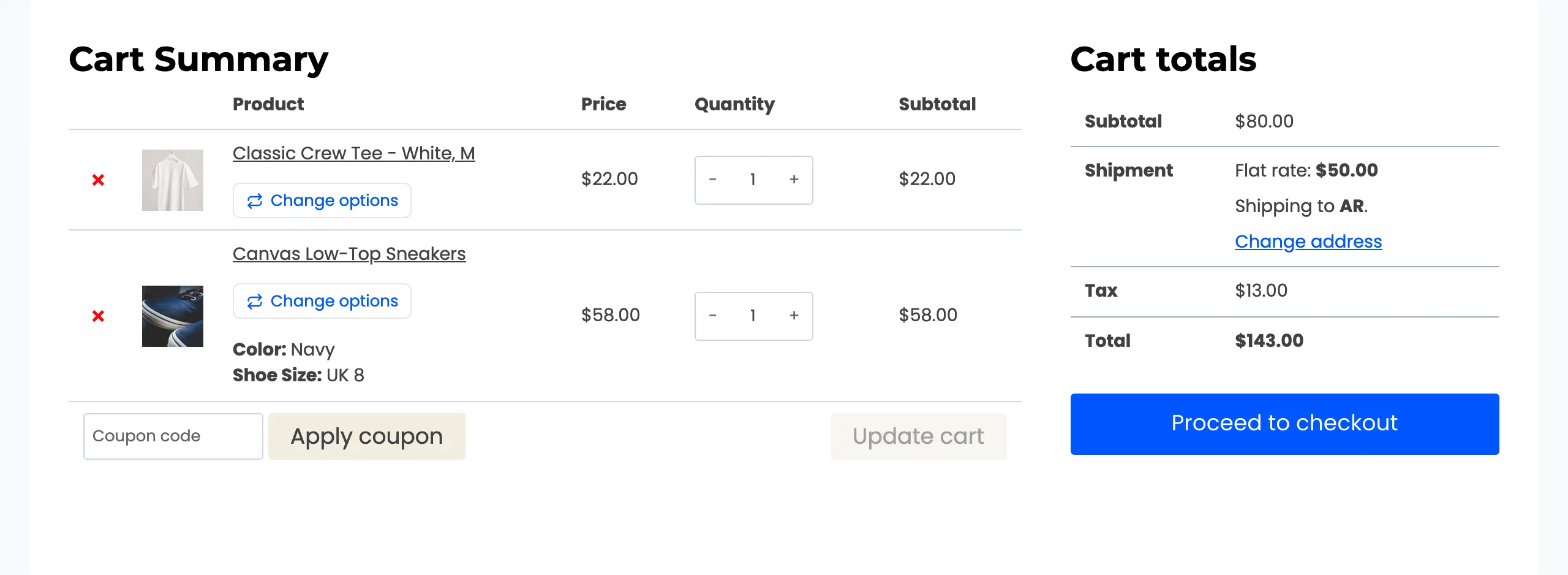
Section titled “On the cart page”The button sits under the product name of every variable product that can switch.
It opens a popup over the cart, on the option that is already in it.
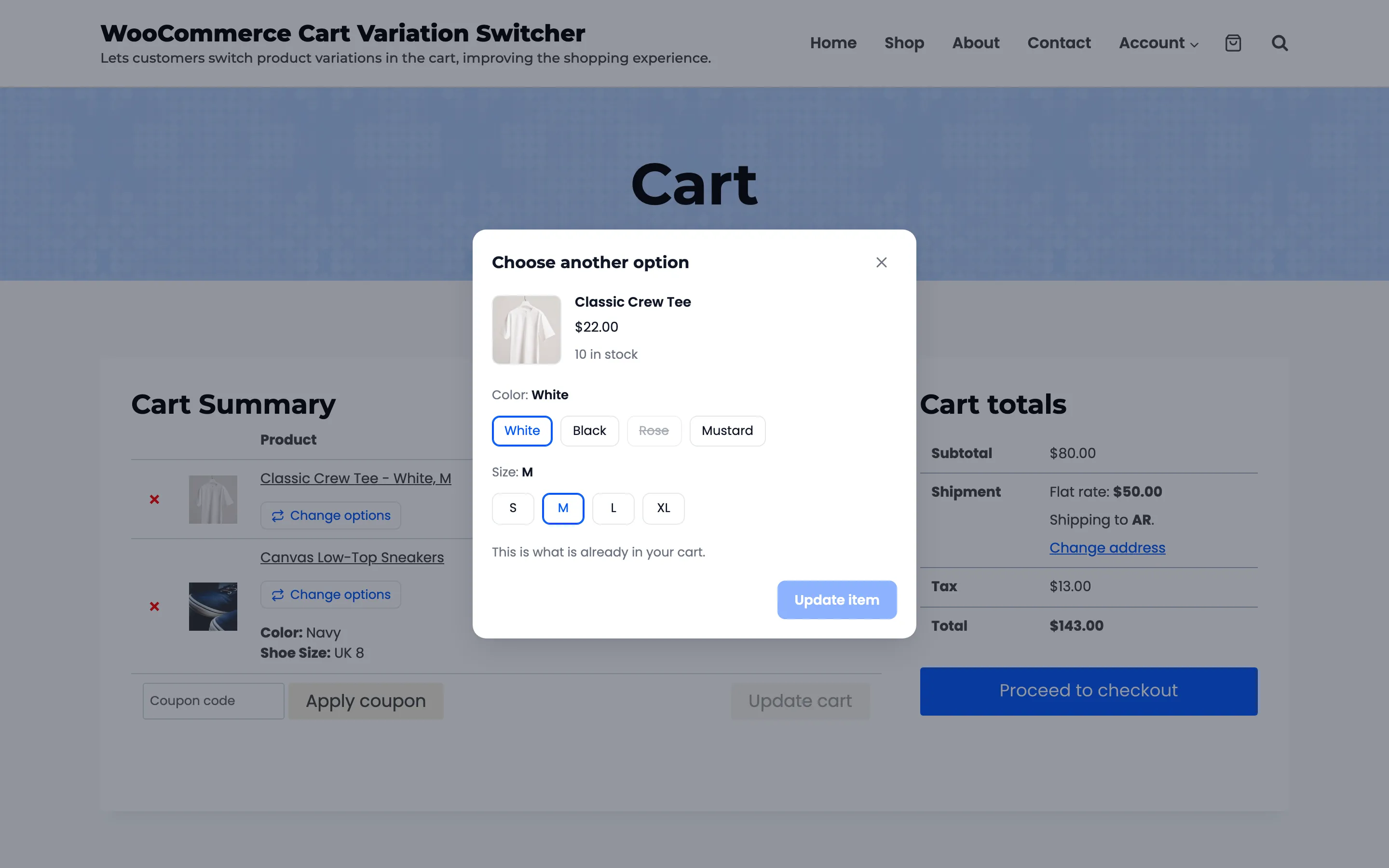
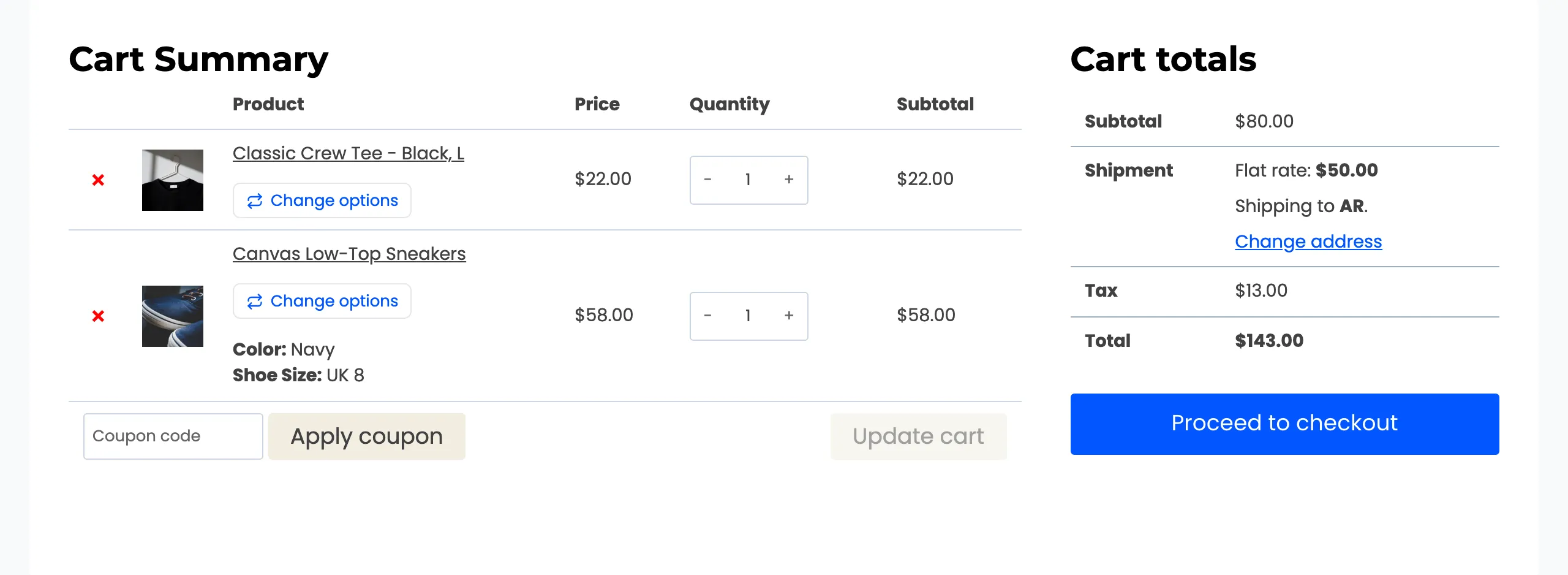
Shoppers pick a new option, see its price and stock, and press Update item. The line changes in place.
The popup closes with Escape, the cross or a click outside it. Keyboard users can tab through the options and the button without leaving the popup.
Inline, under the cart item
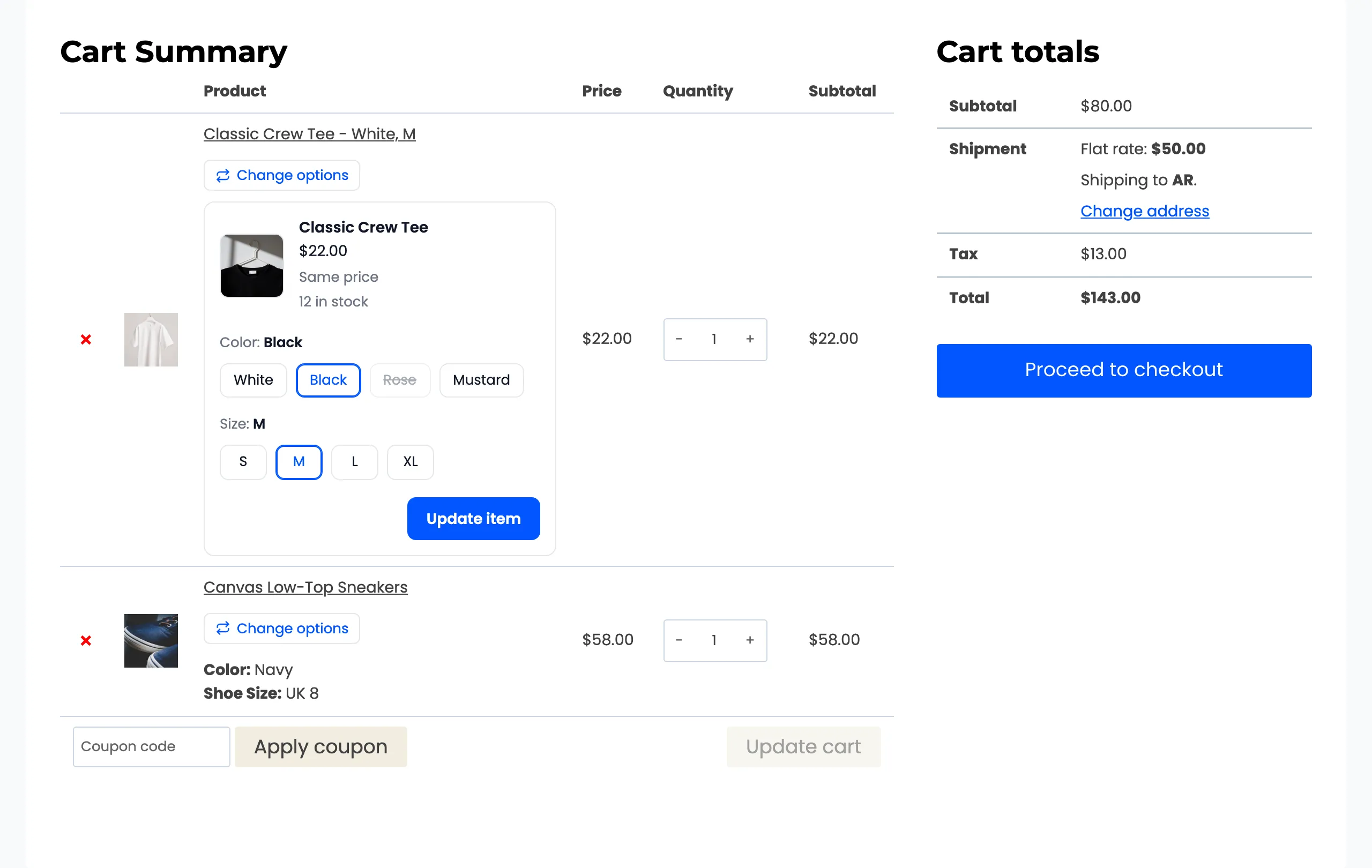
Section titled “Inline, under the cart item”With Open Switcher In set to Inline, the same choices open under the item instead of in a popup. This works on the classic cart page. The checkout, the mini cart and the blocks still use the popup.
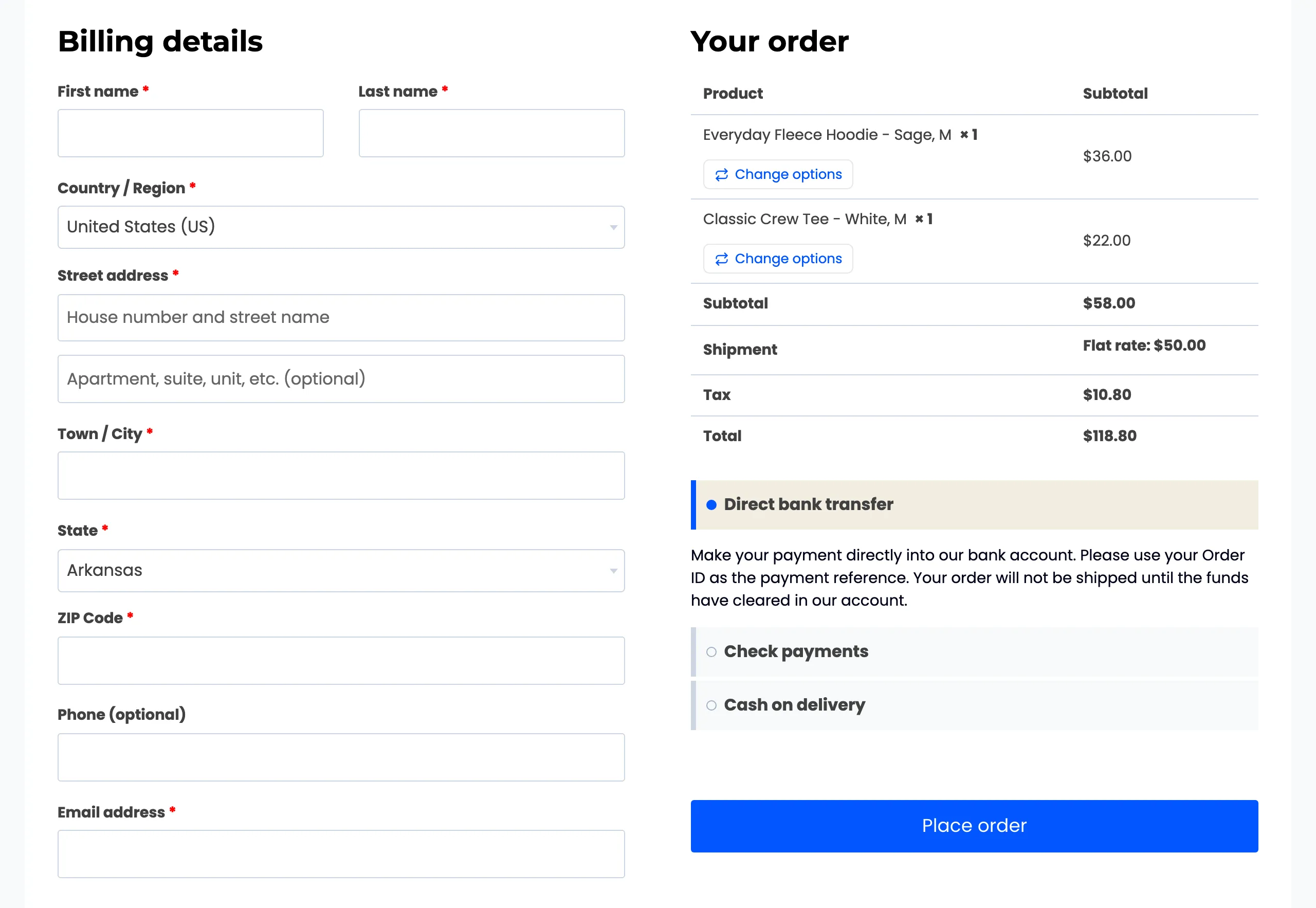
On the checkout page
Section titled “On the checkout page”In the order summary, the button sits under each item’s quantity. A switch here refreshes the order summary, shipping and tax without leaving the page.
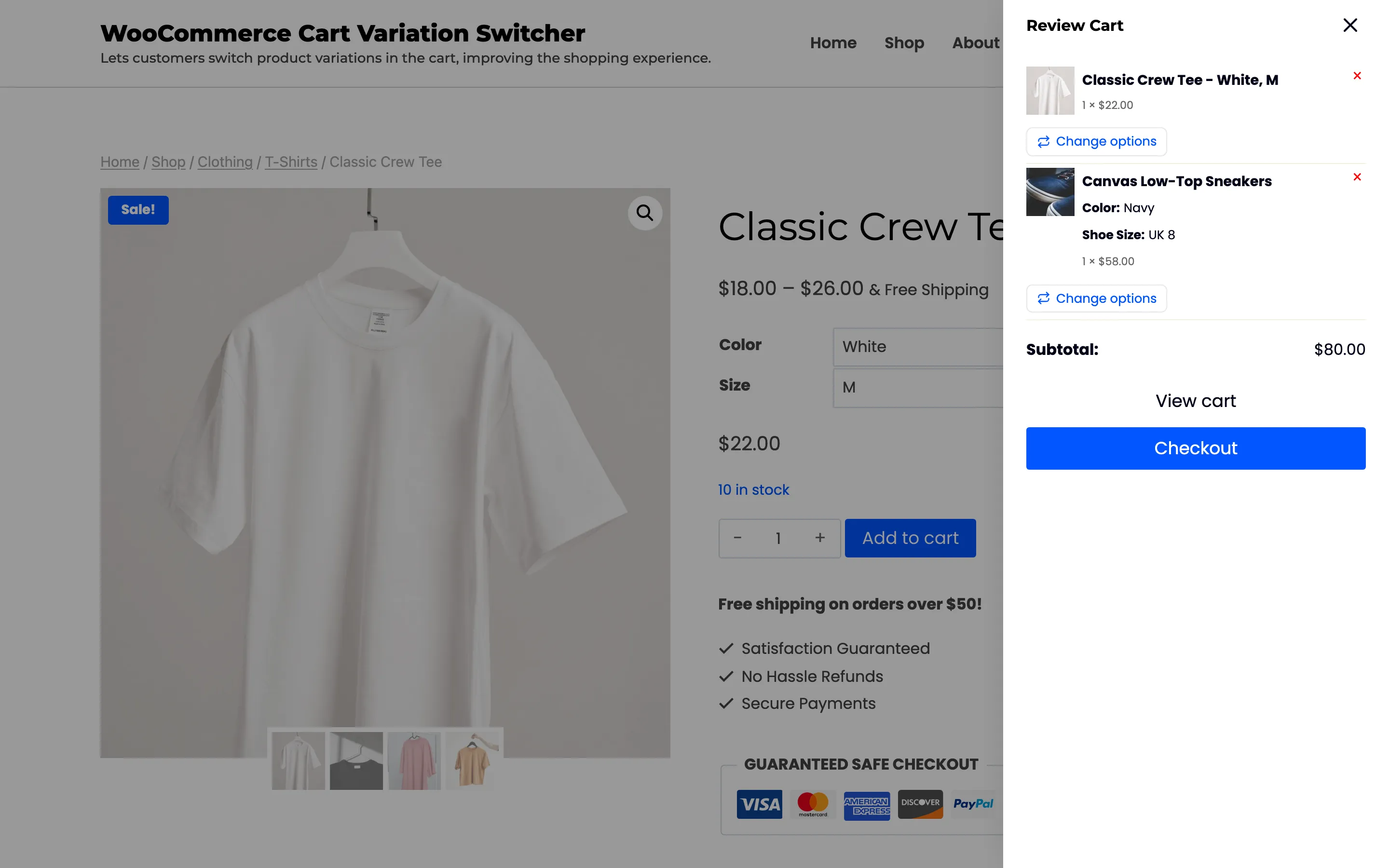
In the mini cart
Section titled “In the mini cart”With Mini cart widget picked under Show Switcher On, the button also shows in the theme’s header or side cart.
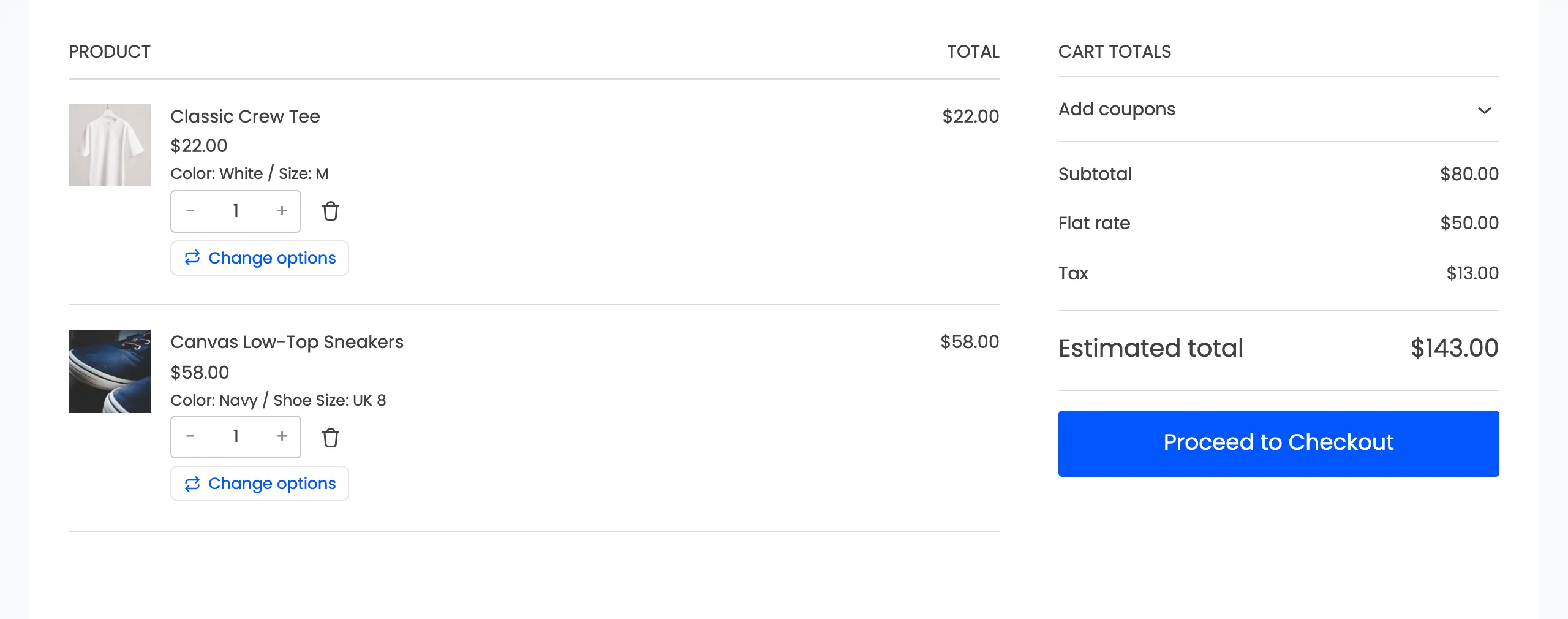
In the Cart and Checkout blocks
Section titled “In the Cart and Checkout blocks”Stores on the WooCommerce Cart and Checkout blocks get the same button, under each item.
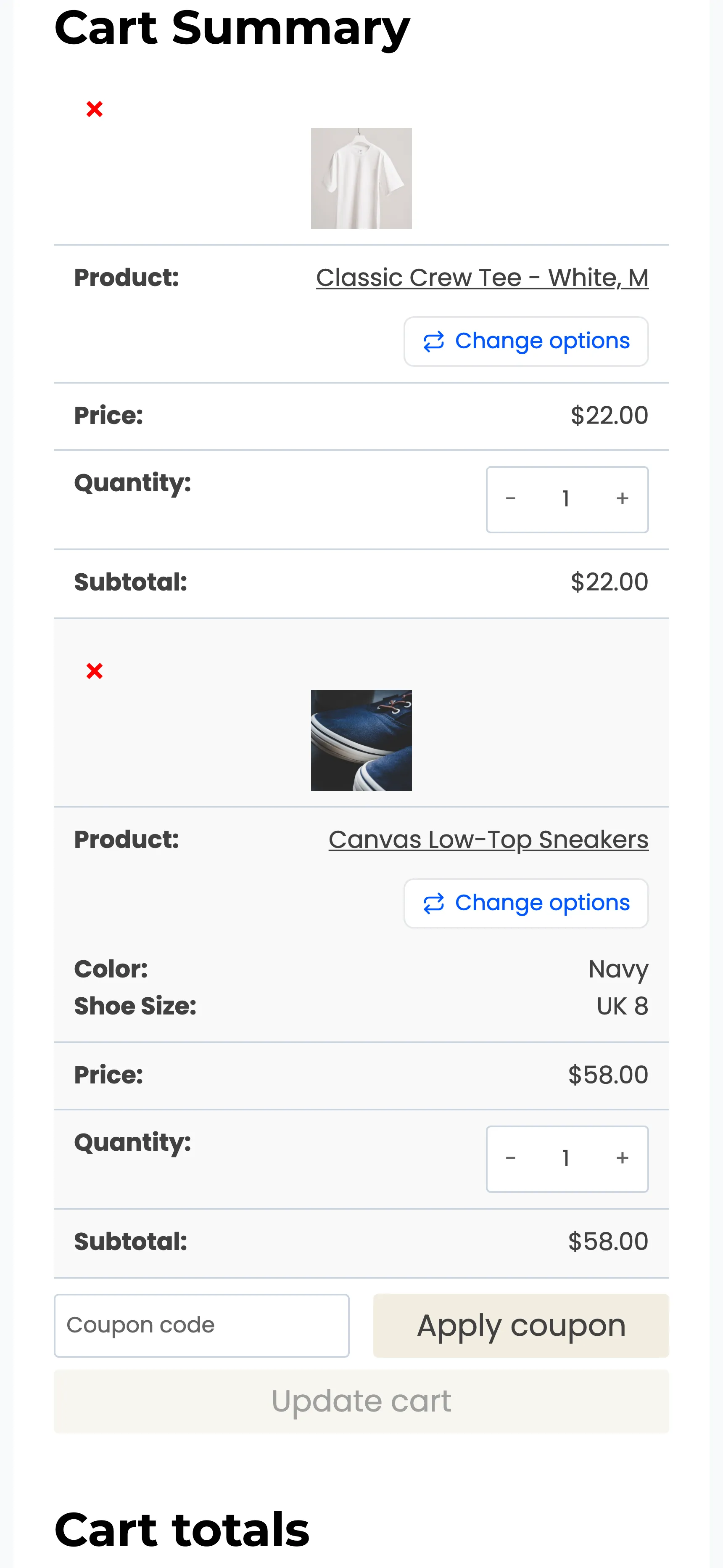
On a phone
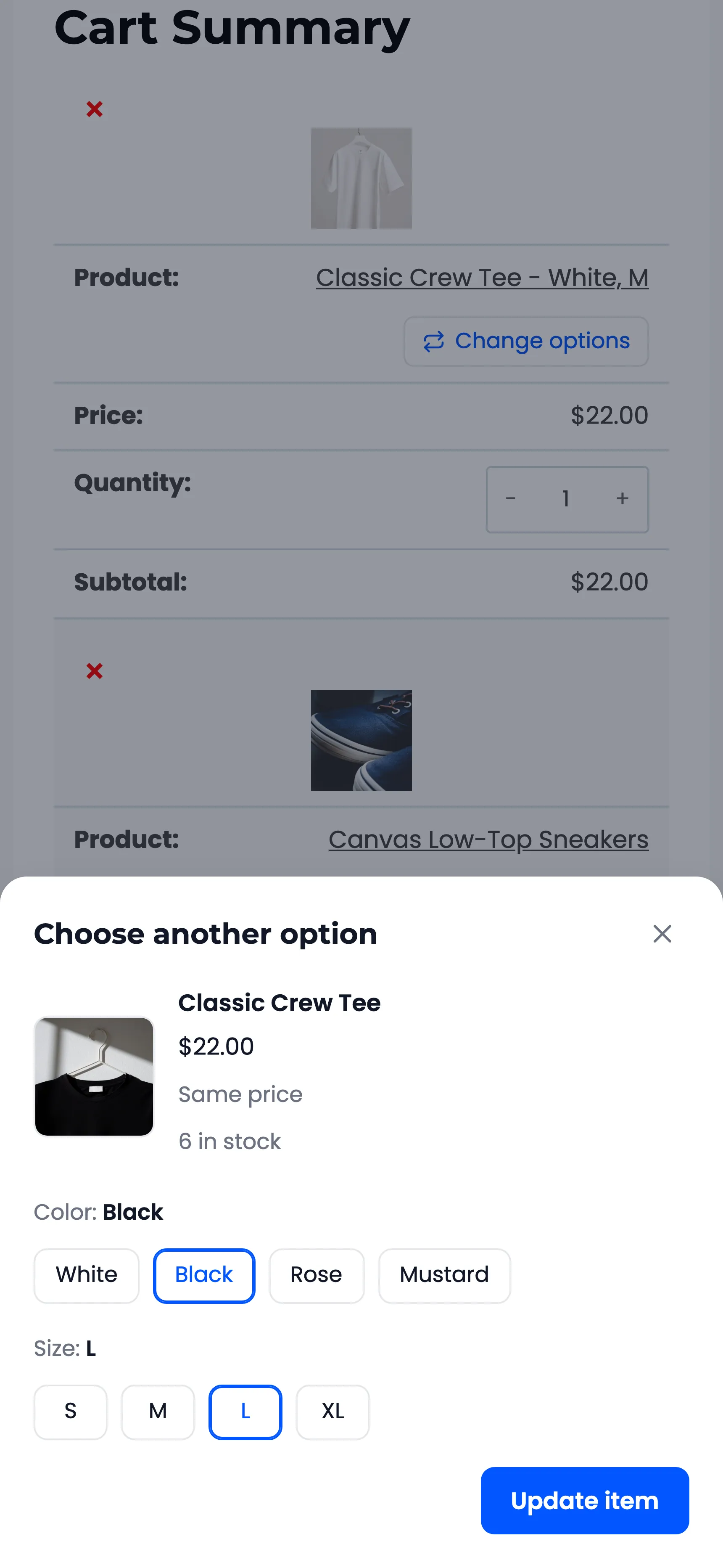
Section titled “On a phone”The cart table stacks on a narrow screen, and Change options stays under each product’s name.
The switcher opens as a sheet from the bottom of the screen, with the update button in easy reach of a thumb.
Messages shoppers can see
Section titled “Messages shoppers can see”- This is what is already in your cart. The chosen option is the one in the cart.
- Same price, +$4.00 or −$4.00: The difference from the option in the cart. With more than one in the cart, it reads +$4.00 each.
- Out of stock: The chosen option cannot be bought right now.
- Sorry, only 3 of this option are in stock. The cart holds more than the store has.
- This option can only be bought once per order and is already in your cart. The product is sold one per order.
- Item updated. The switch went through.
None of these needs setting up. The button text, the popup title and the update button text can be changed under Configuration → Display.