

Rules
The Rules tab decides which shoppers and which products get the switcher. Open DevDiggers Plugins → Cart Variation Switcher → Configuration → Rules. With everything empty, as shipped, every shopper can switch every variable product.
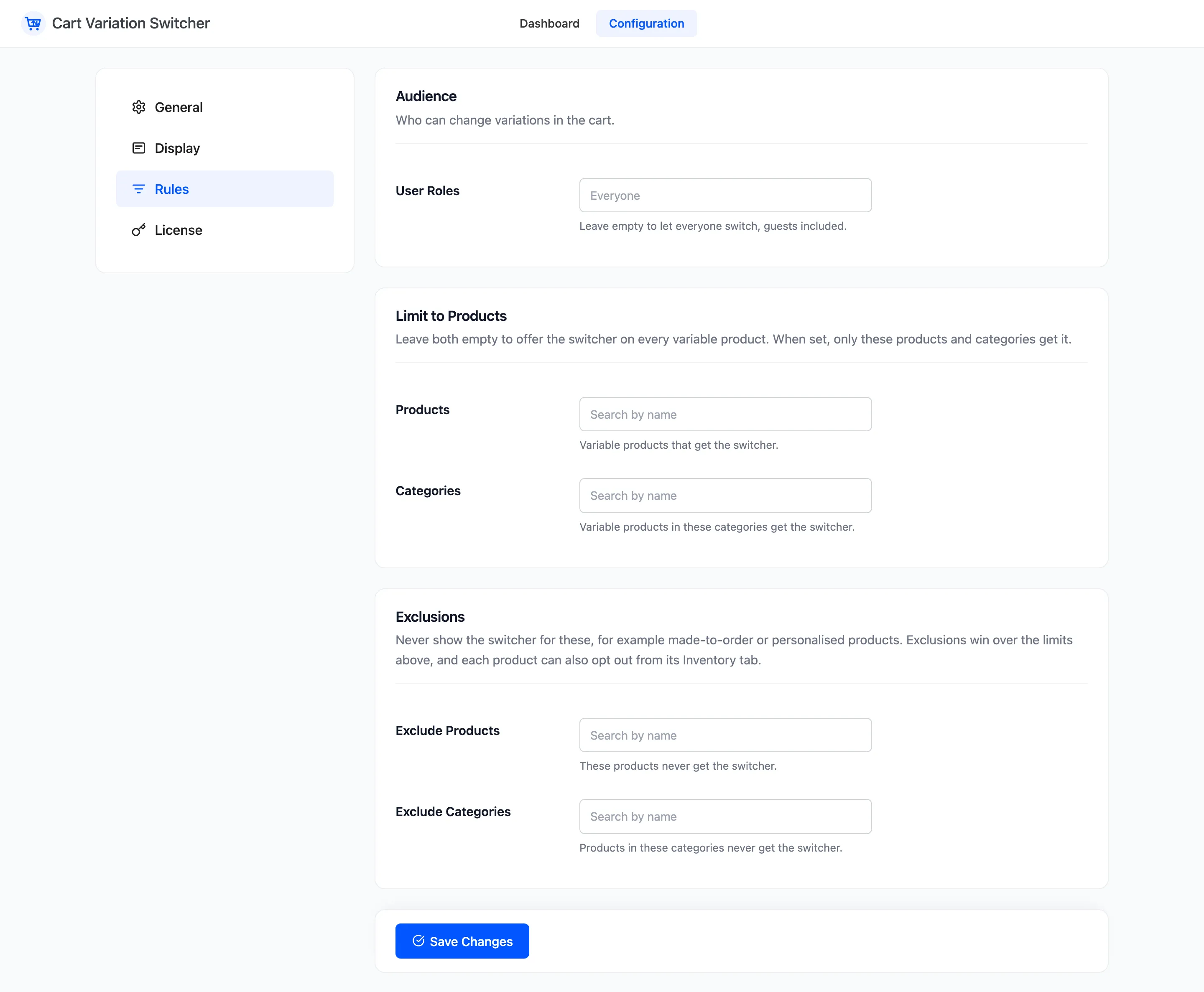
Audience
Section titled “Audience”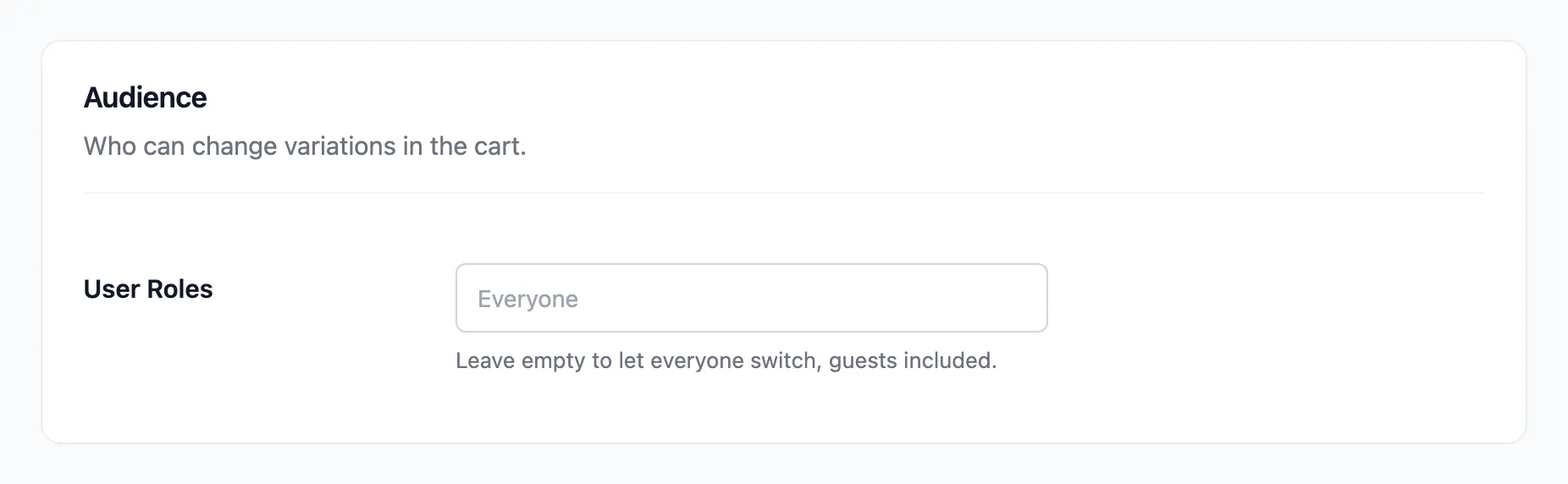
- User Roles: The roles that can switch. Empty by default, which means everyone, guests included. The list starts with Guests (not logged in), then every role on your site.
Pick Customer alone, and guests see no button while signed-in customers do.
Limit to Products
Section titled “Limit to Products”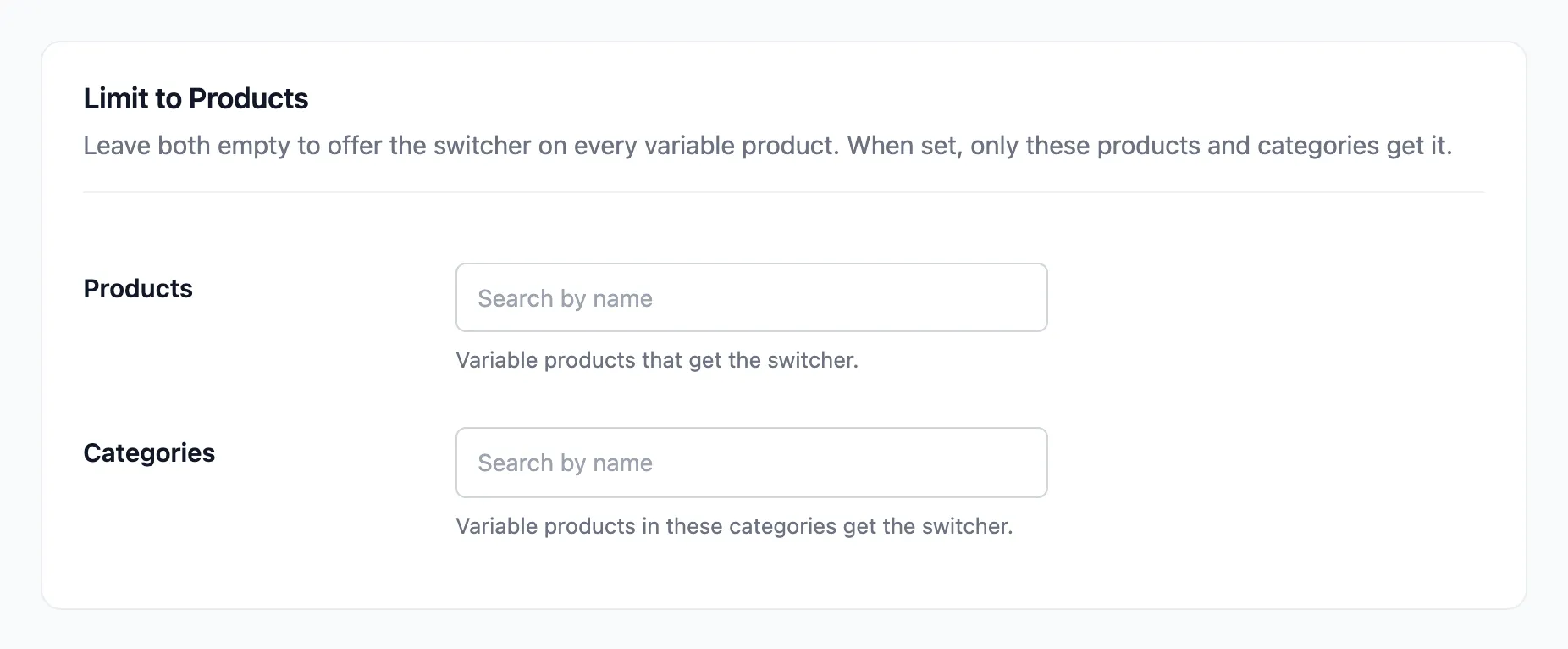
- Products: Variable products that get the switcher.
- Categories: Variable products in these categories get the switcher.
Leave both empty to offer the switcher on every variable product. Fill either one and only the products listed, or in the categories listed, get it. A product needs to match one of the two, not both.
Exclusions
Section titled “Exclusions”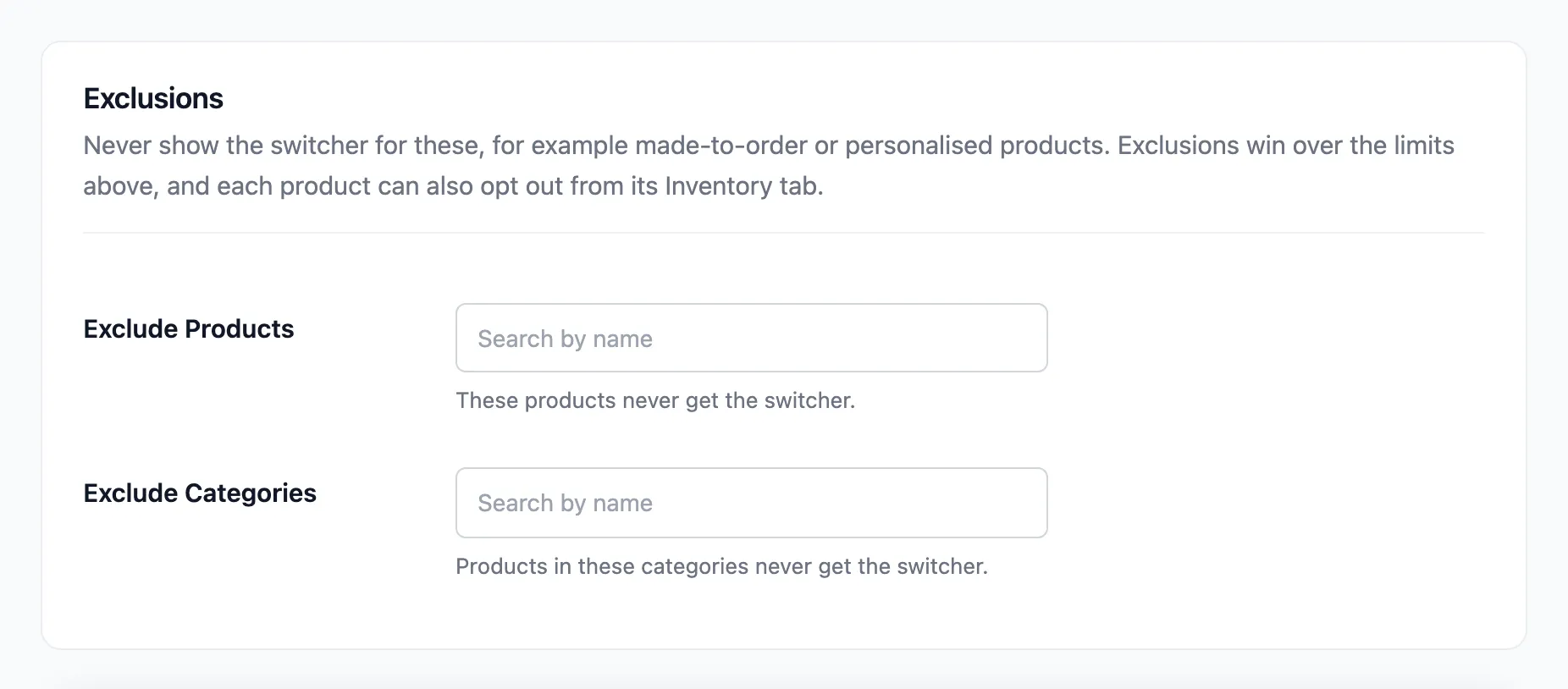
- Exclude Products: These products never get the switcher.
- Exclude Categories: Products in these categories never get the switcher.
Exclusions win over the limits above. A product in both lists stays out.
Each product can also opt out from its own Inventory tab, with the Cart variation switcher box. See The Product Screen.
Click Save Changes at the bottom of the tab.
The order the checks run in
Section titled “The order the checks run in”- The product’s own opt out.
- The shopper’s role, when User Roles is set.
- Exclude Products and Exclude Categories.
- Products and Categories, when either is set.
A product that fails any one of these shows no button. Items already showing a button in an open cart pick up the change on the next page load.