

Cart Variation Switcher Setup Wizard
The wizard opens the first time you activate the plugin. It has five steps and saves as you go. Every choice in it is also on the Configuration tabs, so nothing here is final.
To open it again, click Setup Wizard under the plugin on the Plugins screen.
Step 1: Welcome
Section titled “Step 1: Welcome”A short note on what the plugin is for. Click Continue. Skip Setup leaves the wizard and opens the dashboard without saving anything.
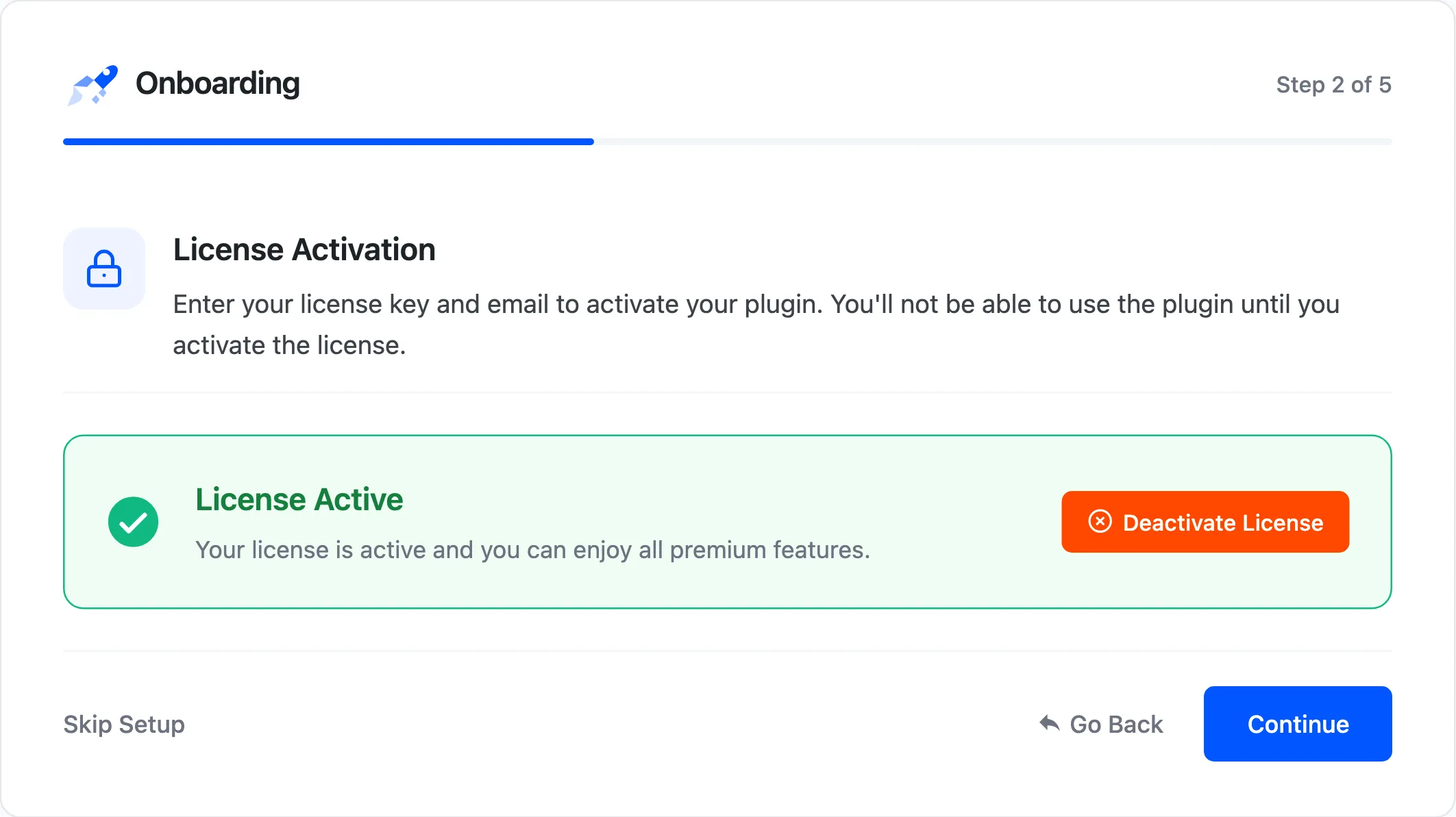
Step 2: License
Section titled “Step 2: License”Shows whether your license is active. The wizard does not move on until it is, so activate it first under Configuration → License if this step says otherwise.
Step 3: Setup
Section titled “Step 3: Setup”Where shoppers can switch, and how the switcher opens.
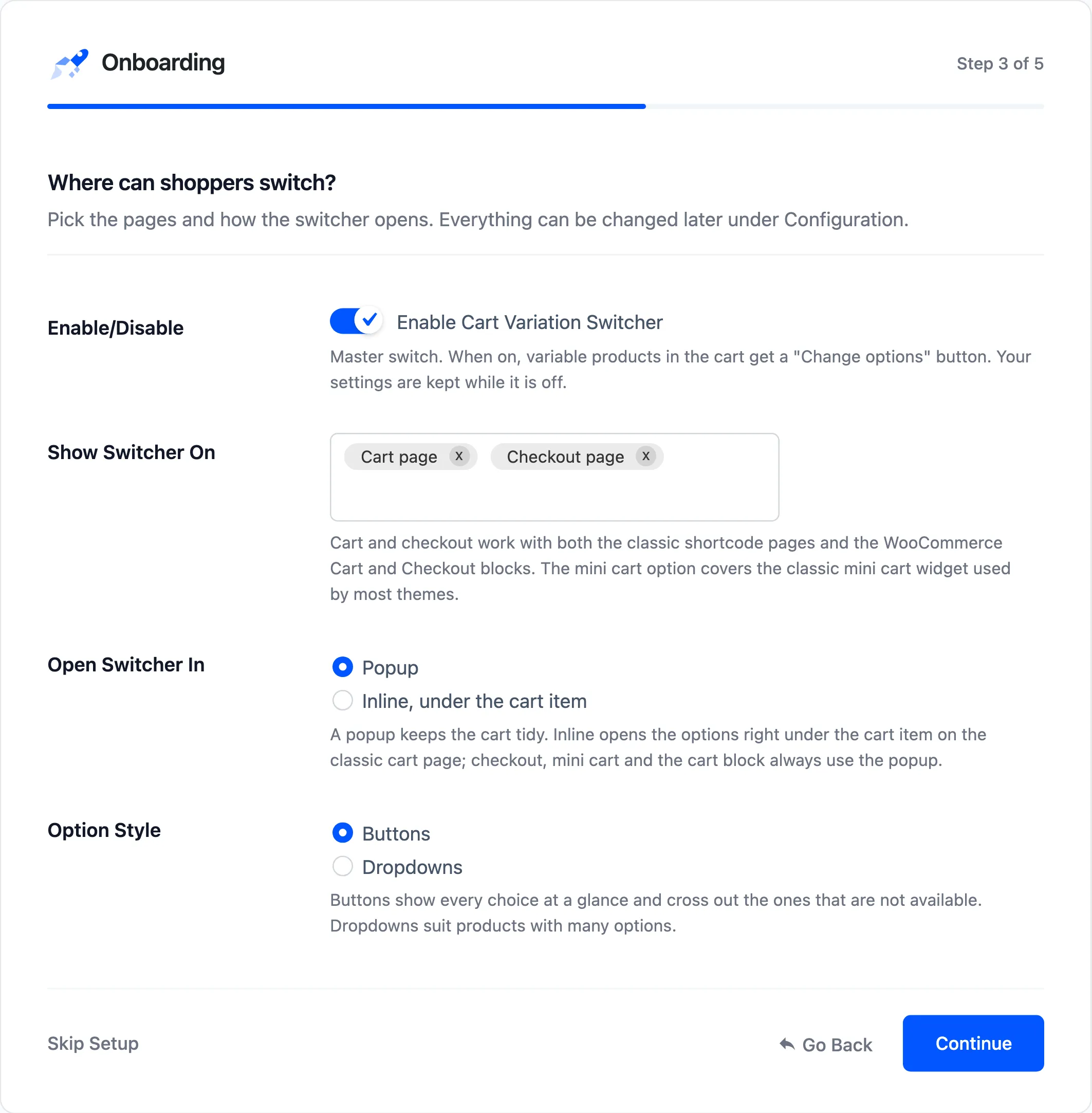
- Enable/Disable: Ticked on a new install, so pressing Continue switches the switcher on. A store that saved it off before keeps it off here.
- Show Switcher On: Cart page and Checkout page to start with. Add Mini cart widget for the header or side cart.
- Open Switcher In: Popup, or Inline, under the cart item on the classic cart page.
- Option Style: Buttons or Dropdowns.
On the demo, the wizard was walked with all three pages, Inline and the SKU switched on. All three were saved exactly as picked.
Step 4: Preview
Section titled “Step 4: Preview”What the shopper is told about the option they are about to pick.
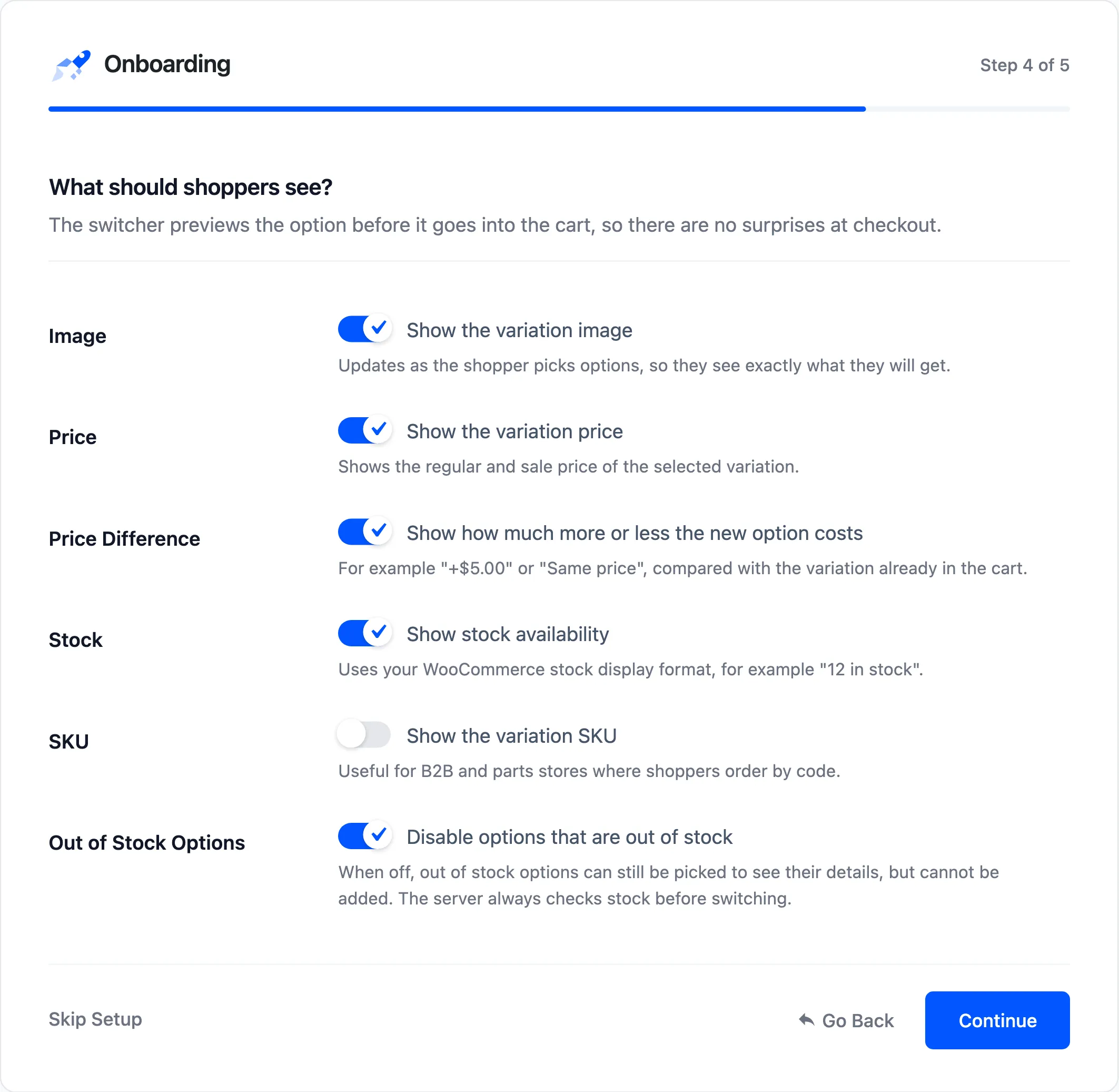
Image, price, price difference and stock are on. SKU is off. Out of Stock Options disables options that cannot be bought. Each one is explained under Display Settings.
Step 5: Ready!
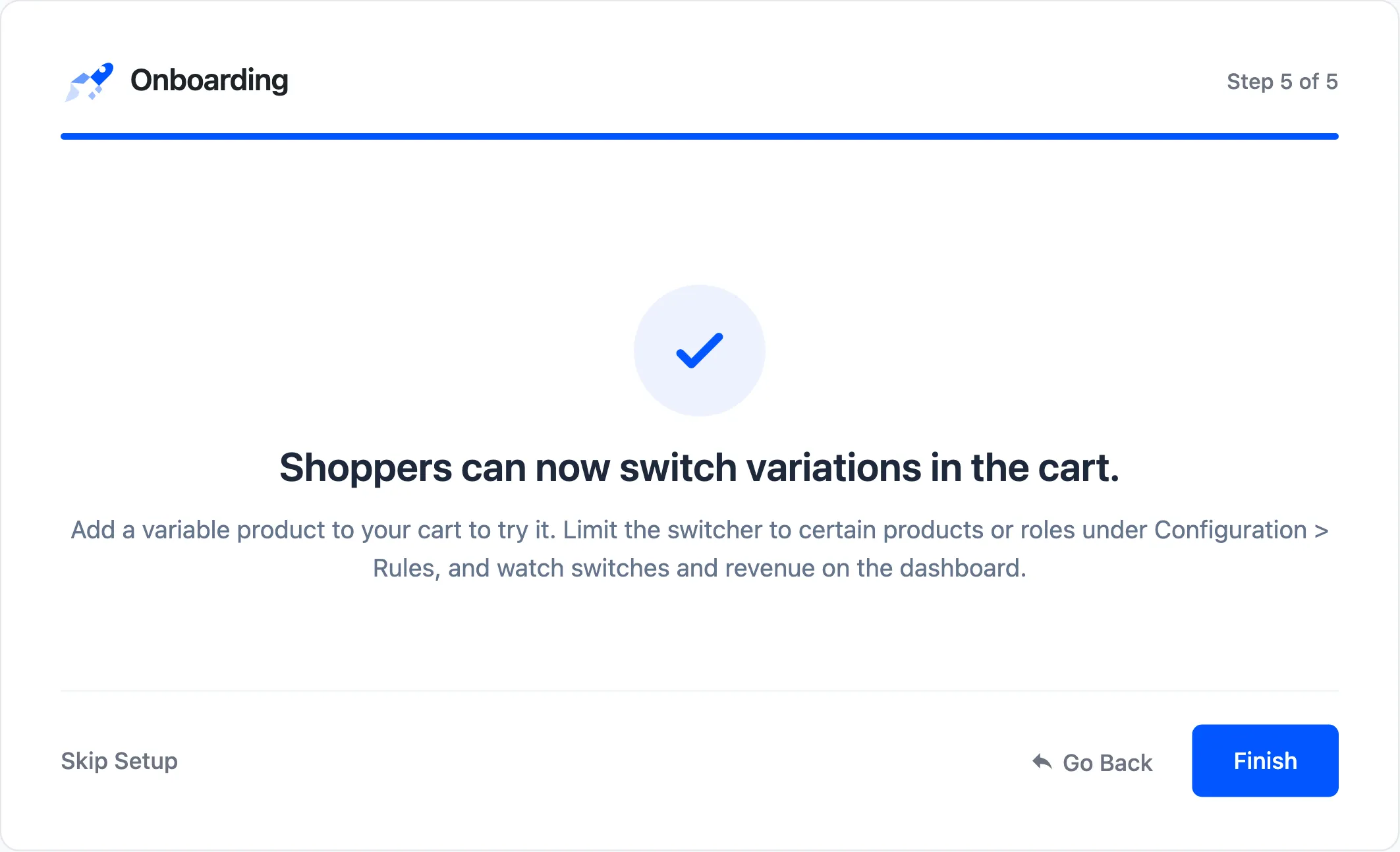
Section titled “Step 5: Ready!”The switcher is live. Ready! points you to Configuration → Rules, for limiting the switcher to some products or roles, and to the dashboard.
What the wizard does not cover
Section titled “What the wizard does not cover”- Texts and accent color: Under Configuration → Display → Texts and Color.
- Rules: Roles, products and categories, under Configuration → Rules.
- Tracking: On by default. Switch it off under Configuration → General → Analytics.
Stores upgrading from version 1.x never see the wizard, because their on or off setting already exists.