

The Product Screen
Each variable product gets one checkbox of its own, for keeping the switcher off that product. Open the product under Products, then the Inventory tab of Product data.
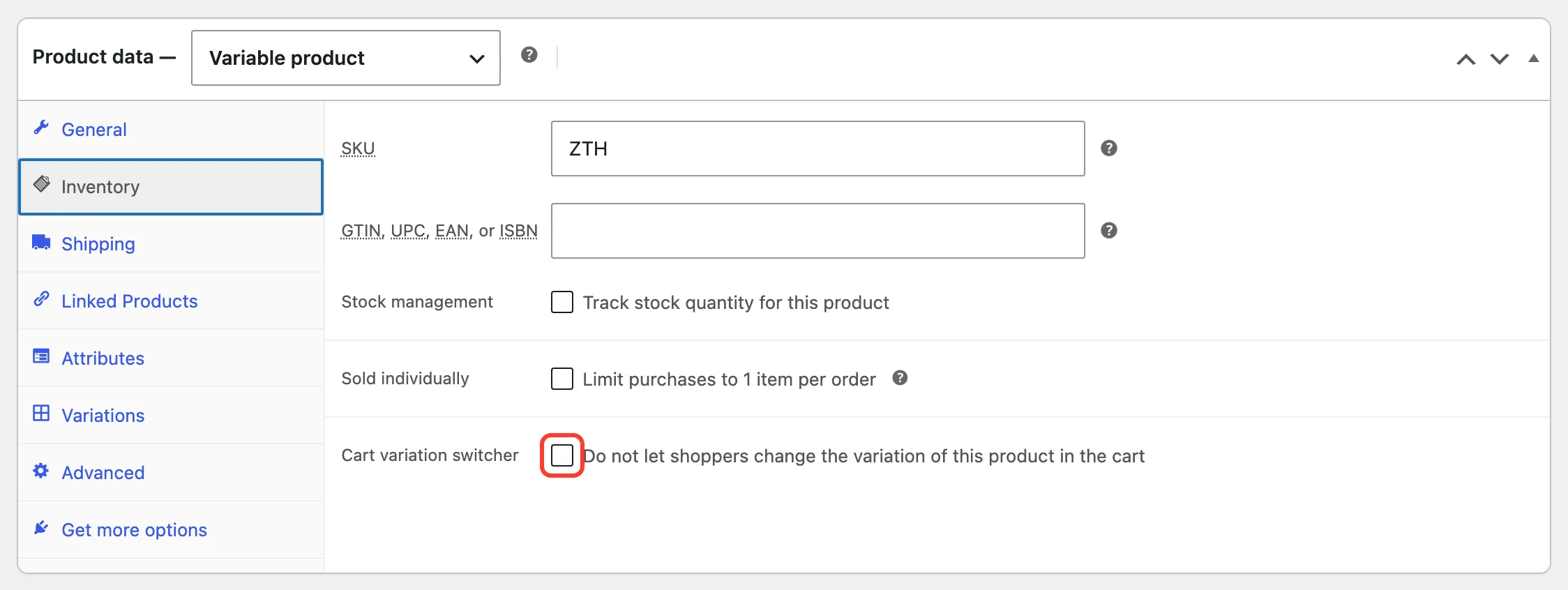
- Cart variation switcher: “Do not let shoppers change the variation of this product in the cart”. Off by default.
Tick it and click Update. The product no longer gets a Change options button, wherever it is in a cart. Its other variations can still be bought as usual.
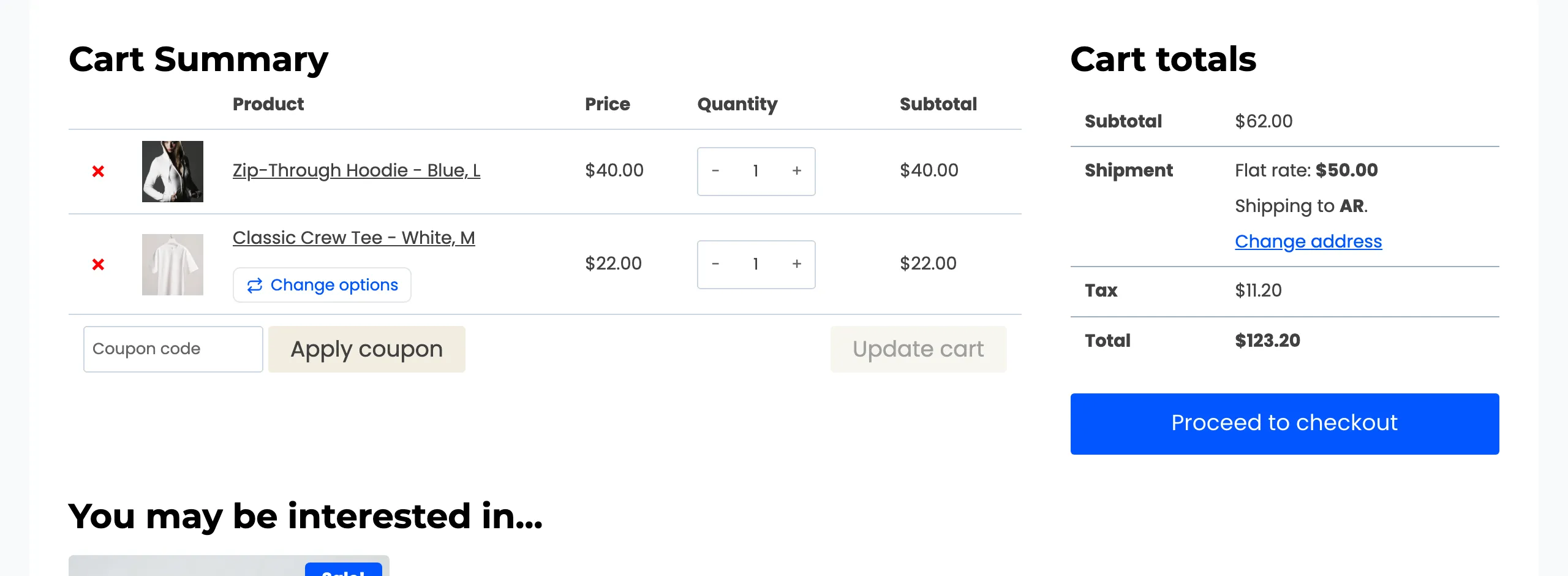
The box shows only on variable products. Simple products never get the switcher, so they have nothing to opt out of.
The box or a rule
Section titled “The box or a rule”The box and Configuration → Rules → Exclude Products do the same thing. The box is quicker for one product you are already editing. The rule keeps every exclusion in one list, which is easier to review later. Both can be used at once.
For a whole group of products, such as made-to-order or personalised items, use Exclude Categories instead. See How to Exclude a Product from the Switcher.