

License Activation
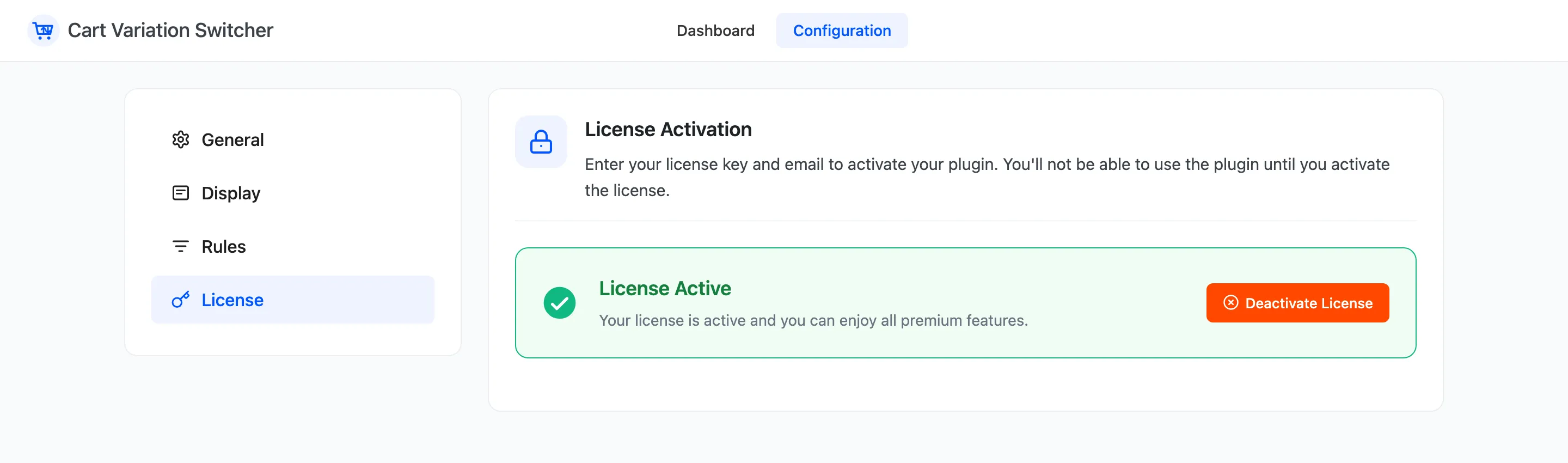
The license turns on the switcher for shoppers, and brings plugin updates. Open DevDiggers Plugins → Cart Variation Switcher → Configuration → License.
Activate
Section titled “Activate”- Enter the License Key you received after purchase.
- Enter the Purchase Email you bought with.
- Click Activate License.
The tab then reads License Active. The setup wizard’s License step does the same thing, and the wizard does not move past that step until it is active.
What the license controls
Section titled “What the license controls”Without an active license, every admin screen still works, but shoppers see no Change options button anywhere, and nothing new is recorded for the dashboard. The dashboard says so at the top, with a Fix it link to this tab.
Your settings and the switches already recorded are kept. Activate the license and the switcher comes back as you left it.
Move it to another site
Section titled “Move it to another site”Click Deactivate License on the old site, then activate it on the new one.