

How to Reward Signups and Reviews (Pro)
Rewarding signups and reviews grows your member list and your review count at the same time. This guide adds two earning rules in LoyaltyX Pro: a bonus for creating an account, and points for leaving a product review.
Before you start
Section titled “Before you start”Set up purchase-based earning first, so the program is enabled and customers already earn on orders. You will add these rules on top of that base.
Step 1: Open the earning rules
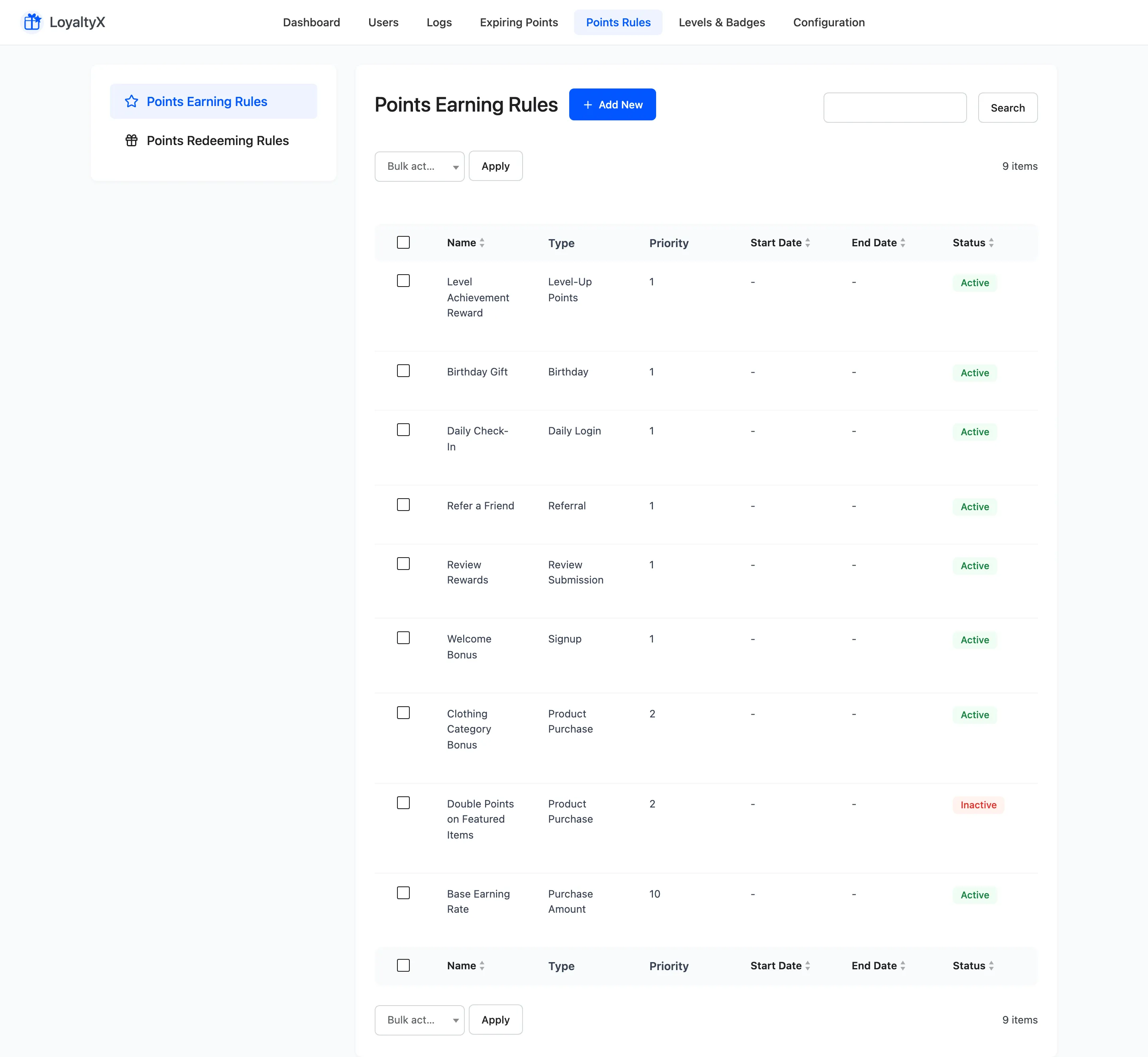
Section titled “Step 1: Open the earning rules”Go to DevDiggers Plugins → LoyaltyX → Points Rules, then open the Points Earning sub-section.
Step 2: Create a signup rule
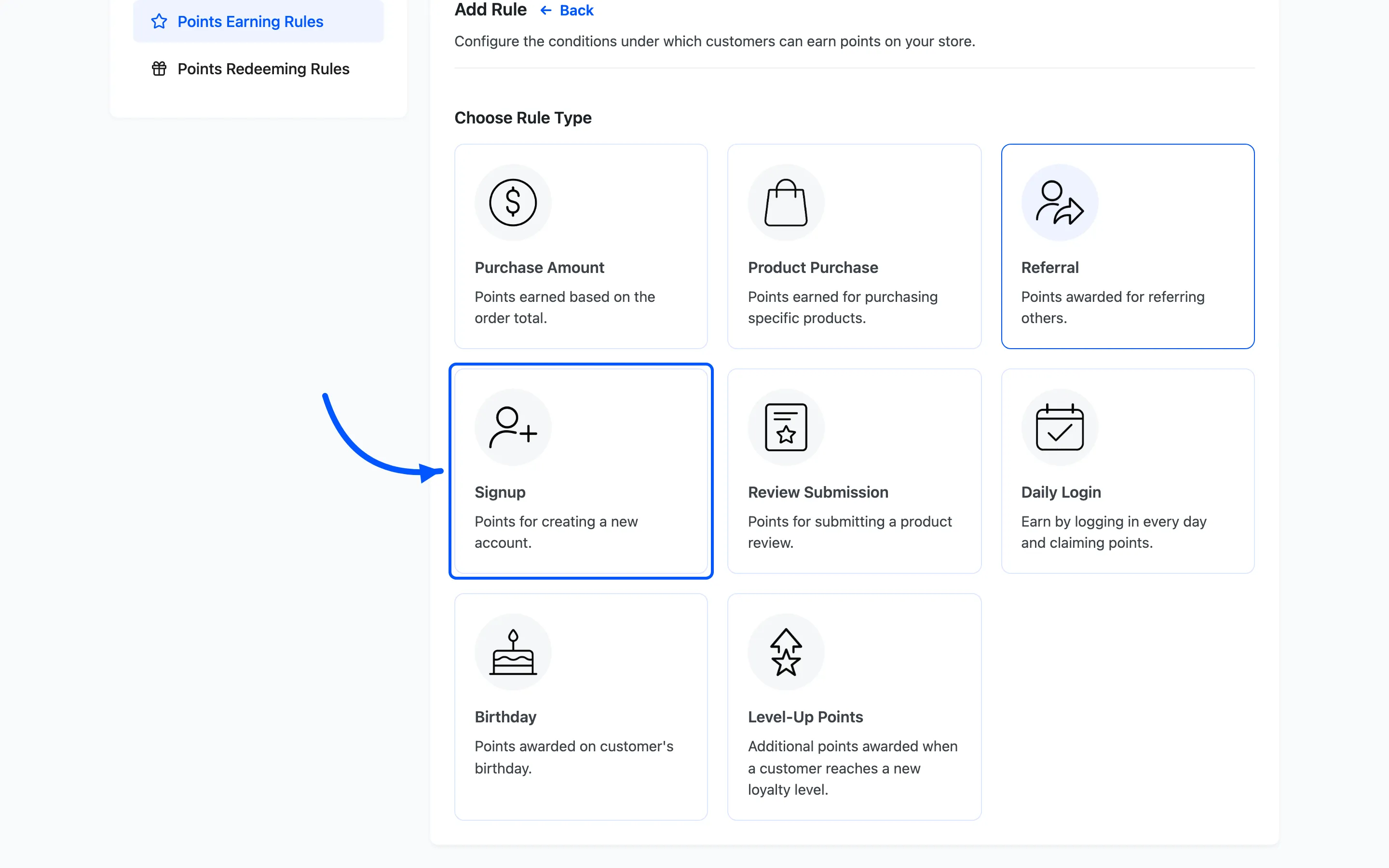
Section titled “Step 2: Create a signup rule”Click Add New. On the Choose Rule Type screen, pick Signup, then fill in the rule:
- Rule Name is your label, such as Welcome Bonus.
- Points Value is how many points a new account earns.
- Rule Description is the line customers see explaining the bonus.
A signup bonus works best when it is enough to start a redemption but not enough to cover a whole order. Give new members a taste of the program without giving away a free product.
Step 3: Create a review rule
Section titled “Step 3: Create a review rule”Click Add New again. On the Choose Rule Type screen, pick Review Submission, then fill in:
- Rule Name and Rule Description, such as Review Reward.
- Points Value for how many points a review earns.
- Minimum Rating (Stars) if you want to award points only for reviews at or above a rating.
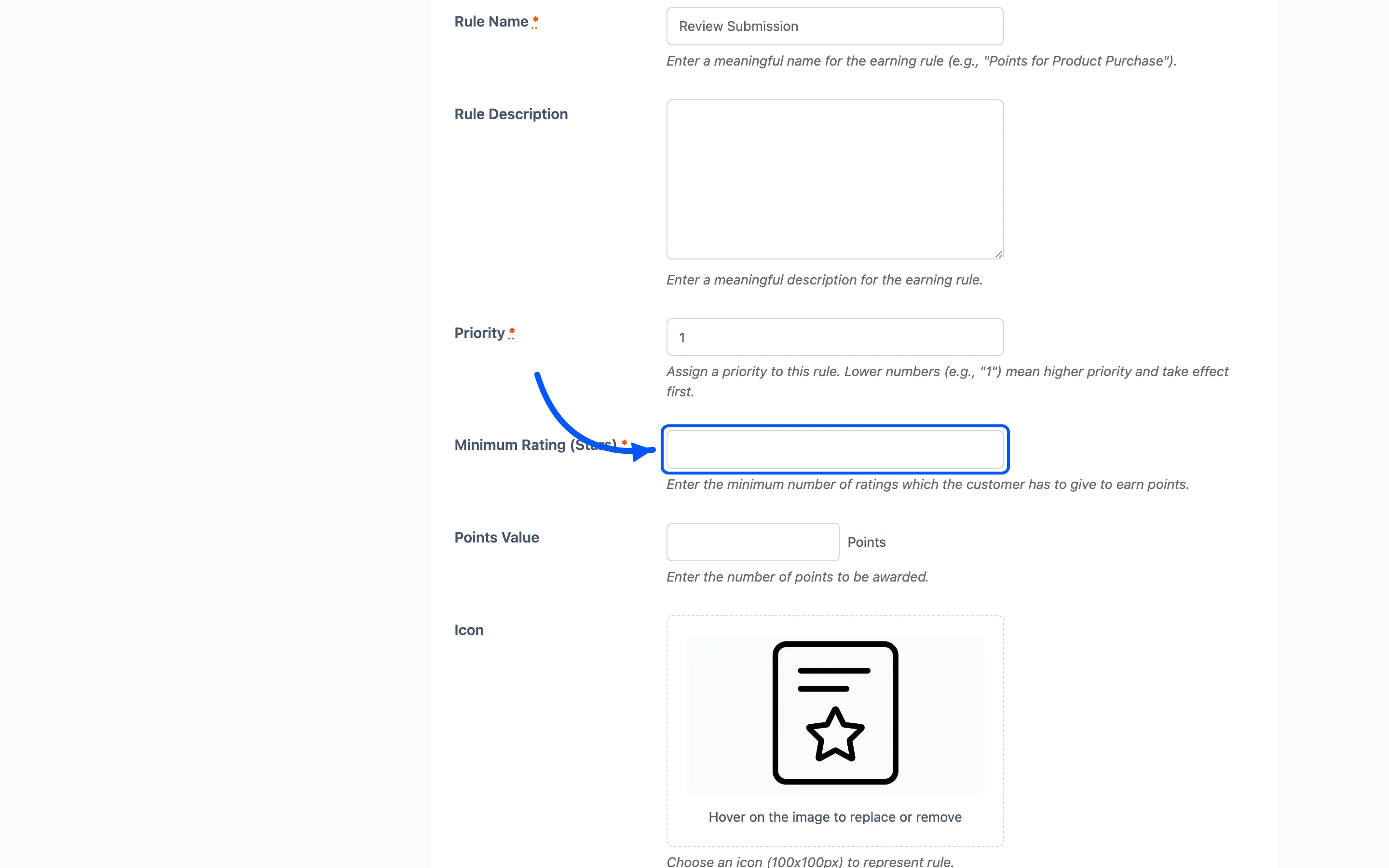
Awarding points for any honest review, not just five-star reviews, keeps the rule fair. Set the minimum rating low or leave it off.
Step 4: Set conditions and schedule
Section titled “Step 4: Set conditions and schedule”Both rules share extra controls:
- Priority decides which rule wins when more than one could apply.
- Schedule with Start Date and End Date limits a rule to a promotion window. Leave the dates empty to run it indefinitely.
- Choose User Roles restricts a rule to certain customer roles.
- Show to Customer decides whether the rule appears in the rewards widget and dashboard as a way to earn.
Click Save on each rule.
Step 5: Activate and test
Section titled “Step 5: Activate and test”Back on the list, set each rule to Active. Then test both:
- Register a new account and confirm the signup points land in the customer’s rewards area.
- Leave a product review that meets your minimum rating and confirm the review points are awarded.
If review points do not appear, check the Minimum Rating (Stars) and that the review has been approved. Review points are usually awarded once the review is approved.
Where to go next
Section titled “Where to go next”- How to create a referral program to reward customers who bring friends.
- Points Rules for a reference on every rule type.