

License Activation (Pro)
The License tab is where the Pro version is unlocked. It matters more here than on most plugins, because of what happens when it is not done.
Go to DevDiggers Plugins → Product View in AR → Configuration → License.
Activating
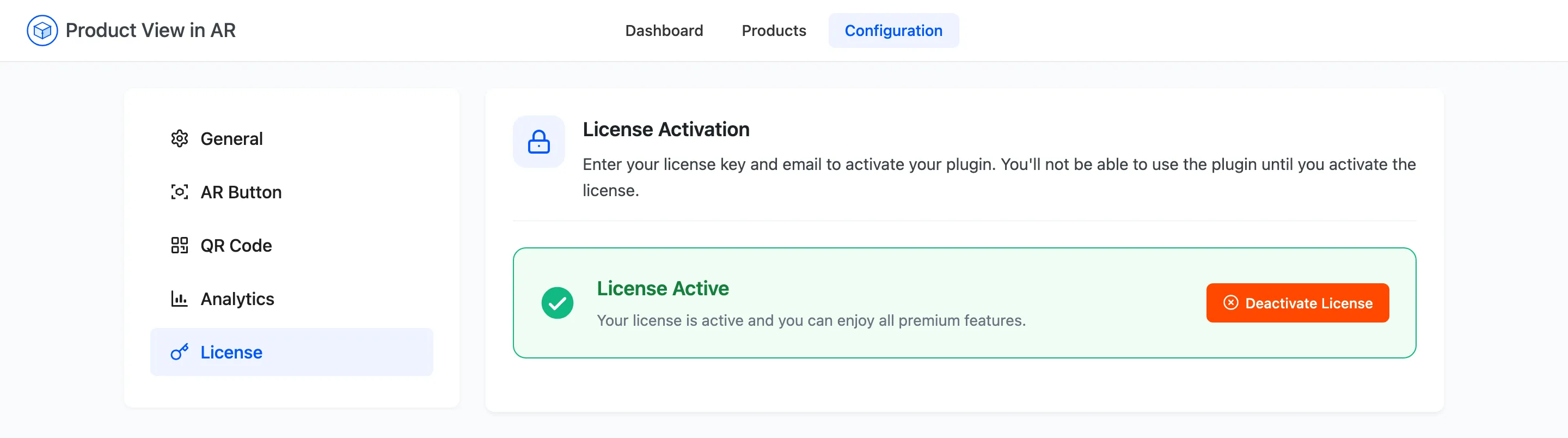
Section titled “Activating”Enter the purchase code and the email address from your order, then press the activate button. On success the panel switches to License Active with a Deactivate License button in its place.
Why nothing appears until it is active
Section titled “Why nothing appears until it is active”The plugin loads no storefront assets while the license is inactive. Not a reduced version and not a warning. No 3D toggle, no AR button and no QR code, on any product, however many models you have attached.
The admin side is unaffected. Every settings tab saves, the Products screen uploads files, the dashboard reports coverage. That combination is what makes this the most misdiagnosed problem with the plugin: the settings look right, so people go looking at their theme.
If a product with both models still shows a plain gallery, check this tab first.
Moving to another site
Section titled “Moving to another site”Press Deactivate License here before you activate the same code on a new domain. That releases the activation. Deactivating does not touch your settings or detach any model, so a staging-to-live move is deactivate, activate, done.