

Analytics Settings (Pro)
One switch, and it decides whether the dashboard has anything to show.
Go to DevDiggers Plugins → Product View in AR → Configuration → Analytics.
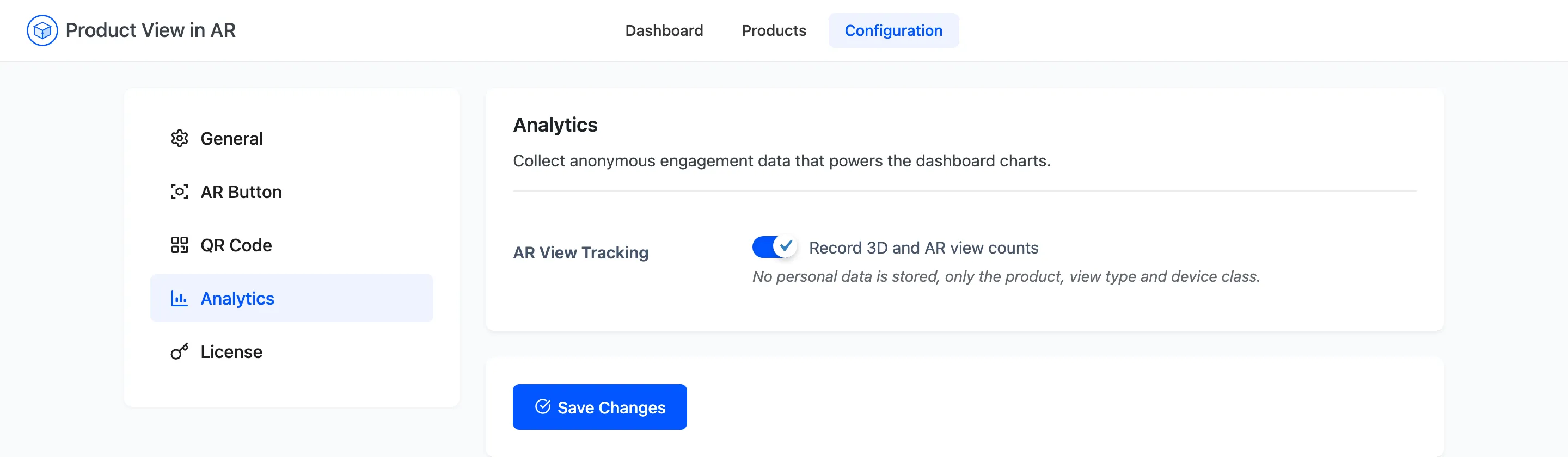
AR View Tracking
Section titled “AR View Tracking”Record 3D and AR view counts. Default on.
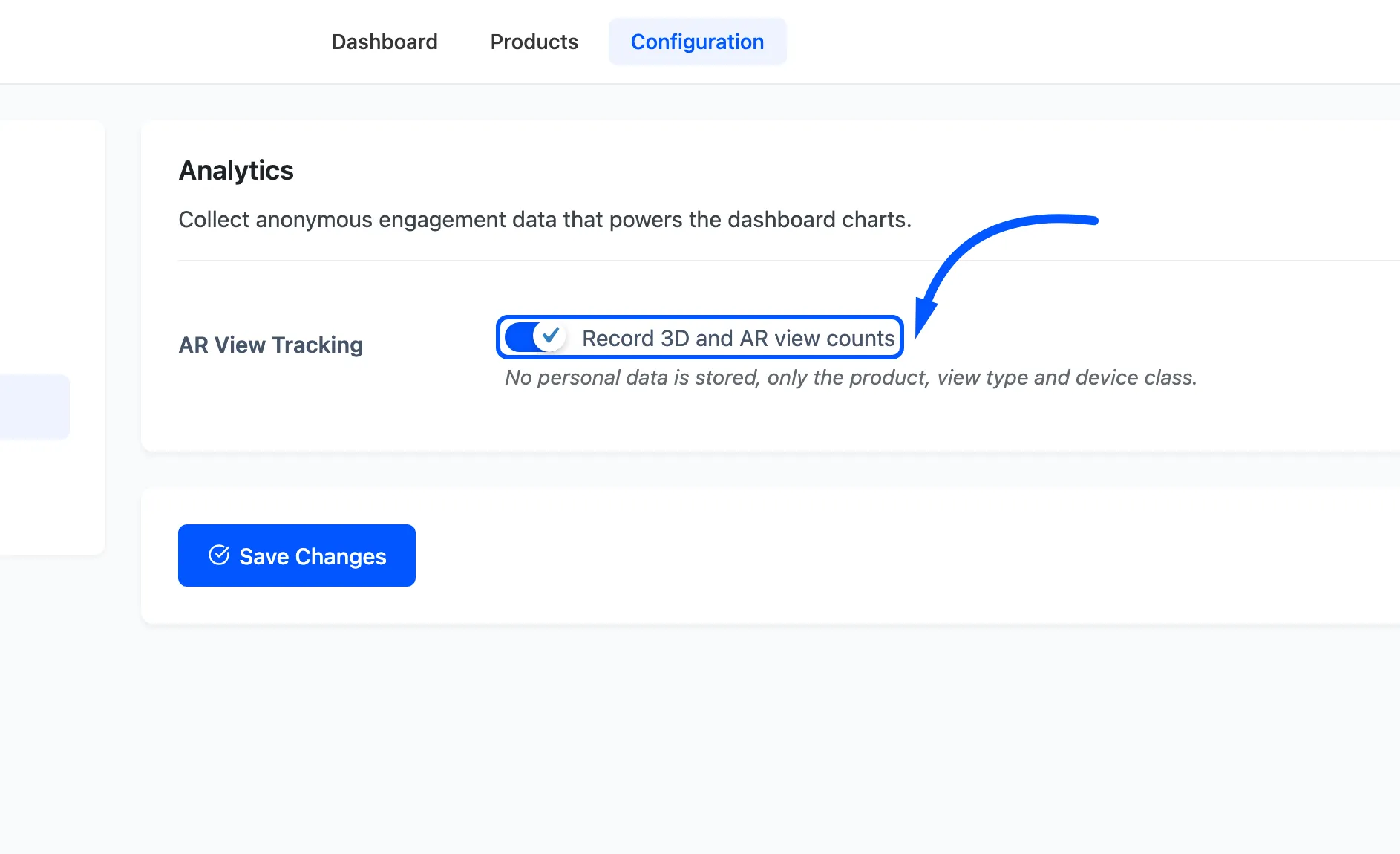
On, opening the 3D viewer or launching AR records one row. Off, nothing is recorded from that moment and the dashboard’s view cards, all three charts and Recent Activity stop moving. Rows already recorded stay where they are, so turning it off does not erase your history.
What a view stores
Section titled “What a view stores”Four things, and no more.
- The product that was viewed.
- The view type: 3D, AR on Android, or AR on iOS.
- The device class: mobile or desktop.
- A random session id, generated in the browser and kept in that browser’s own storage.
No name, no email address, no IP address and no account is recorded, whether or not the shopper is logged in. That is why the tab’s own description calls the data anonymous.
Two behaviours worth knowing
Section titled “Two behaviours worth knowing”- One view per browser session, per product, per type. A shopper who spins the same chair five times in one visit adds one 3D view. The numbers are closer to people than to clicks, which makes them smaller than a page-view count and more useful.
- A desktop QR scan is not an AR launch. The scan opens the product on the phone, and the AR launch is recorded there. So a rising AR Launches figure alongside flat desktop numbers is the hand-off working.