

Roles and POS Access
The terminal is a front-end URL on your live site, so anyone can reach it. What they see depends on who they are signed in as.
Who can open the POS
Section titled “Who can open the POS”Three kinds of user get past the door:
- POS Cashier, the WordPress role MultiPOS creates on activation
- Administrators
- FluentCart managers, people FluentCart Pro gives the manager or super admin role in its own staff settings
The last two hold the MultiPOS manager capability, ddfcpos_manage, which MultiPOS grants them
automatically. Everyone else is turned away, including customers, subscribers, editors and authors.
What happens to everyone else
Section titled “What happens to everyone else”A logged-in user who is none of those is sent to the site’s home page the moment they hit the terminal URL. There is no error and no explanation, because there is nothing useful to tell a customer who wandered onto the POS.
A visitor who is not logged in gets the POS login screen instead.
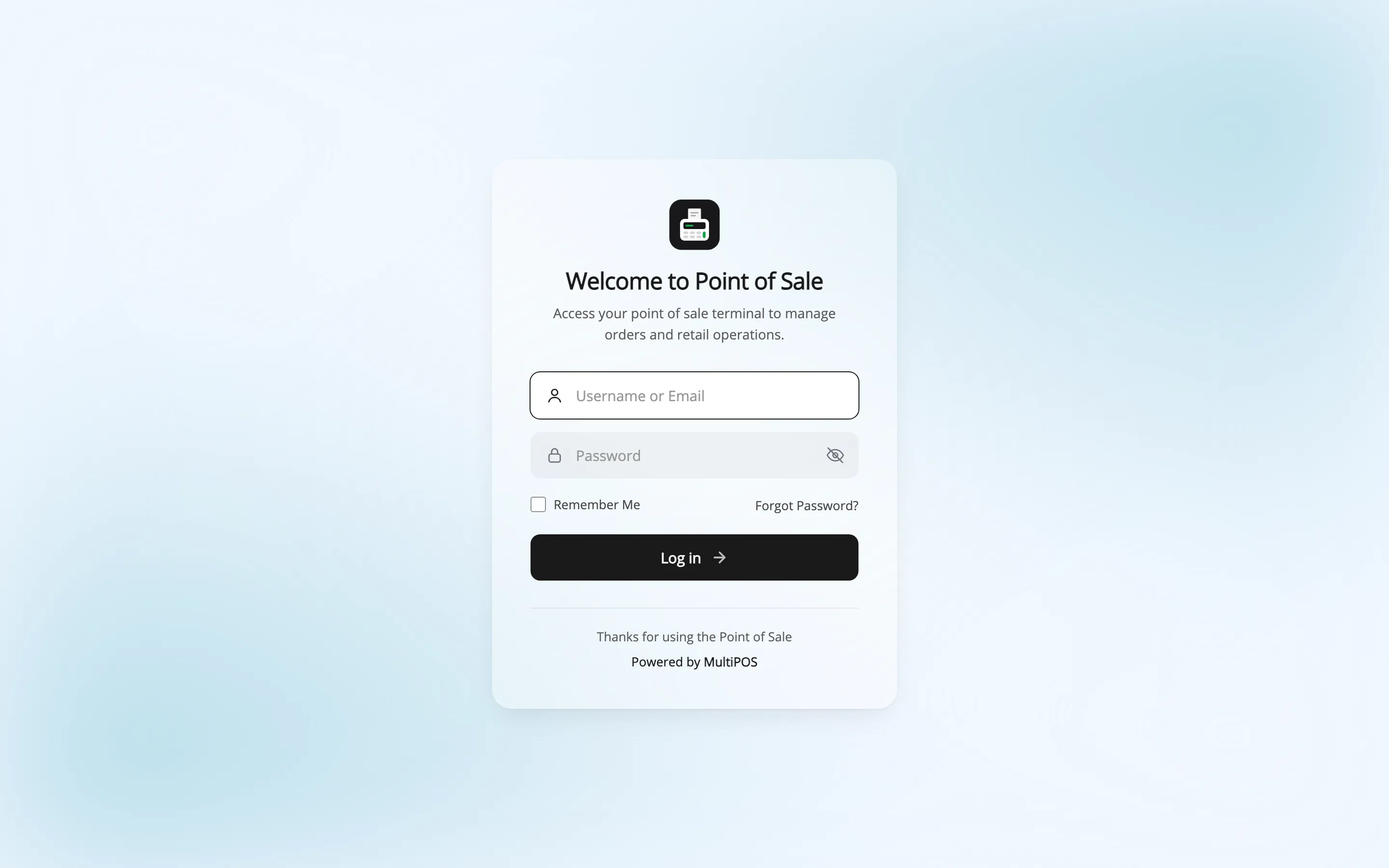
Signing in there as a customer still ends at the home page. The gate is who you are, not the login.
What a POS Cashier can do
Section titled “What a POS Cashier can do”The role is deliberately small. A POS Cashier can read the site and use the POS, and that is all.
They cannot open the WordPress admin, edit products, change prices or reach any MultiPOS setting. Everything they need is inside the terminal.
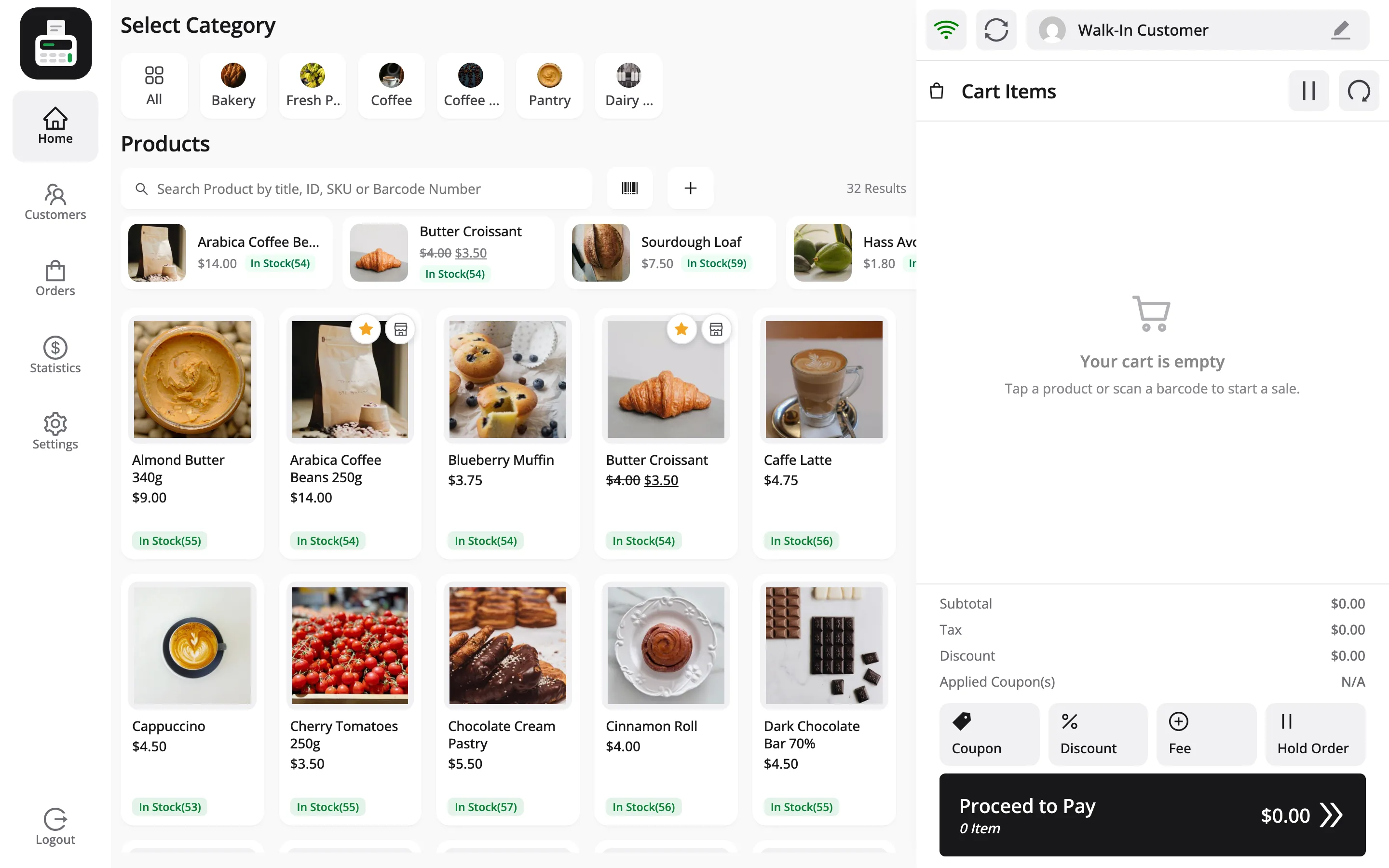
Inside the terminal a cashier can:
- Sell, take payment and print receipts
- Add, edit and delete FluentCart customers
- View past POS orders and hold carts
- See today’s sales and the expected drawer amount
- Change their own name and password
- Set their own keyboard shortcuts, sounds and receipt size
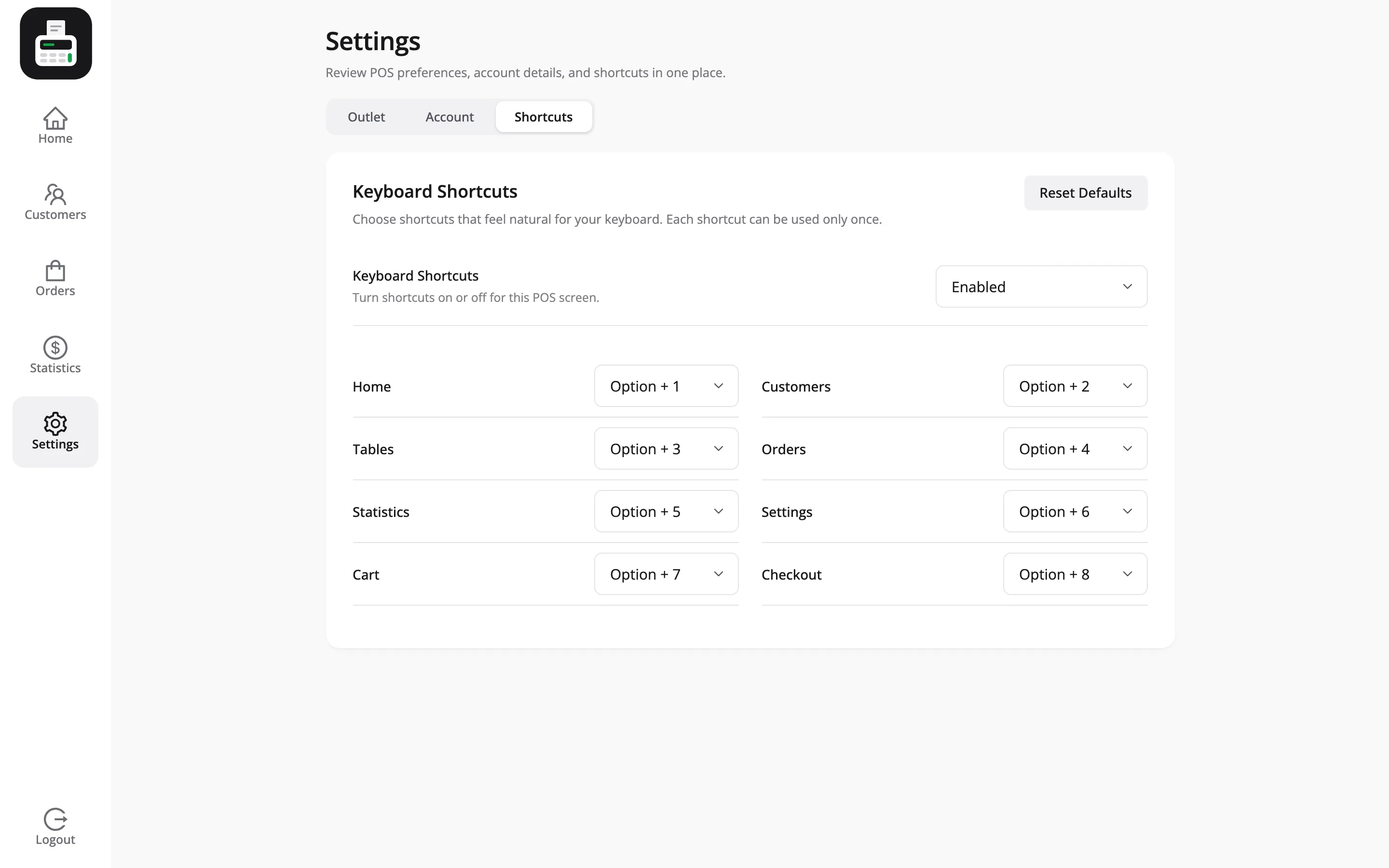
That last group is per-cashier and per-browser, so two people on two terminals do not fight over settings.
Limiting what a cashier can do
Section titled “Limiting what a cashier can do”You choose which actions a cashier may take alone: refunds, lowering a price, a discount above a limit, cash in and out, closing the register, editing or deleting customers, and changing Quick Keys. The switches are under Configuration → Permissions.
When a cashier is refused, a manager can approve on the spot with a PIN.
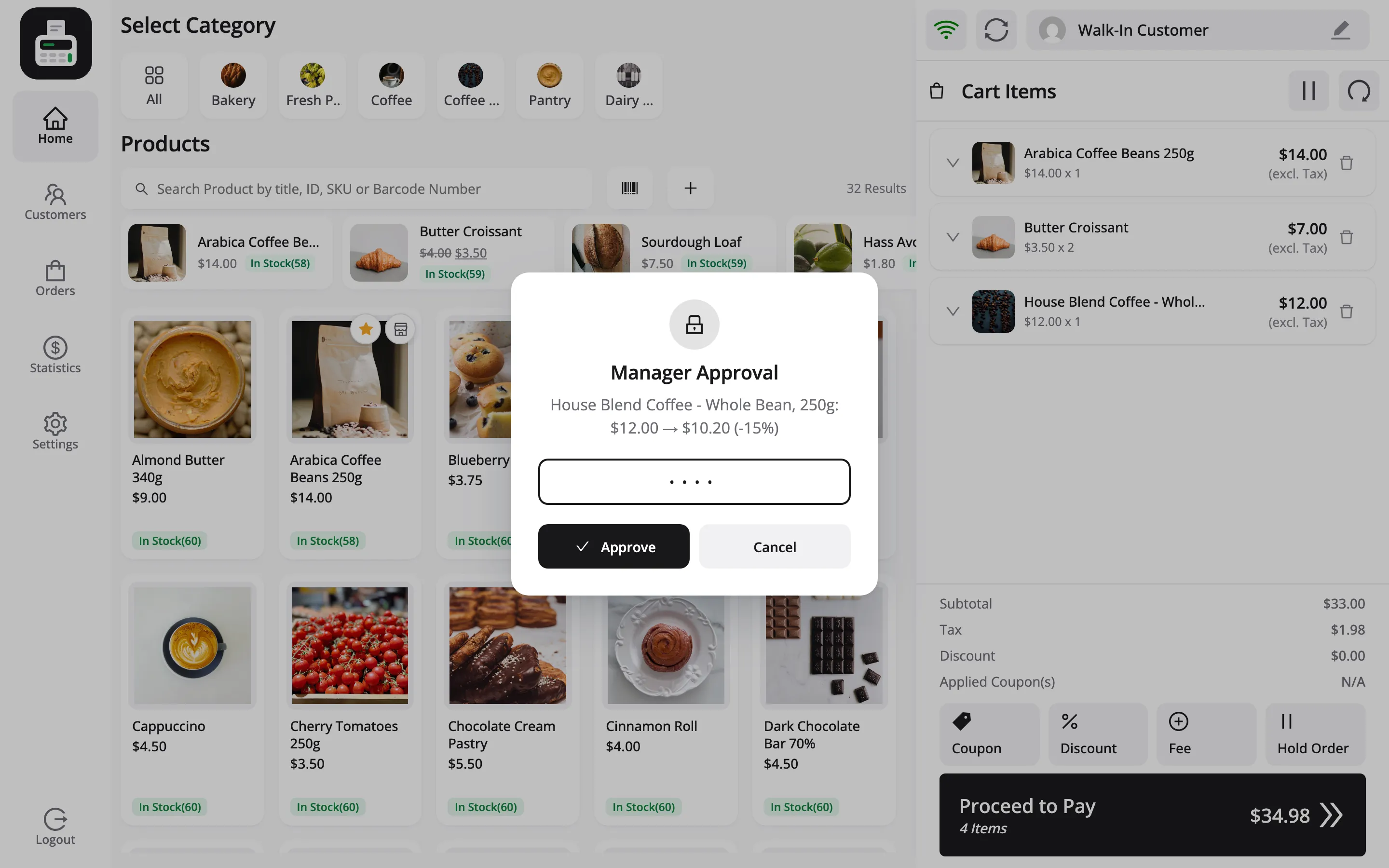
Two kinds of people can approve:
- Administrators and FluentCart managers: They are never limited, and set their own PIN under Users → Profile → MultiPOS Manager PIN. The PIN is 4 to 8 digits and must be unique.
- Shift supervisors: Cashiers ticked as Shift Supervisor on their cashier screen, such as Jordan Belfort on the demo. They are never limited either, and approve with their own PIN.
The whole flow is in How to Use the Manager PIN.
Administrators and FluentCart managers
Section titled “Administrators and FluentCart managers”Both can open the POS as well as the admin screens, at every outlet. That is what makes testing possible: you can take a sale yourself without creating a cashier account.
It also means an owner working the counter does not need a second login.
Creating a cashier
Section titled “Creating a cashier”Cashiers are ordinary WordPress users with the POS Cashier role. Create one with Add New on the MultiPOS Cashiers screen, which opens MultiPOS’s own form with the login, outlets, supervisor and PIN fields in one place.
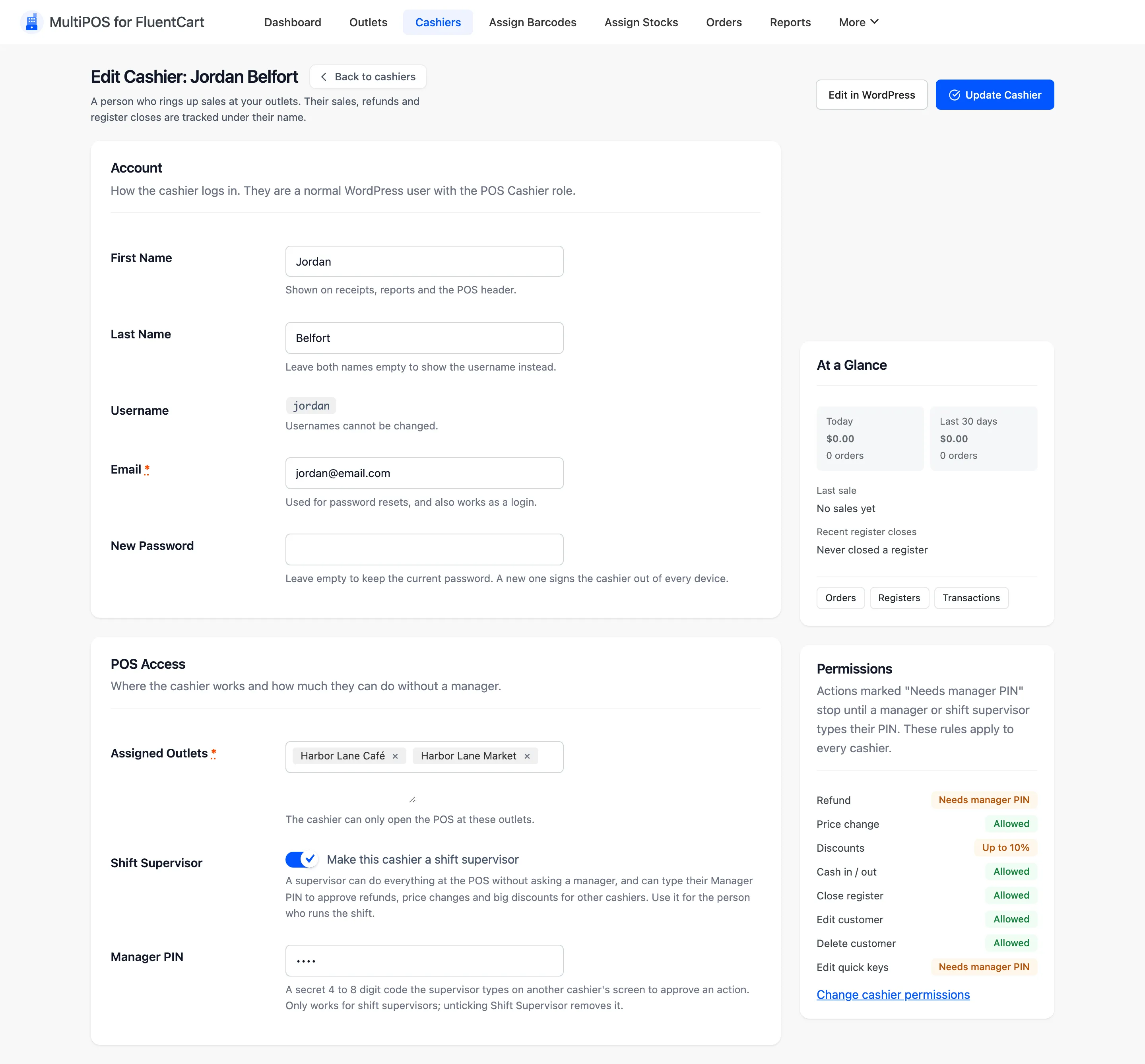
Full walkthrough: How to Add a Cashier.
The admin bar shortcut
Section titled “The admin bar shortcut”Once the POS is enabled, a Visit POS link appears in the WordPress admin bar. It saves typing the terminal URL while you are testing.
The Outlets screen carries the same Visit POS button. Use that one when you have just changed a setting and want to see the effect.
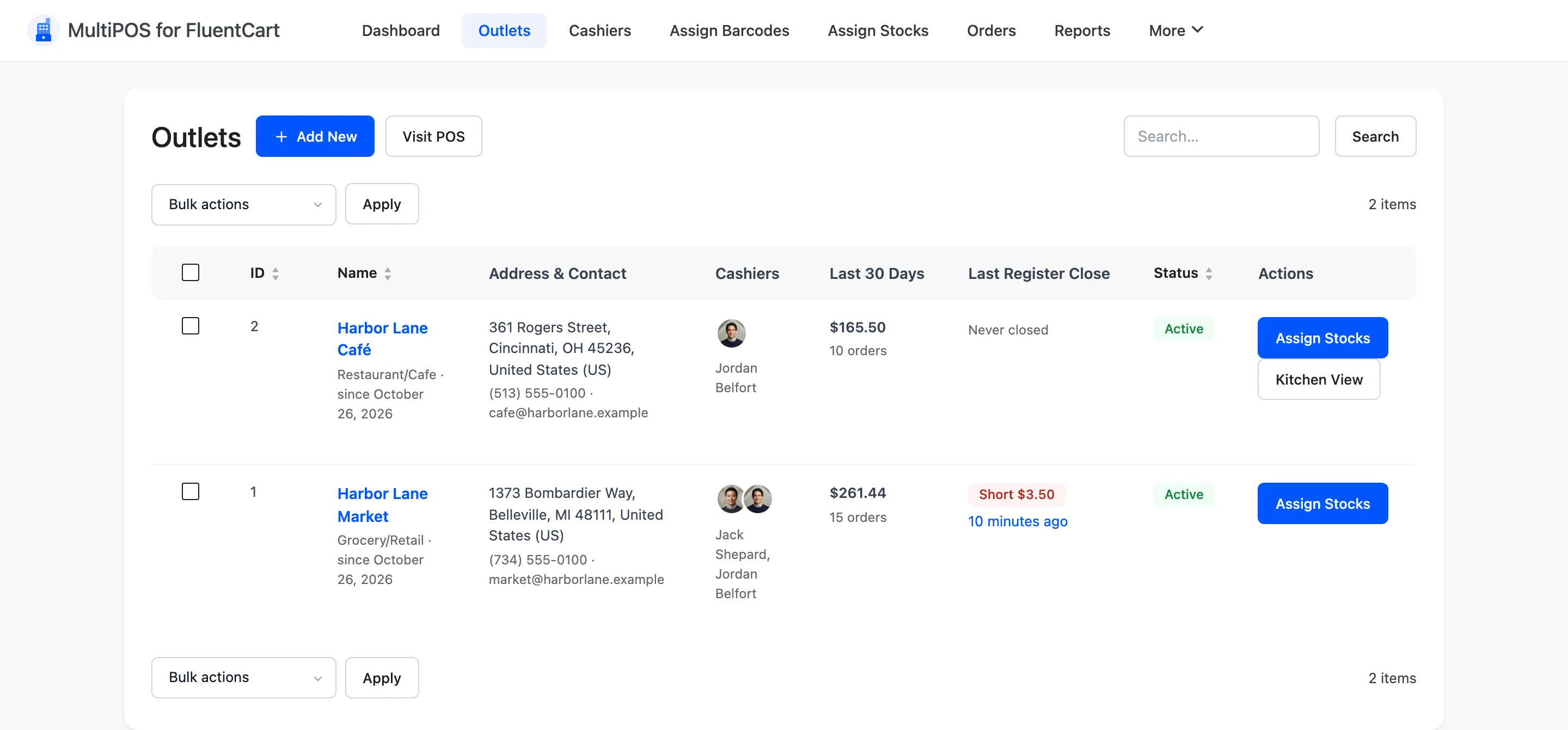
Which outlet a cashier opens
Section titled “Which outlet a cashier opens”Each cashier is assigned outlets under Assigned Outlets on their cashier screen. The WordPress user screen carries the same field in a MultiPOS Outlet Details card. It is required.
A cashier is offered exactly those outlets when the session starts, and the browser remembers the answer. They cannot open the POS of any other outlet, so the field is an access control and not just a shortlist. On the demo, Jack Shepard works at Harbor Lane Market only, while Jordan Belfort can open both.
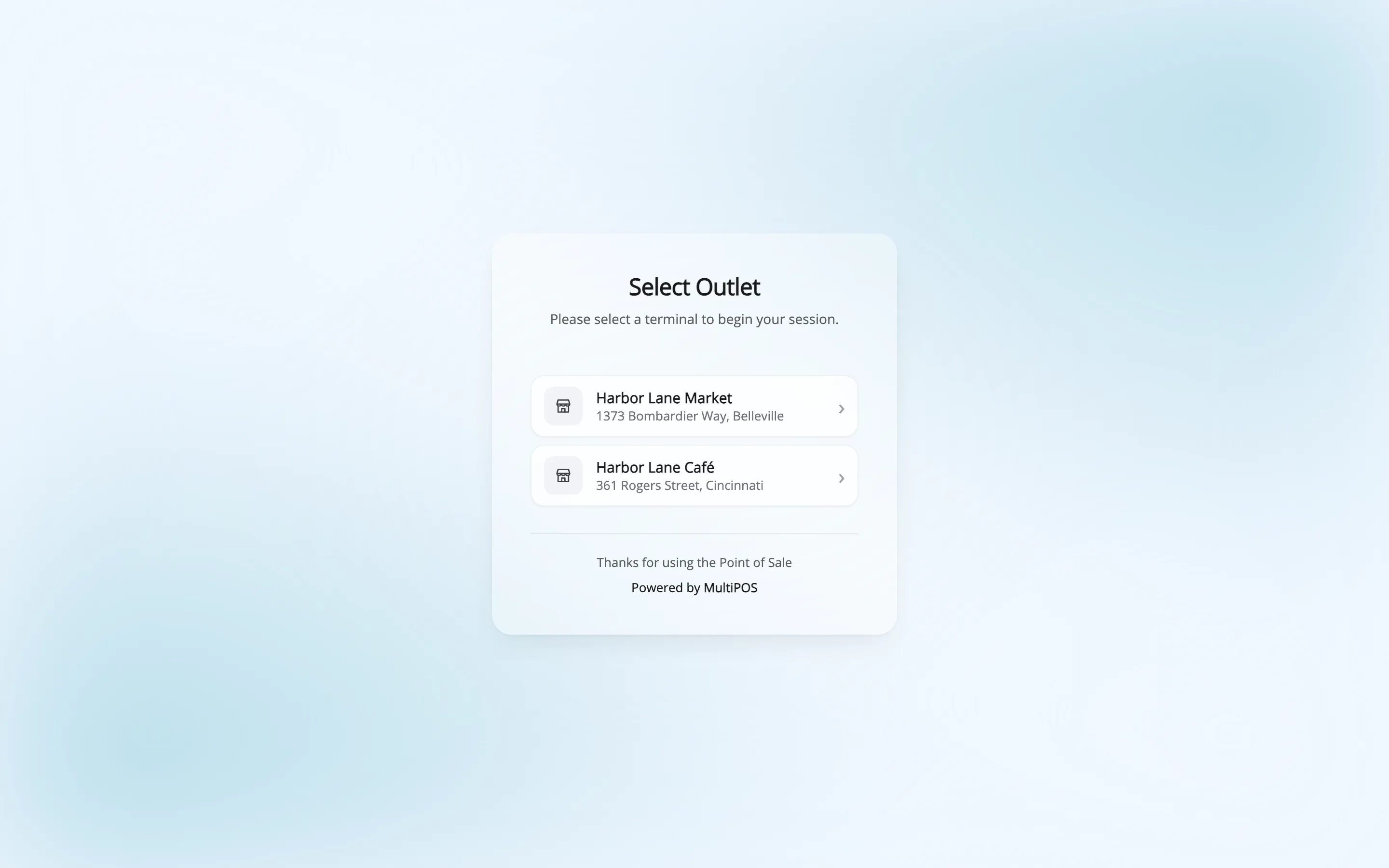
Administrators and FluentCart managers are offered every outlet.
Where to go next
Section titled “Where to go next”- How to Add a Cashier
- Cashiers for the admin screen.
- Login Screen to change what staff see when they sign in.