

Cash Register Settings
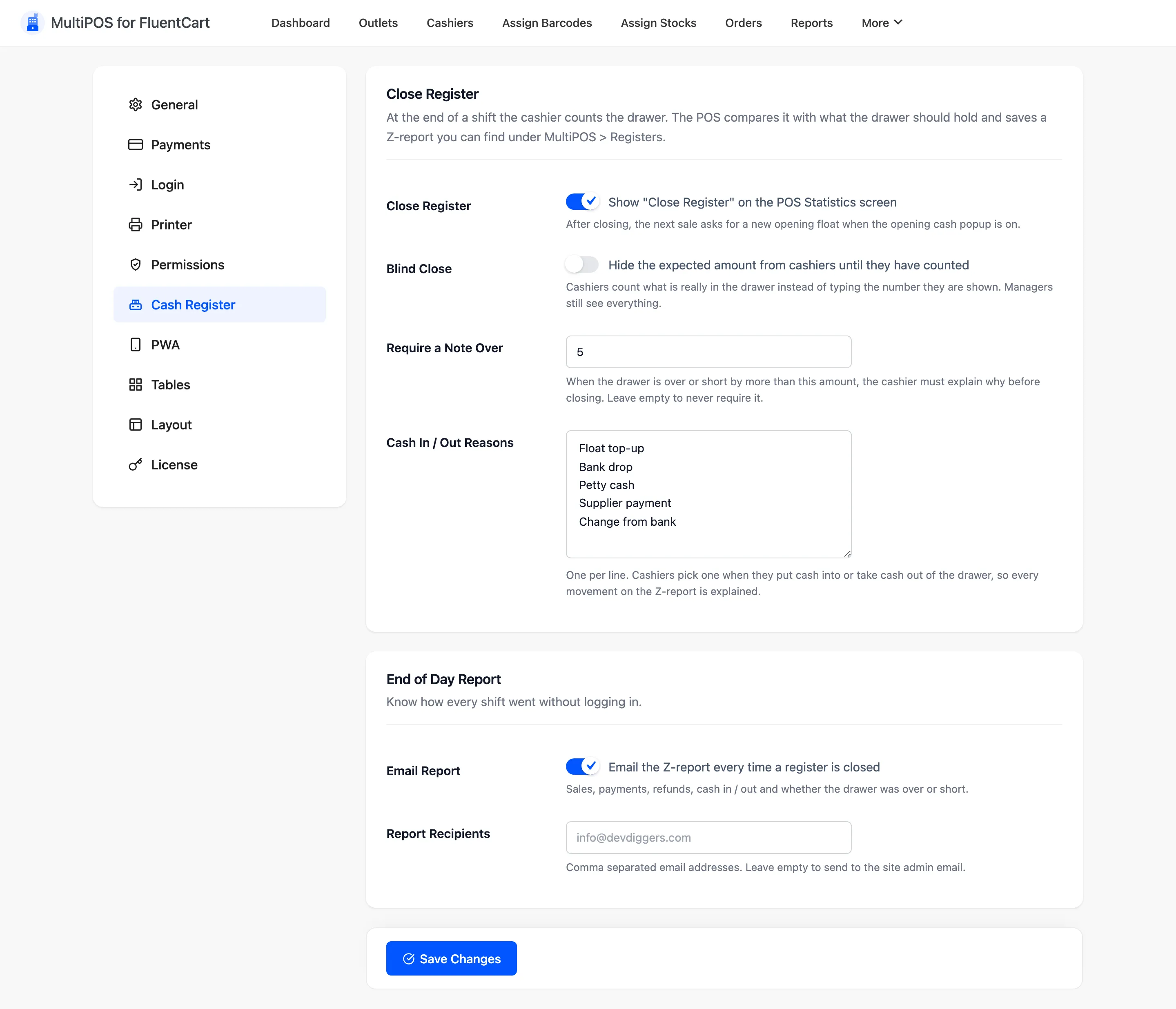
The Cash Register tab controls how a shift ends. The cashier counts the drawer, the POS compares it with what should be there, and a Z-report is saved and emailed to you.
Open it from MultiPOS → Configuration → Cash Register.
The opening amount itself is switched on elsewhere: Cash Management under General settings shows the Open Cash Drawer Amount popup at the start of a shift.
Close Register
Section titled “Close Register”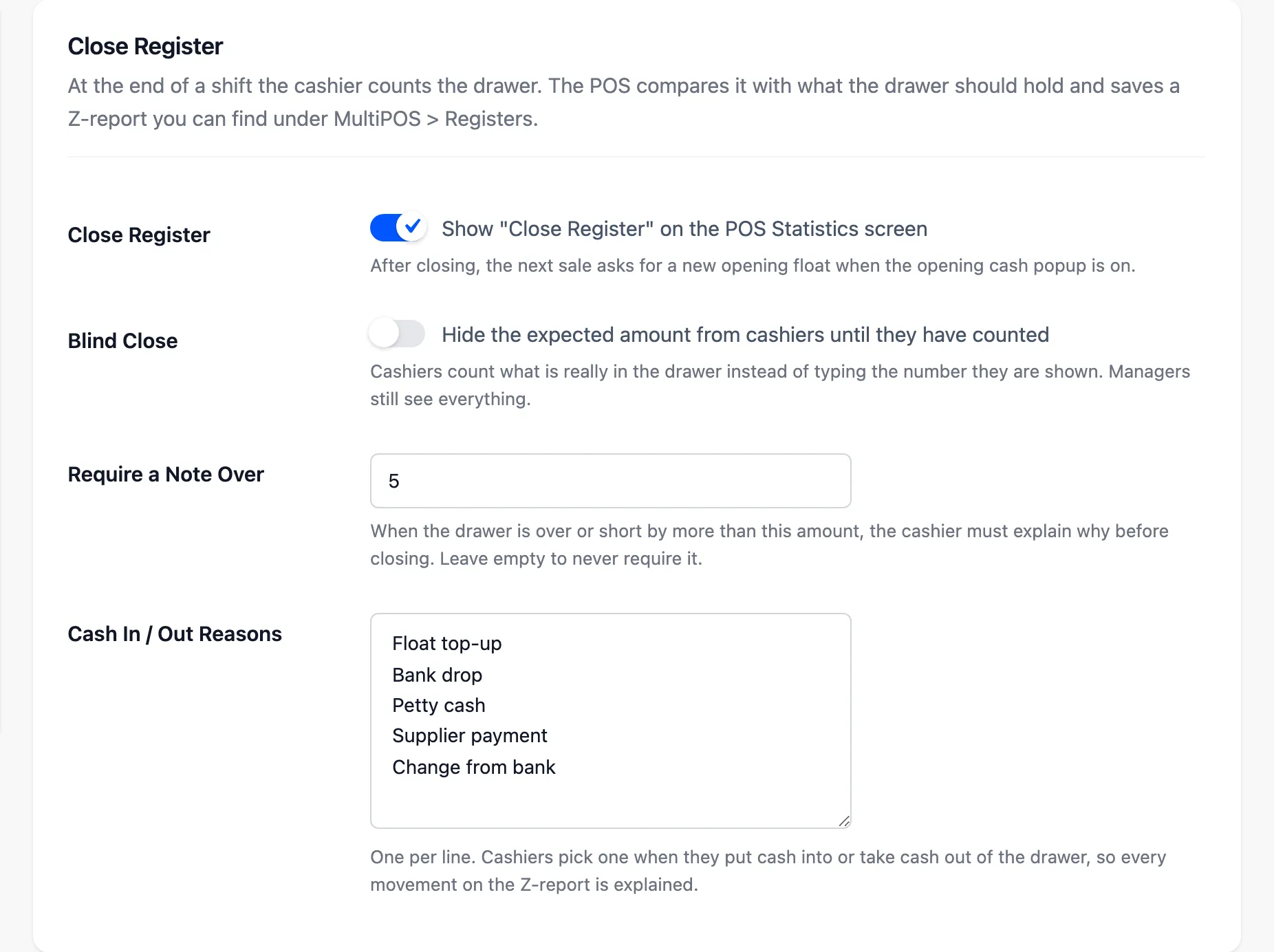
- Close Register: Default on. Shows Close Register on the POS Statistics screen. After a close, the next shift asks for a new opening amount when the opening cash popup is on.
- Blind Close: Default off. Hides the expected amount from cashiers until they have counted, so they count what is really there instead of typing the number they are shown. Managers still see everything.
- Require a Note Over: Default empty, meaning never. When the drawer is over or short by more than this amount, the cashier must explain why before the register will close.
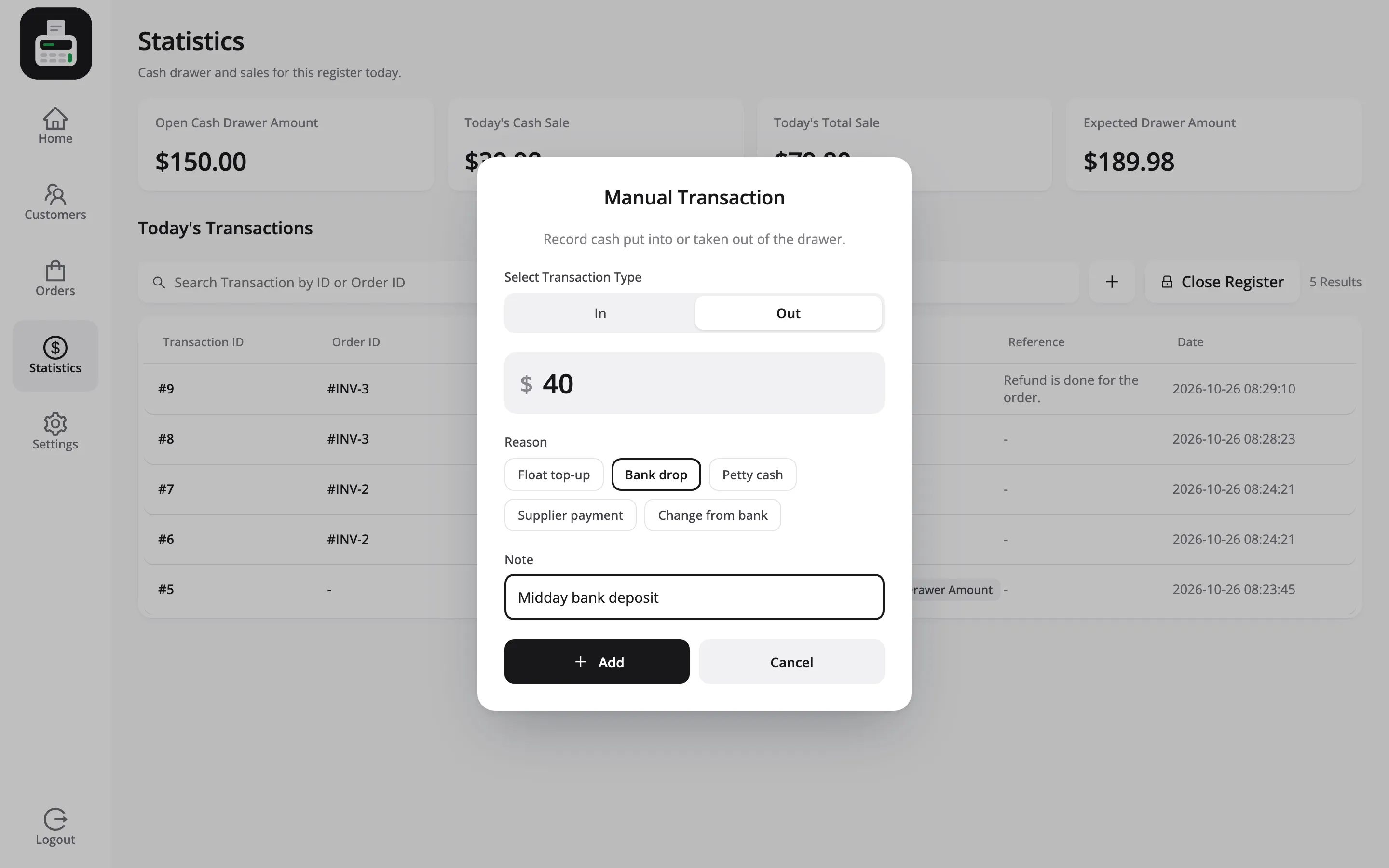
- Cash In / Out Reasons: One reason per line. Cashiers pick one each time they put cash in or take it out, and it is printed beside the movement on the Z-report.
The reasons ship as Float top-up, Bank drop, Petty cash, Supplier payment and Change from bank. Edit the list to match how your store handles cash.
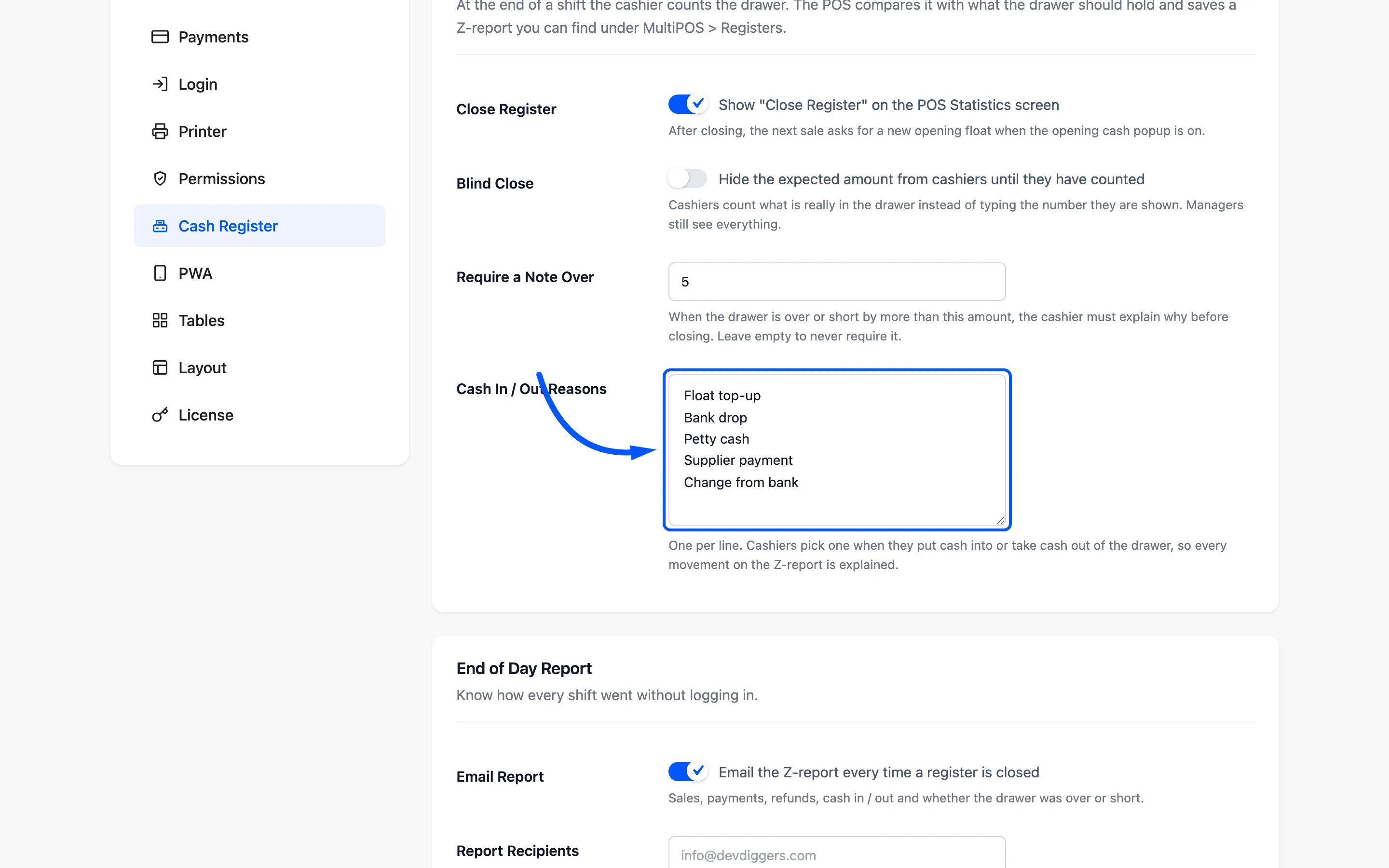
Each reason appears as a button in the cashier’s Manual Transaction popup.
End of Day Report
Section titled “End of Day Report”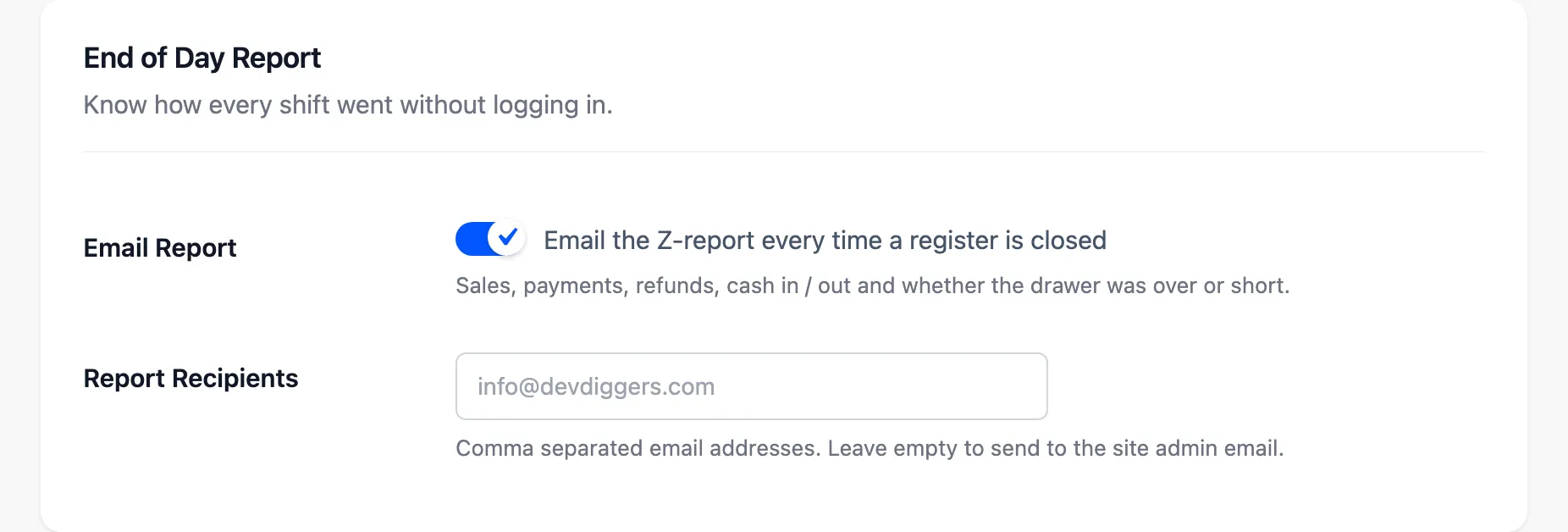
- Email Report: Default on. Emails the Z-report every time a register closes: sales, payments, refunds, cash in and out, and whether the drawer was over or short.
- Report Recipients: Comma-separated addresses. Leave it empty to send to the site’s admin email. The email subject reads like a one-line summary: Register closed at Harbor Lane Market by Jack Shepard, then the sales total and whether the drawer was over or short. You know how the shift went before you open it.